
At 1-grid, we understand how important it is for you to have clarity and consistency when it comes to billing, so we’re here to give you some insight into invoices at 1-grid and when to expect yours. You may have noticed that invoices arrive at different times of the month, and that’s completely normal!
This guide will explain why this happens, how 1-grid’s billing cycle works, and how you can easily access, review, and manage your invoices online.
- What is an Invoice?
- Why Are Invoices Important?
- How Does Invoicing Work at 1-grid?
- Benefits of Invoicing in Advance
- Updating Your Payment Method or Invoice Due Date at 1-grid
- Our Invoicing Process and Reminder Timelines
- Where Do Invoices Go?
- How Can I View My Invoice?
- When to Contact 1-grid Billing Support
- FAQs
- Additional Resources
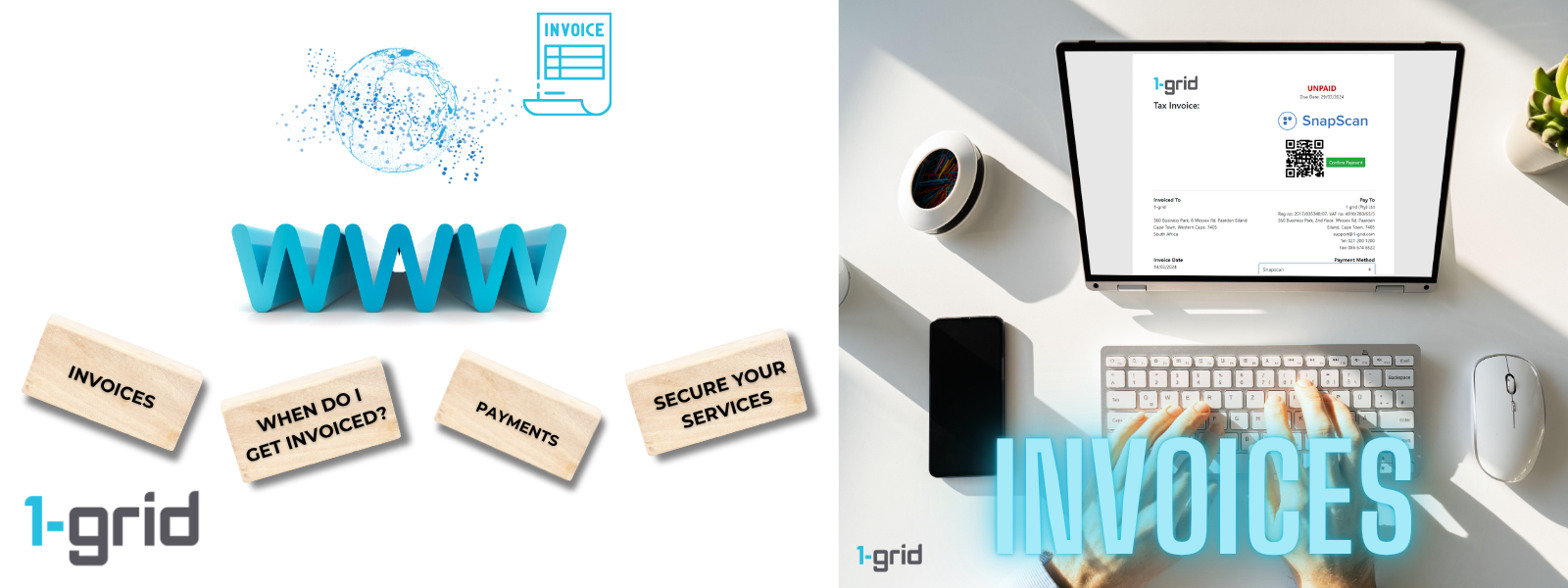
What is an Invoice?
An invoice is a formal payment request sent by 1-grid for products or services you’ve purchased, like your hosting plan, domain renewals, or add-ons.
Each invoice may include, but is not limited to, key information such as:
- Tax Invoice Number: A unique reference for tracking
- Payment Status: UNPAID or PAID
- Due Date: The date the payment is due
- Invoiced To: Registered owner of the 1-grid Account
- Pay To: 1-grid Business Details
- Invoice Date: The date the invoice was created
- Payment Method: Your preferred method of payment
- Invoice Items: The product or service billed (e.g., hosting, domain, SSL).
- Description: Lists the product or service
- Amount: Lists the total amount due for that product or service
- Sub Total: Lists the total of all products or services before VAT
- 15.00% VAT: Indicates the total amount of VAT due
- Credit: Indicates any credit amount available
- Total: Indicates the total amount due, all inclusive of the above
- *Transaction Date: Indicates the date a payment was made
- *Gateway: Indicates the payment gateway used (e.g. PayFast)
- *Transaction ID: Indicates the ID allocated to the transaction of the payment
- *Amount: Indicates the amount for the transaction
- Balance: Indicates a total amount still due on the invoice (after any transactions, etc.)
IMPORTANT: *Indicates any previous transactions applied to the invoice, perhaps as a part payment, etc. Which gets deducted from the Total due. When establishing the amount due, please always check the Balance on the invoice to make sure you are paying the correct amount.
Why Are Invoices Important?
Invoices serve as proof of purchase and are essential for:
- Tracking your accounting and tax records.
- Keeping your services active and payments up to date.
- Maintaining business transparency between you and 1-grid.
They also help ensure that you have a clear record of every renewal, upgrade, or service purchase for your account.
How Does Invoicing Work at 1-grid?
At 1-grid, each service has its own billing cycle based on the date it was activated or renewed. This means invoices for different products may be generated at different times of the month/year.
For example:
- Your domain may renew annually in June.
- Your hosting plan may renew monthly on the 15th.
- Your email service may be on a separate schedule.
Because every product is billed independently, your invoices are sent when each service reaches its renewal period, and not all at once. This allows us to make sure that you’re billed the correct rate for the exact days for your product or service.
For Example:
If you purchased a WordPress Hosting on the 13th of February, an invoice will be generated for the initial purchase, and your following invoice will be sent to you on the 13th of March and so forth.
TIP: For products or services with Debit Order as the payment method, these invoices are automatically due on the 1st of the month, keeping in mind that it will typically be tracked to allow deduction on the first working day after this date, should it fall on the weekend. This means, if you purchase a product or service on the 15th, you will be billed on that date at a pro-rate, and then all future invoices will be due on the 1st of the following month, and thereafter.
Benefits of Invoicing in Advance
1-grid sends invoices in advance (approximately 5 to 7 days before the due date for products and services, and often up to 60 days before renewal for domains) to ensure you have enough time to:
- Review your billing details and make changes if needed.
- Update payment methods (e.g., card details or direct EFT).
- Prevent service interruption by paying before the due date.
This proactive approach gives customers full control over their payments, renewals, and avoids last-minute billing stress, giving you one less thing to worry about.
Updating Your Payment Method or Invoice Due Date at 1-grid
At 1-grid, we make it easy to manage your payments and billing preferences so you can stay in full control of your account without unnecessary admin or delays.
Updating Your Payment Method Before an Invoice Due Date
If you update your payment method after an invoice has been generated, but before the due date, you don’t need to request a new invoice.
Your billing details remain the same, and the updated payment method will automatically apply to the current invoice once it’s processed.
This means you can switch between Debit Order, PayFast, or EFT payments confidently, knowing your changes take effect seamlessly.
Important Note for Debit Orders Switches
If you use Debit Order as your payment method, please ensure you update it at least 7 days before the scheduled debit date (due date).
This ensures your new banking details are verified and processed in time for your next billing cycle, helping you avoid any payment delays or service interruptions.
Changing Your Invoice Due Date
If you’d like to change your invoice due date, our team will pro-rate your billing to cover the transition period around the change.
This adjustment ensures a smooth and accurate handover between billing cycles, without overpayment or disruption to your services.
IMPORTANT: At 1-grid, we’re committed to giving you flexibility, transparency, and control over your payments. Whether you’re updating your debit order, switching to another payment method, or requesting a billing adjustment, our process is designed to keep your services active and your experience effortless.
Our Invoicing Process and Reminder Timelines
At 1-grid, we’re committed to helping you manage your account with confidence and ease with our invoicing. To keep your services active and uninterrupted, we follow a consistent, transparent invoicing process supported by automated reminders, giving you plenty of time to review, plan, and pay before any action is required.
Our invoicing and reminder system ensures you’re always informed about upcoming payments and due dates, reducing the risk of missed invoices or unexpected service interruptions.
To stay informed about our Domain Renewal timelines, please visit our quick guides:
Understanding Invoicing for Domain Renewals at 1-grid
Understanding Domain Auto-Renew Statuses and How to View Yours
Standard Invoicing Process
Here’s how our monthly billing cycle works:
- Invoice Issued: Your main invoices are automatically generated and sent on the 24th or 25th of each month.
- First Reminder: Sent 7 days after the invoice is issued, reminding you that payment is due soon.
- Overdue Reminder: Sent 4 days after the first reminder if payment hasn’t yet been received.
- Final Notice & Suspension Warning: If payment remains outstanding, a final notice is sent before your services are temporarily suspended in line with the reminder timeline below.
This process helps maintain uninterrupted access to your hosting, email, and domain services, while also ensuring fairness and consistency for all customers.
Example Timeline
| Date | Time | Notification Type |
| 24/09/2025 | 01:54 | Customer Invoice – Payment Ref 25297 |
| 30/09/2025 | 05:47 | Reminder – Your invoice is due soon |
| 04/10/2025 | 05:18 | First Invoice Reminder – Action required (invoice overdue) |
| 15/10/2025 | 05:16 | Final Notice – Invoice is overdue |
| 16/10/2025 | 09:18 | Service Suspension Notification |
Daily Reminder Schedule
Our automated reminder system runs every day at 5 a.m., including weekends and public holidays.
This ensures consistent communication and provides every customer with timely updates so they can take action before services are affected.
Why This Matters
By following a clear, predictable invoicing and reminder process, we help you:
- Plan: You’ll always know when to expect your next invoice.
- Stay Informed: Multiple reminders ensure you never miss a due date.
- Avoid Interruptions: Early notice with 1-grid invoices gives you time to act before any suspension.
- Manage Services Easily: Log in anytime to view or pay invoices directly via the Customer Zone.
Where Do Invoices Go?
All invoices are automatically:
- Emailed to the primary contact email address on your 1-grid account.
- Available anytime in your Customer Zone under Billing → My Invoices.
If you can’t find 1-grid invoices in your Inbox, check your Spam or Trash folder, or log in to the Customer Zone for instant access.
TIP: You can also add a Sub-Account to your 1-grid account as an alternate email address from the primary contact to receive billing information and invoices, such as when you need your Accounting or Finance Team to receive and attend to these on your behalf.
How Can I View My Invoice?
It matters to us that you spend less time worrying about when your next payment is due or struggling to find your invoice, so we’ve got you covered with this guide to make it easy for you to view or download your invoice directly from your Customer Zone.
When to Contact 1-grid Billing Support
Contact our Team if:
- You received duplicate invoices or incorrect billing dates.
- Your payment hasn’t reflected after the standard processing time.
- You want to consolidate your billing dates for convenience by switching to Debit Order.
FAQs
What happens if I miss a payment?
If payment isn’t made by the due date, your service may be temporarily suspended until the invoice is settled.
Can I change my billing date?
In some cases, yes. Contact our Billing Support Team to discuss available options.
Where can I download old invoices?
You can access all past invoices directly through your Customer Zone → Billing → My Invoices.
Additional Resources
Our Easy-to-Use Payment Methods at 1-grid
How Do I Update My Payment Method?
Checking Your Billing Cycle via Your Customer Zone
Introducing the 1-grid Android Application
Payment FAQs
Need Additional Support?
We’re Here to Help:
Understanding how 1-grid invoices work with us doesn’t have to feel complicated with this easy-to-understand guide. Stuck? Contact our Billing Team for clarity and guidance (https://1grid.co.za/contact-us/). We’re ready to see how we can help!