
This quick guide will take you through the steps of upgrading your cPanel web hosting account via the customer zone.
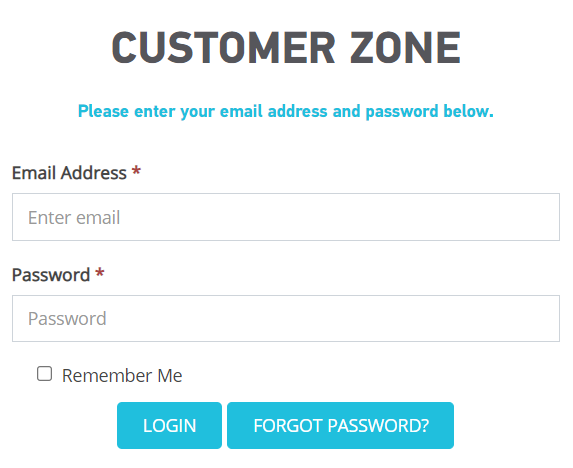
Step 1– Login to your 1-grid Customer zone.
- Go to https://1-grid.com/client/clientarea.php
- Enter your registered email address and password you created when signing up.
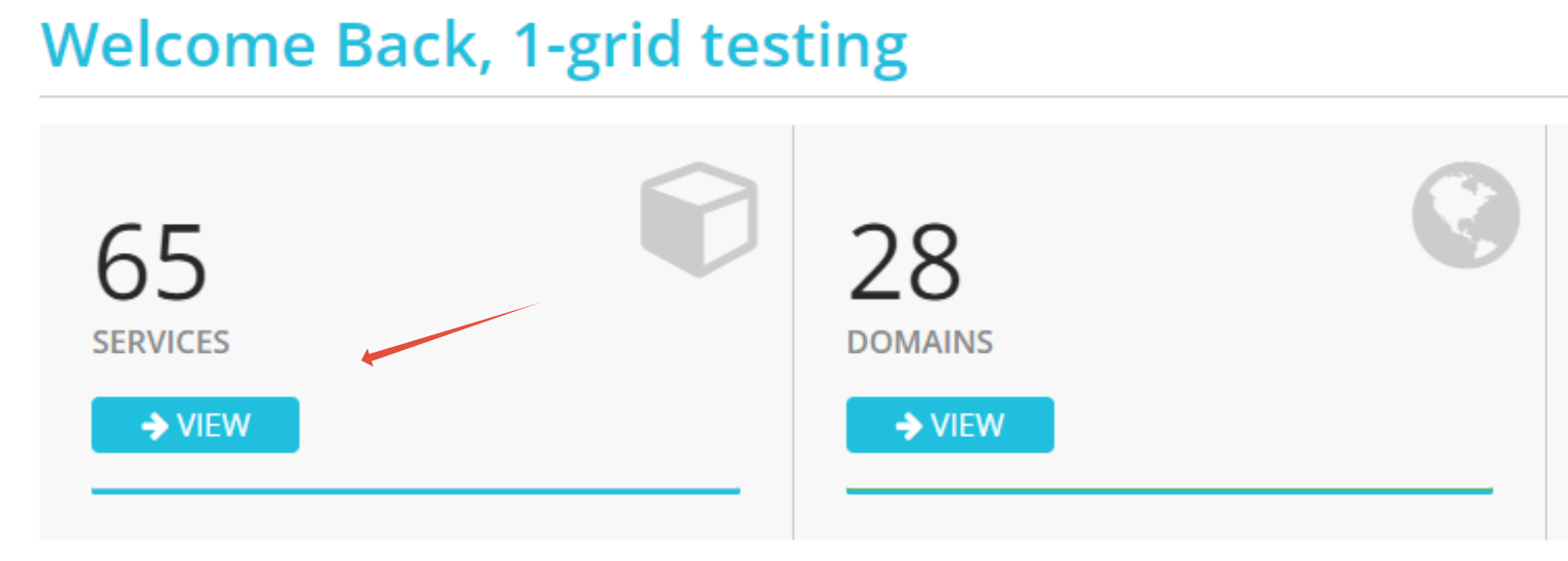
Step 2– Click on Services.
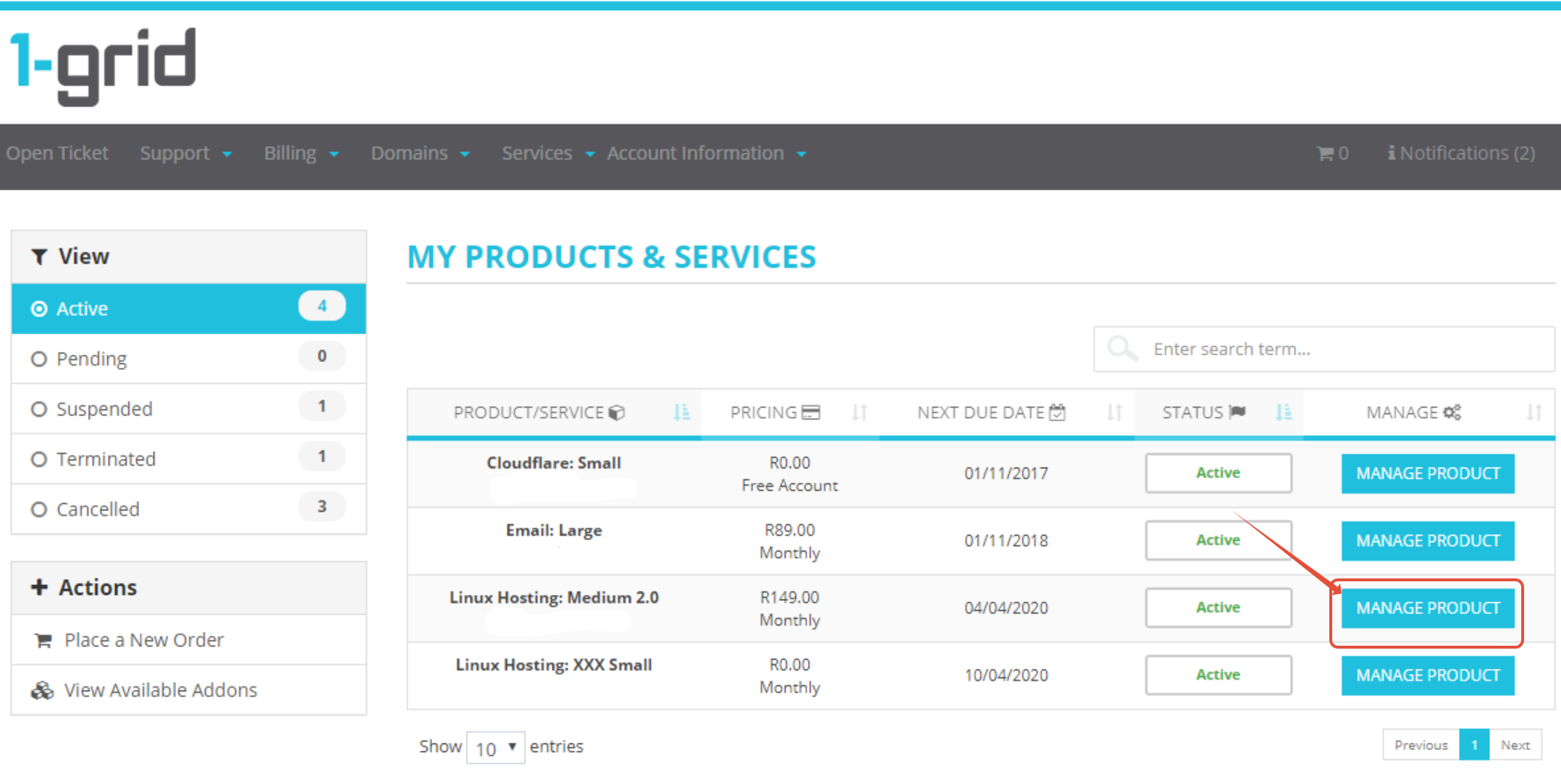
Step 3– Click Manage Product on the relevant service.
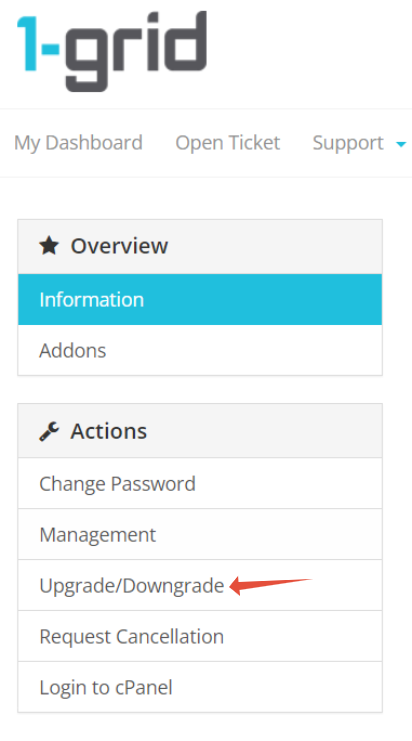
Step 4– Click Upgrade /Downgrade.
Step 5– Choose Upgrade package.

Step 6– Choose payment and complete order.
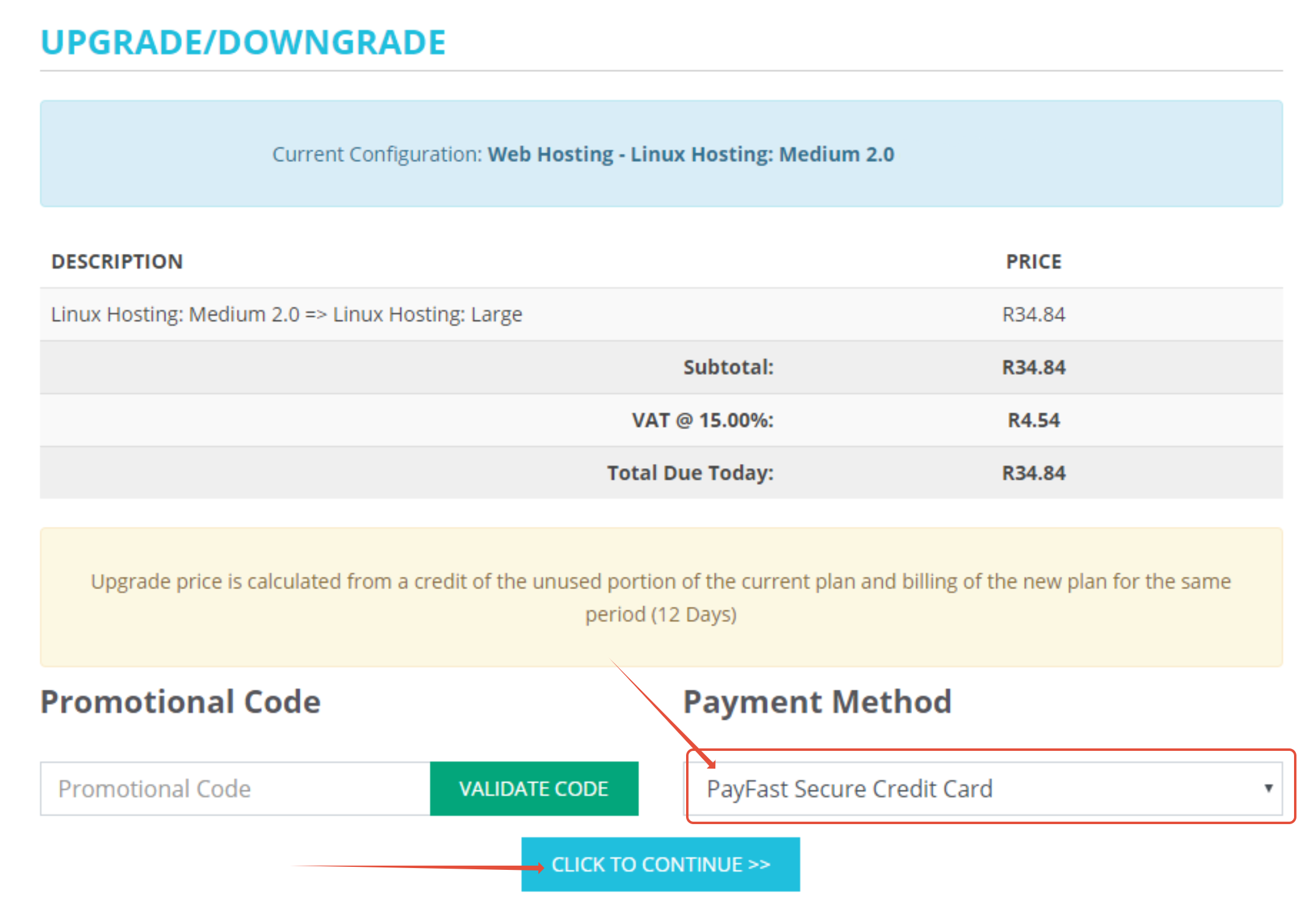
TIP: Upgrade order will only activate once the invoice is marked as paid. We recommend using credit card, instant EFT or Snapscan if you would like the upgrade to activate immediately.