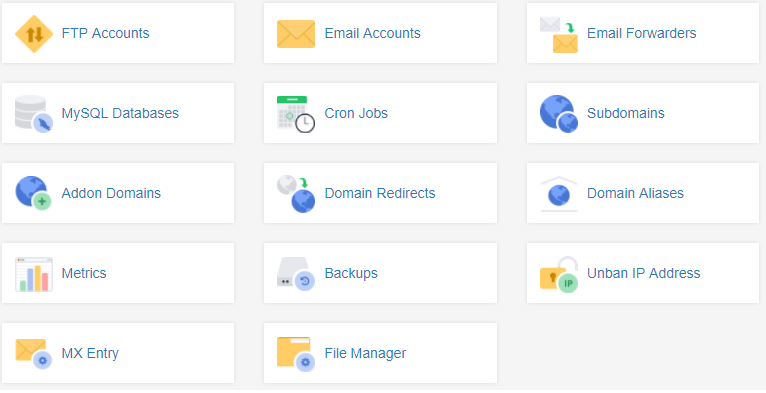
This quick guide will take you through the steps of accessing your backups through the customer zone. Please note that this is only for cPanel accounts.
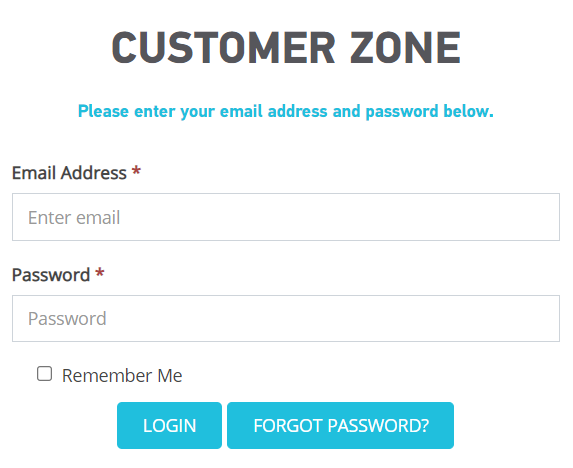
Step 1- Login to your 1-grid Customer Zone
- Go to https://1-grid.com/client/clientarea.php
- Enter your email address and password you created during your application.
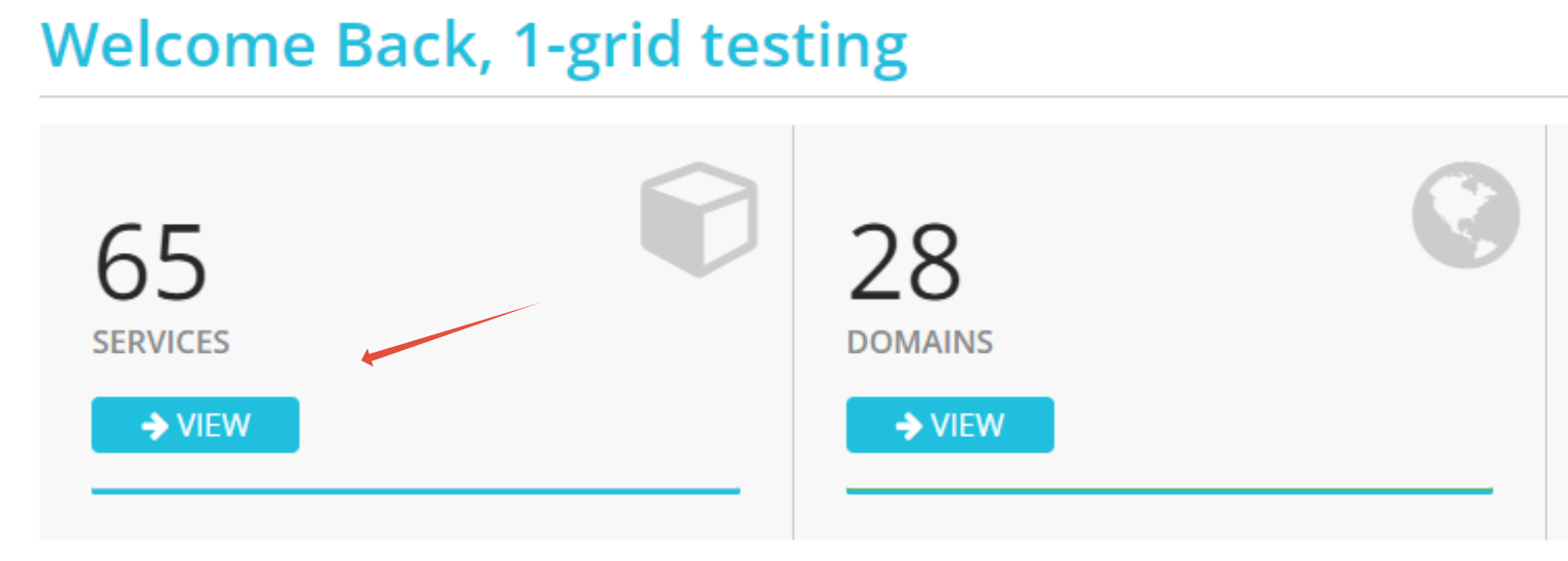
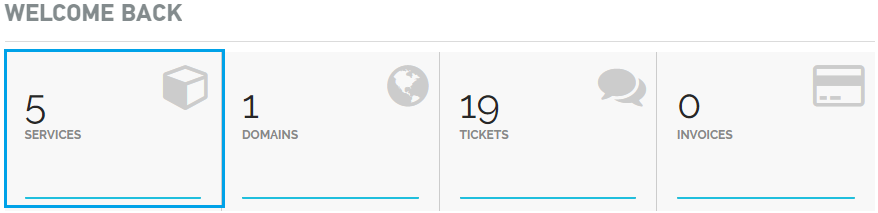
Step 2- Click Services
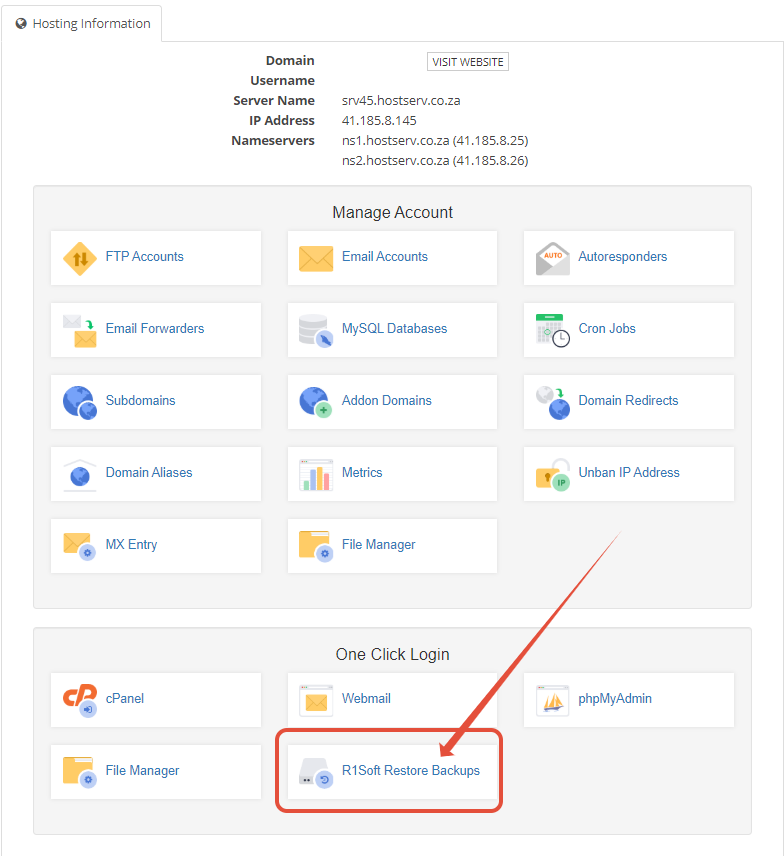
Step 3– Click Manage Product on the relevant service.

Step 4 – Click on Backups
Step 1. Log in to your Customer Zone.
Step 2. Go to “Services”.
Step 3. Click on the cPanel Account you wish to manage.

You can access the Backups from here.