This article will show you how to update your PHP version in Plesk :
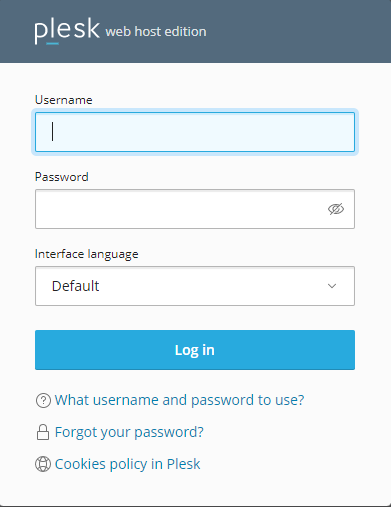
Step 1. Login to Plesk
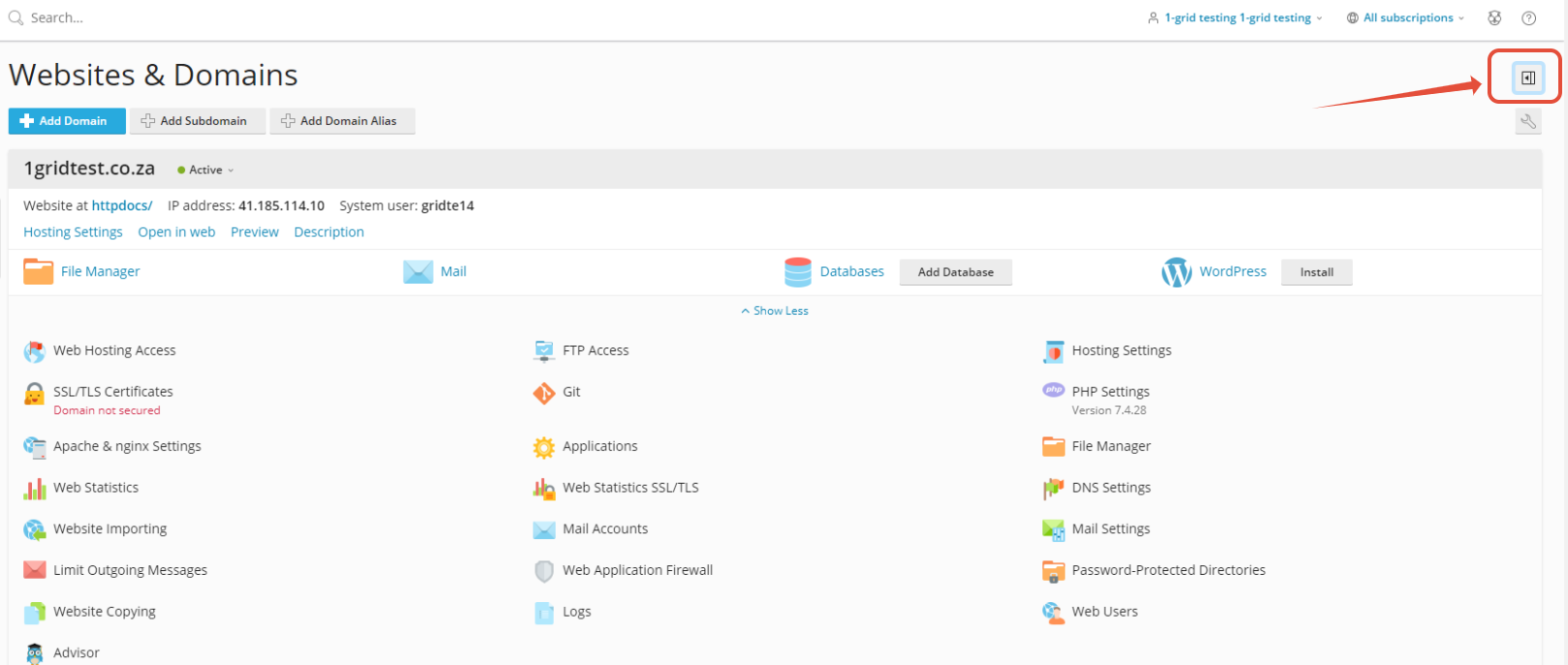
Step 2. Click on the Arrow to open the option for the menu section
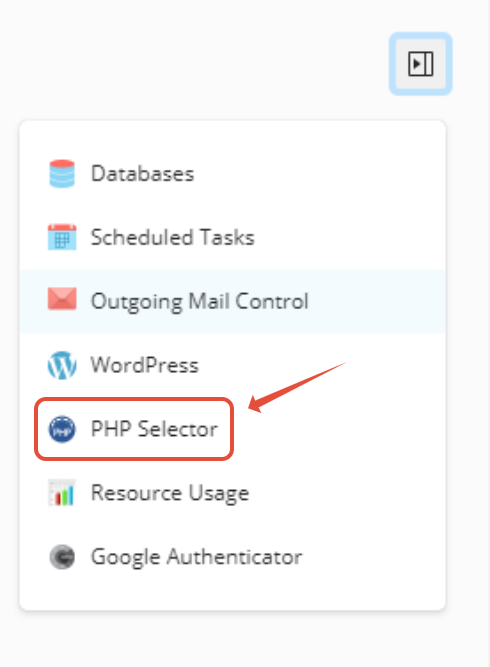
Step 3. Click on PHP Selector
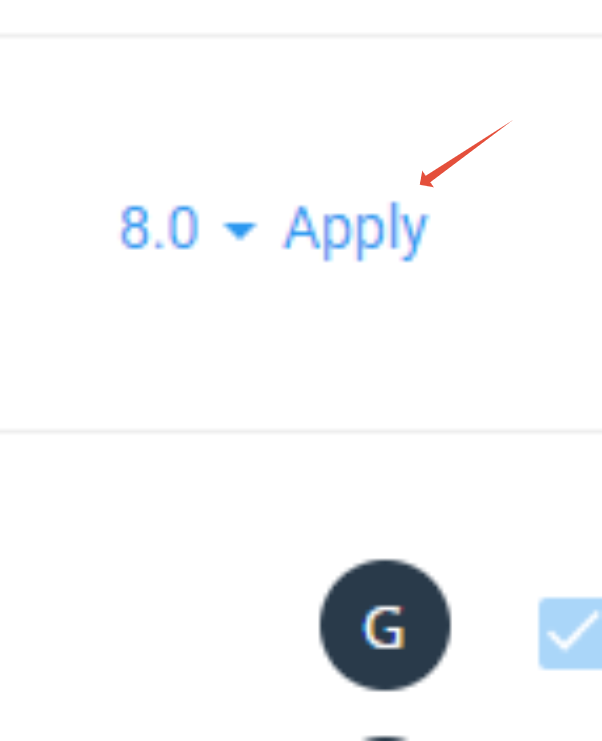
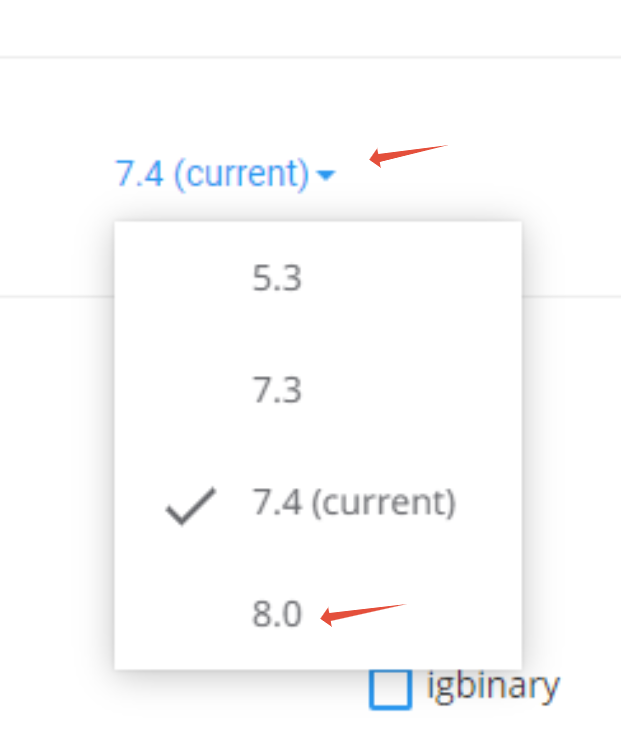
Step 4. Click on the Arrow and Select the PHP version
Step 5. Click on Apply