
This Article will show you How to zip and download files in WebsitePanel
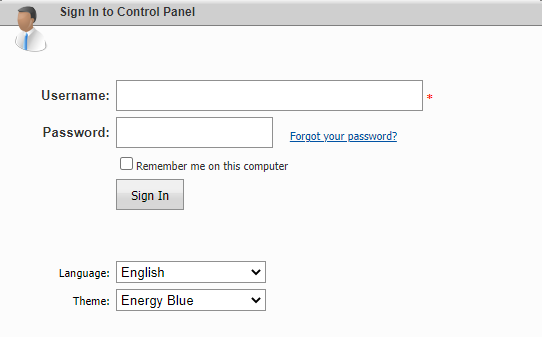
Step 1: Log into Website Panel here
Step 2: Click on File Manager

Step 3: Select your files and click on Zip. Enter your selected name and click on Zip


Step 4: To download the file, click on the zip file you created and click save file and then OK

How to unzip your files
Step 5: Select your file and click unzip
