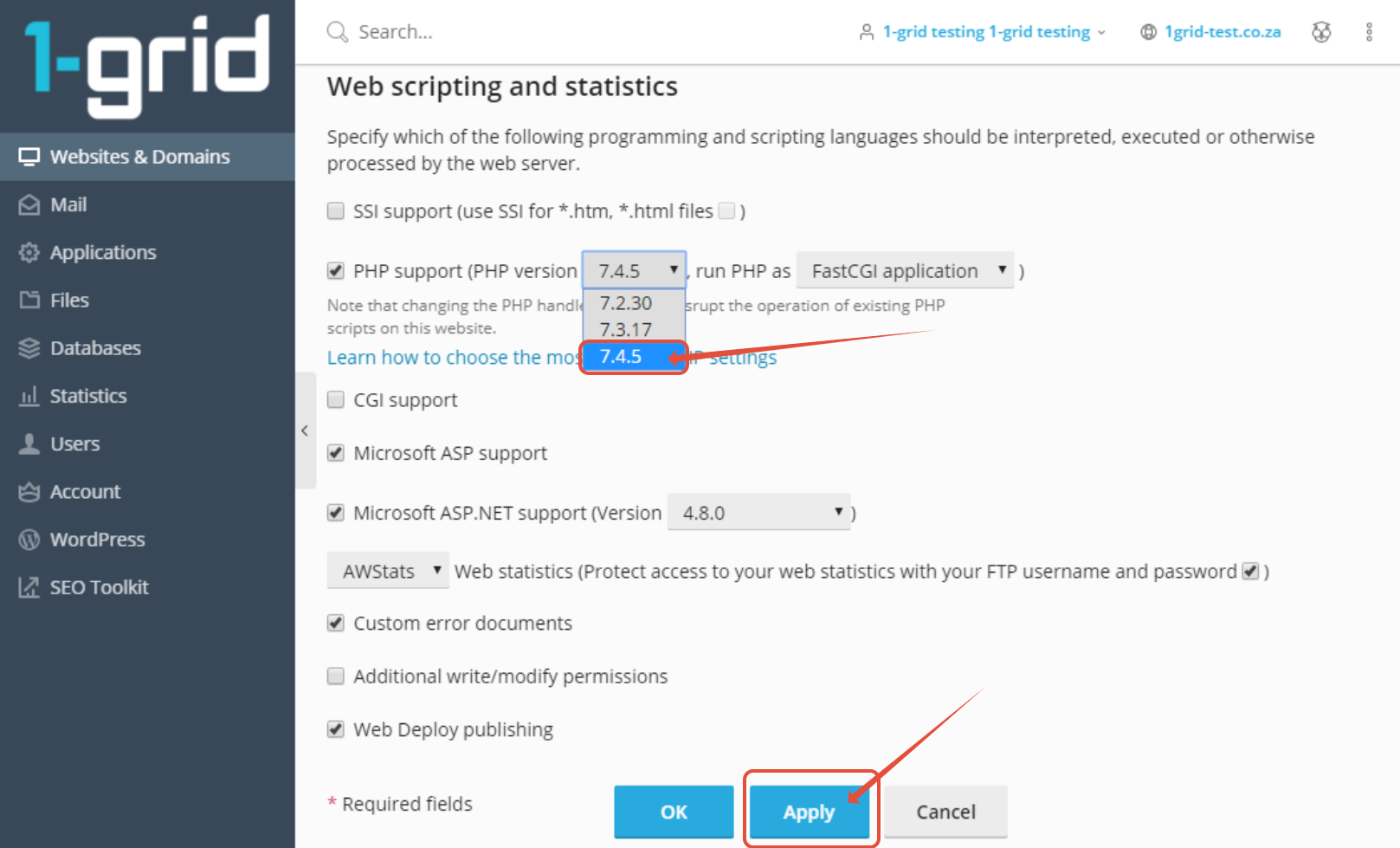
Plesk: Updating PHP version This article provides you with steps to update your PHP version via Plesk. Step 1– Login to Plesk. Login with username and password received when you completed your application. Step 2 – Click on Hosting & DNS > Hosting Settings Step 3– Select PHP version and click Apply Updated on August 30, 2023 Tagged: hostinghow tophppleskupdateupdatingversion Was this article helpful? Yes No Related Articles What Is Phishing? How It Works and How to Protect Yourself How To Check If My IP Is Blacklisted and Get It Delisted Everything You Need to Know About IP Blacklisting What Is My Public IP Address and How Do I Find It? Everything You Need to Know About an IP Address Understanding DNS Records and How to Check These