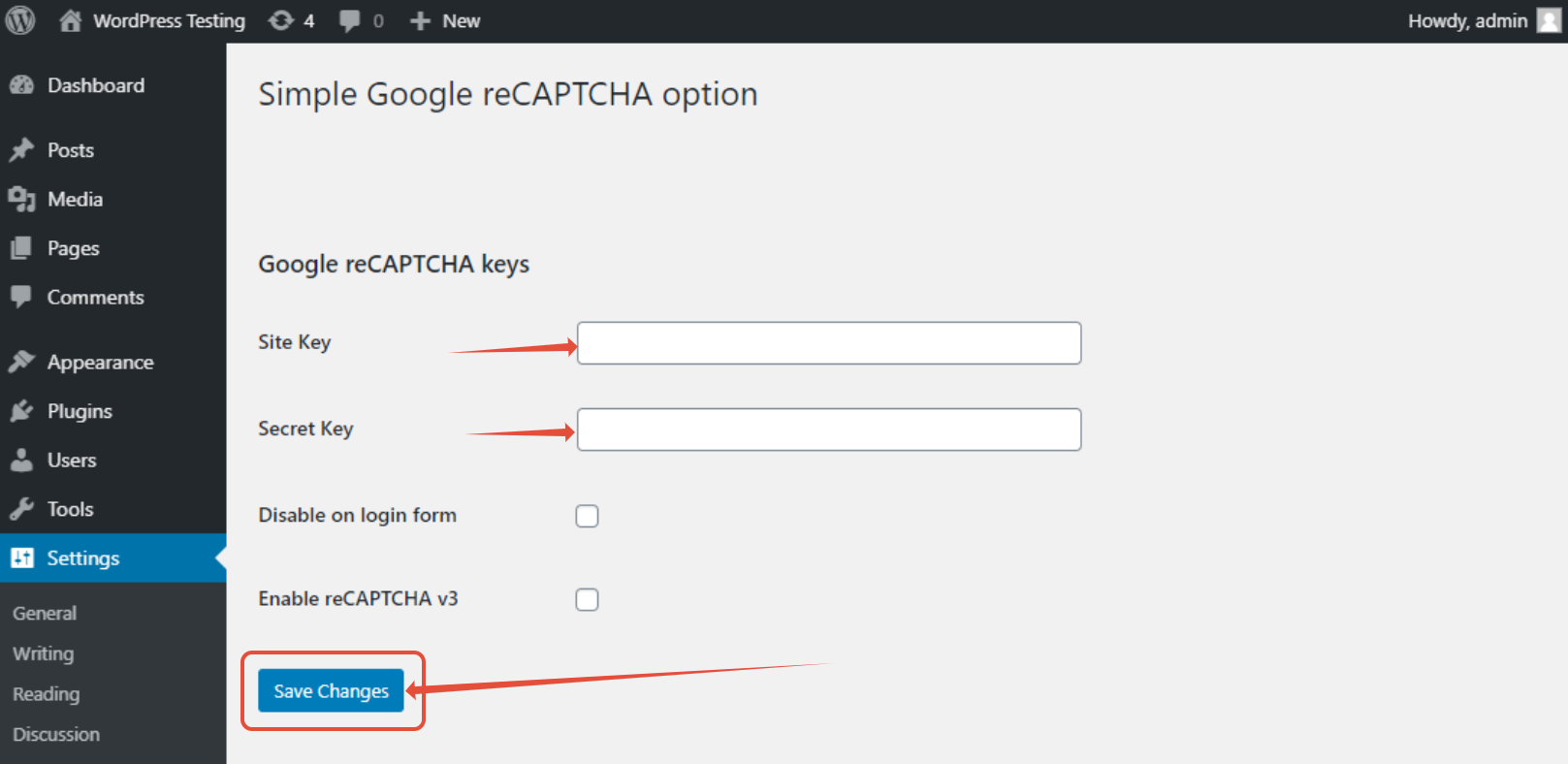
This article provides you with steps to add Google reCaptcha feature to your WordPress website.
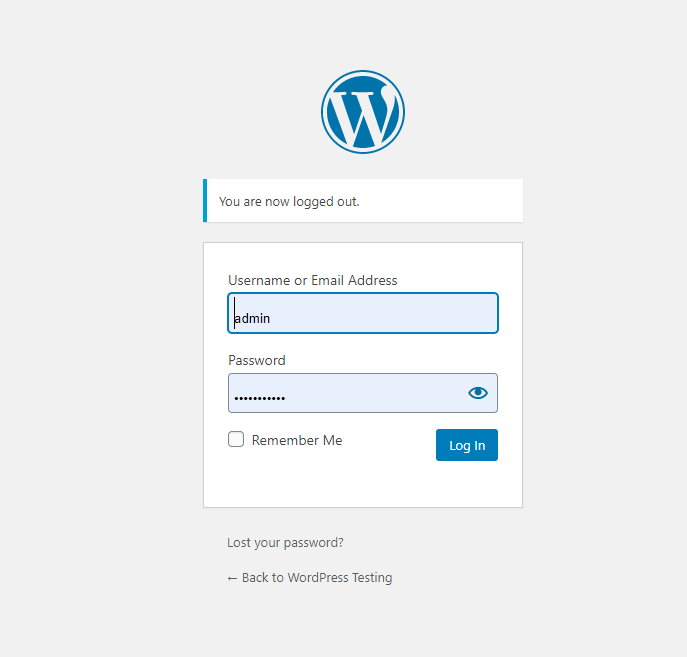
Step 1 – Login to your WordPress
- Login with your WordPress admin login details created upon installation.
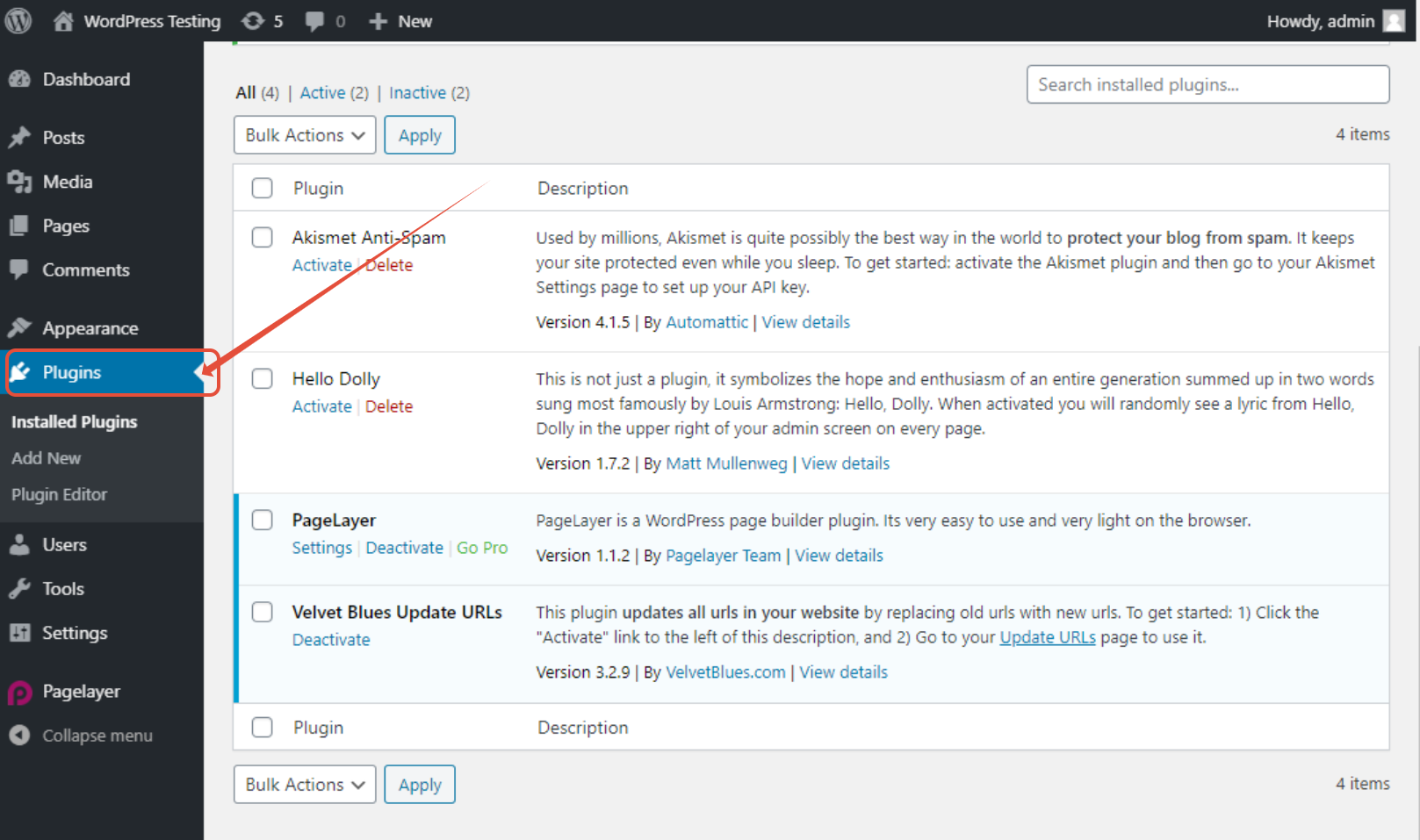
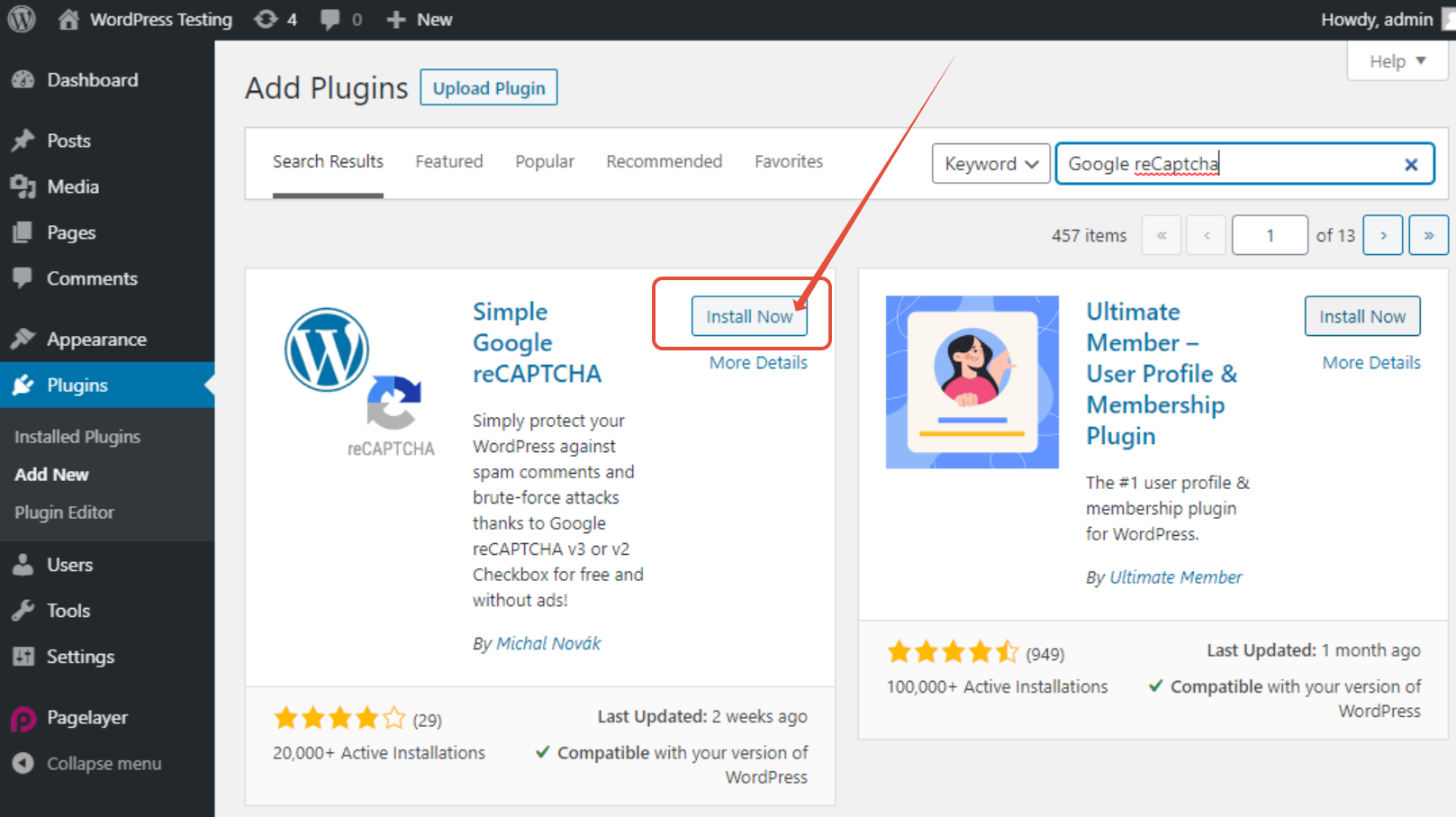
Step 2 – Click on Plugins
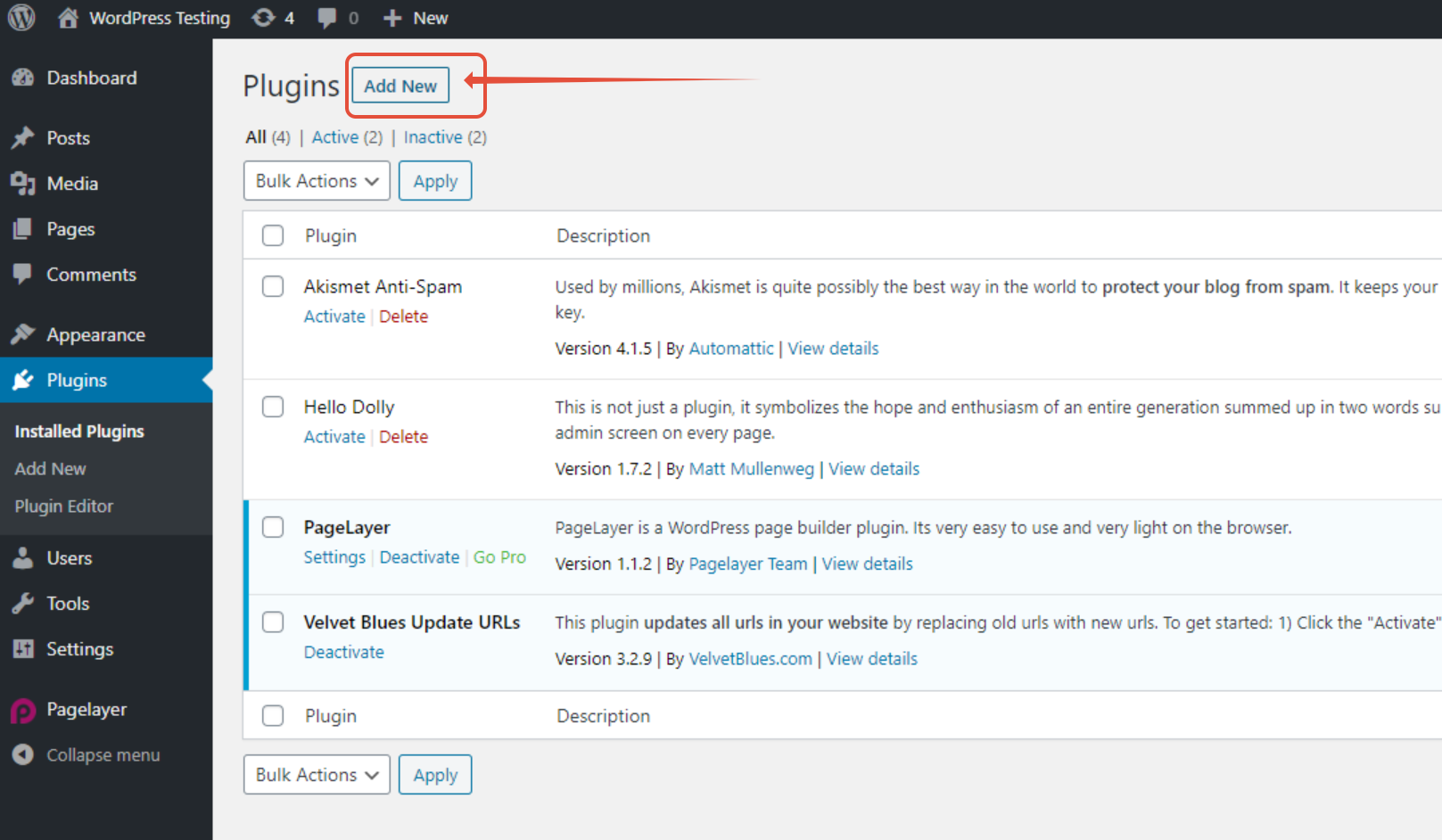
Step 3 – Click on Add New
Step 4 – Install and activate Simple Google reCAPTCHA plugin
Step 5 – Configure your plugin.
- Please see article here on how to get a Site Key and Secret Key .
- Click Save Settings.