
This guide will take you through the steps of changing your PHP version in Website Panel.
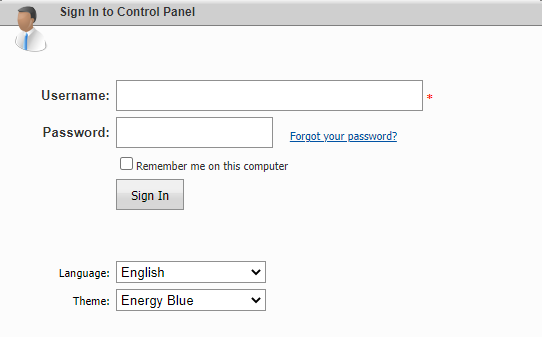
Step 1 – Login to Website Panel
- Please see our article here on how to login to Website Panel.
Step 2 – Click on Web > Web Sites

Step 3 – Click on the domain name you wish to make changes to.

Step 4 – Under Extensions select DefaultAppPool and the PHP version
- Click Update once changes has been made.

TIP: This legacy panel only allows up to PHP 5.6. Should you require PHP version 5.6 please contact our Support Center .