
This guide will take you through the steps of whitelisting a domain or email address in your firewall.
Step 1– Login to your 1-grid Customer Zone.
- Go to https://1-grid.com/client/clientarea.php
- Enter your registered email address and password provided during your application.
Step 2 – Hover over Services and click SpamTitan Firewall
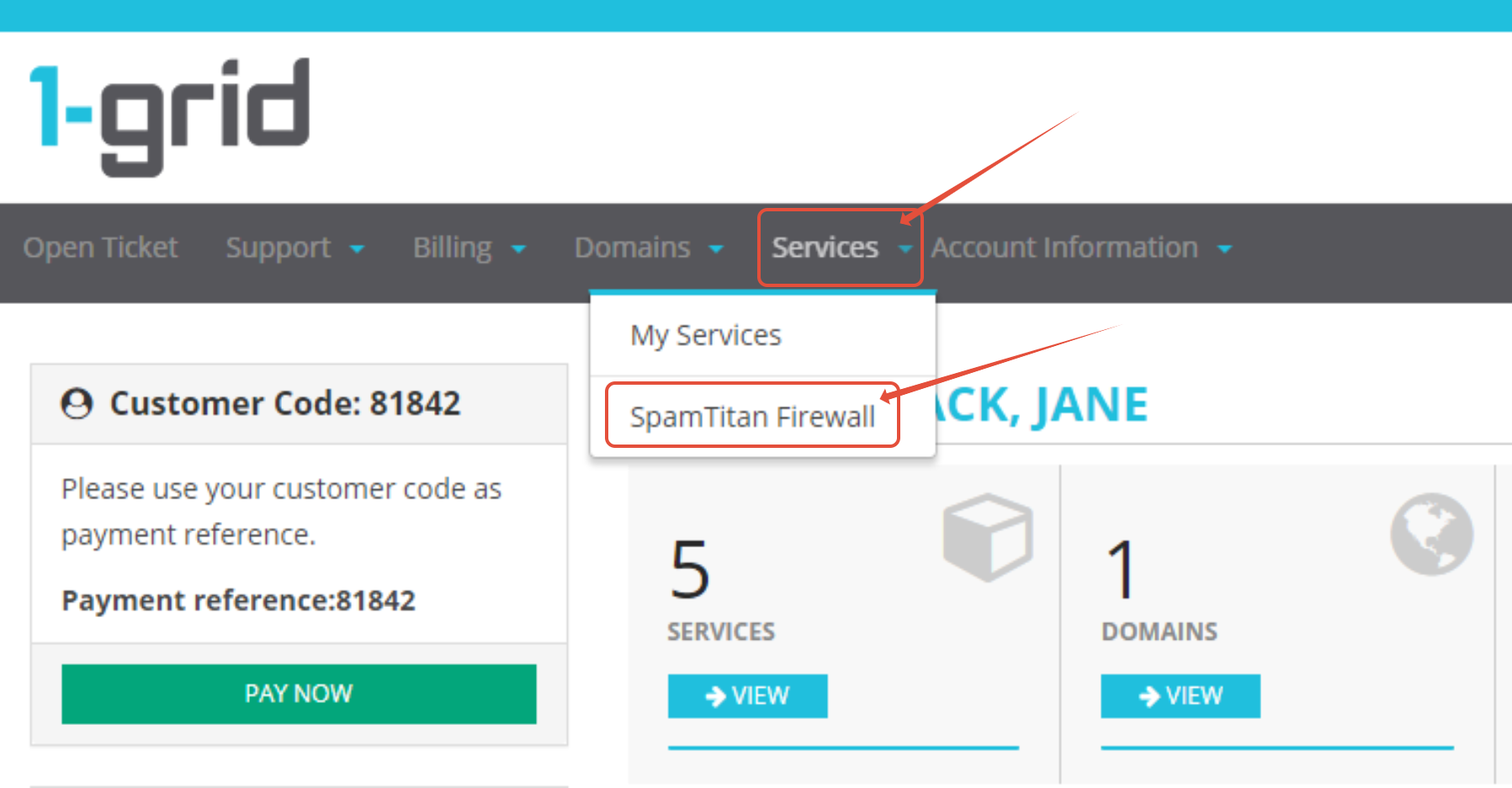
Step 3 – Click on Login to SpamTitan on the relevant Domain

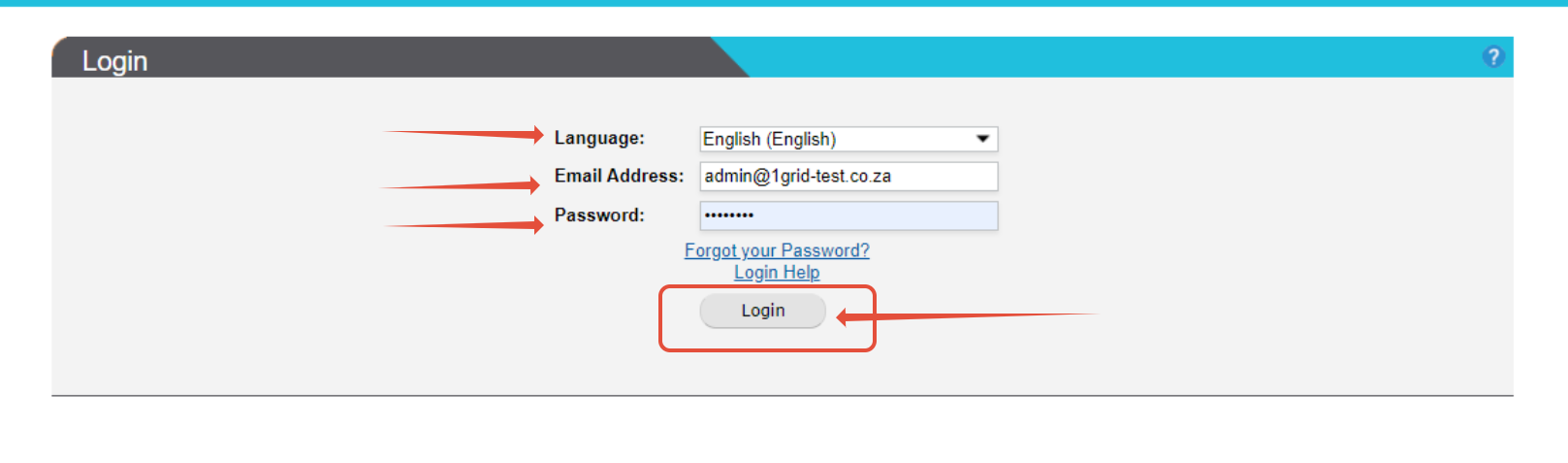
Step 4– Login with your SpamTitan login details.
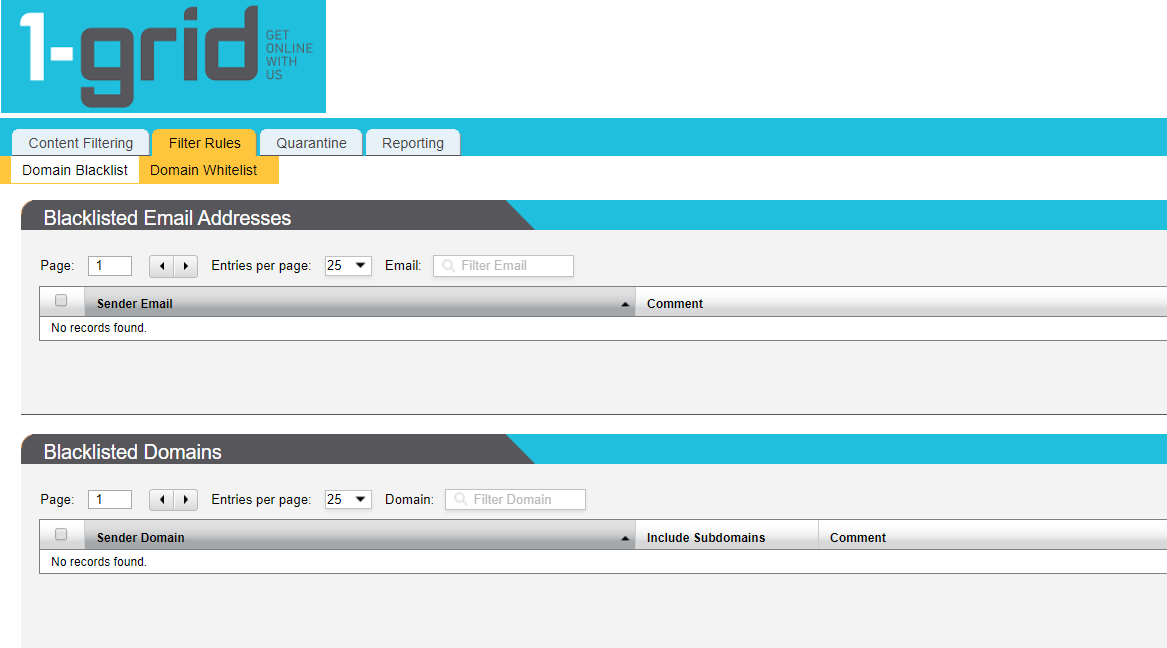
Step 5 – Click on Filter Rules > Domain Whitelist
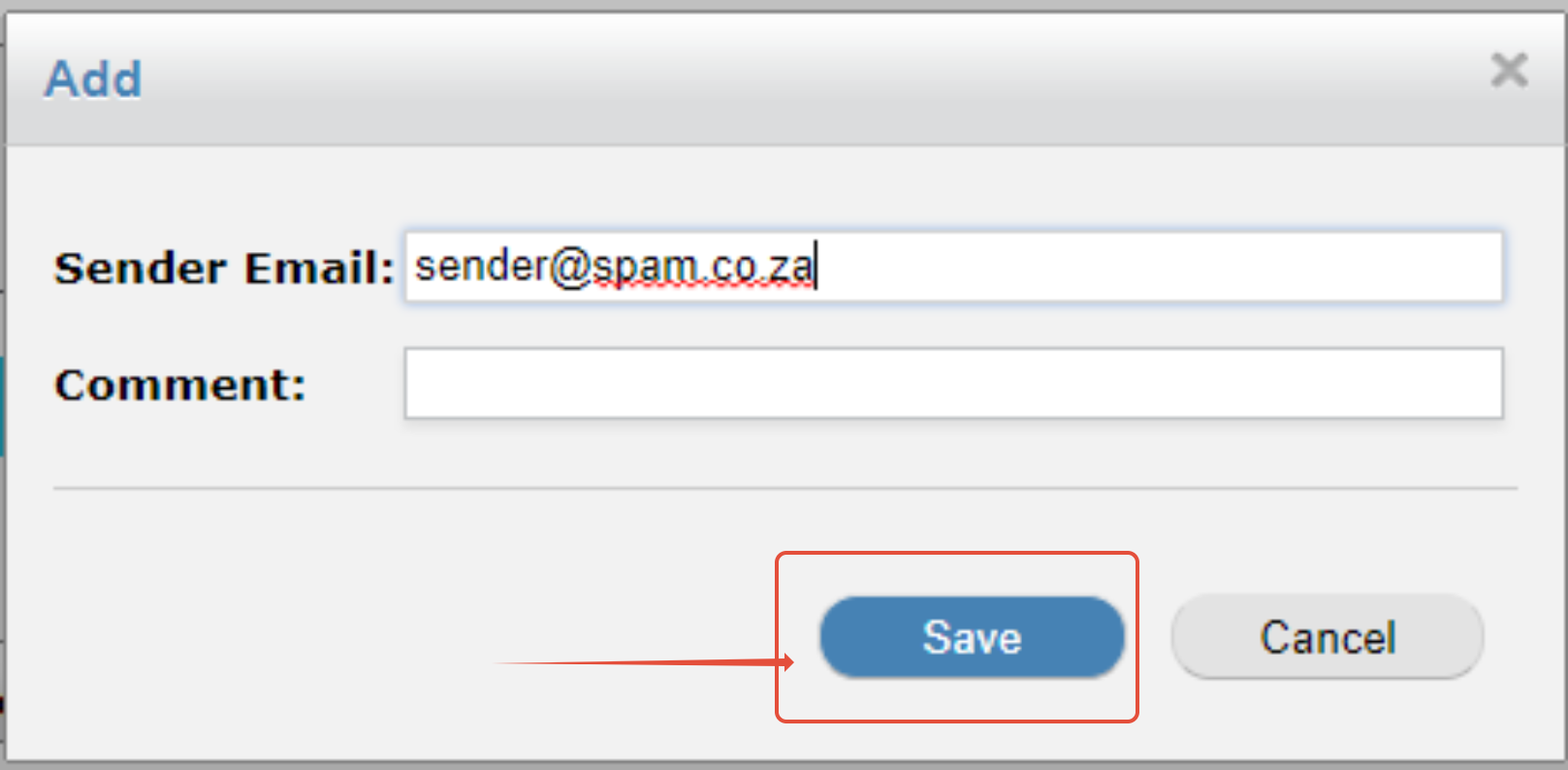
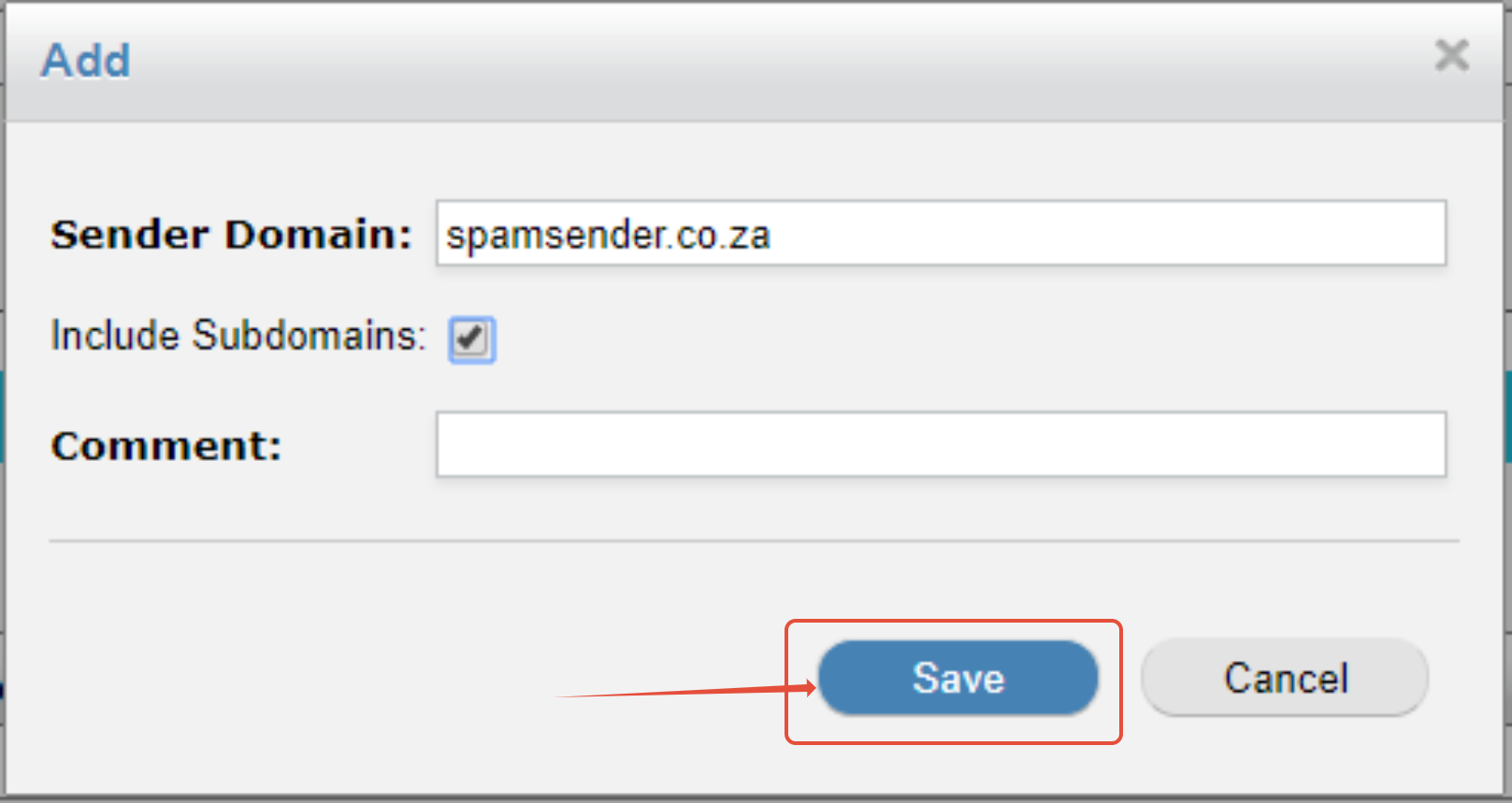
Step 6 – Add Whitelist domain or email address
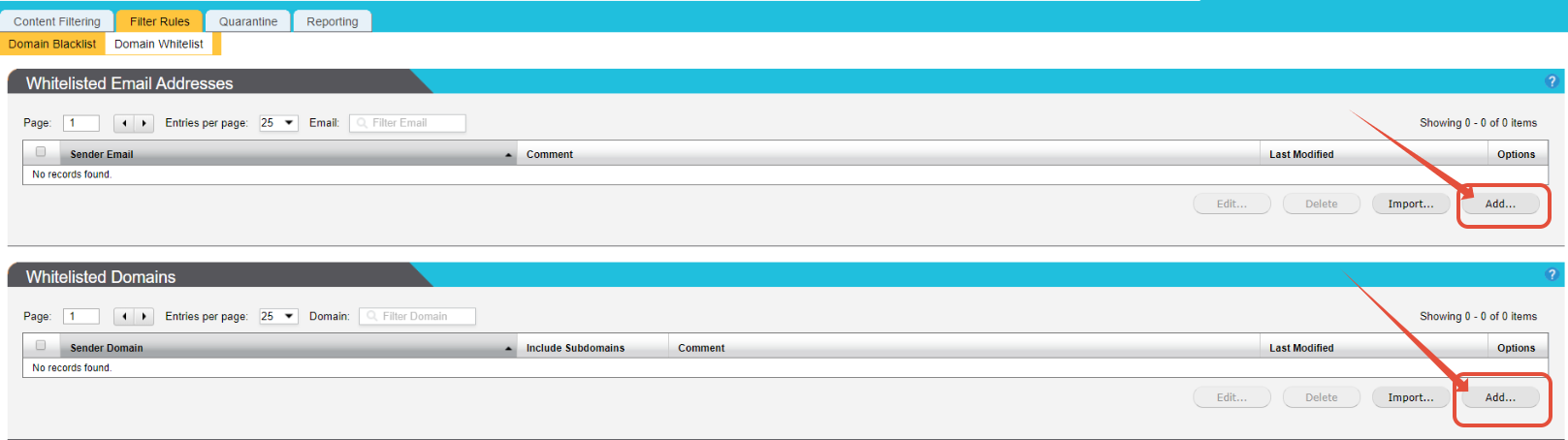
Step 7– Enter the email address or domain and click on Save.
 |
 |