
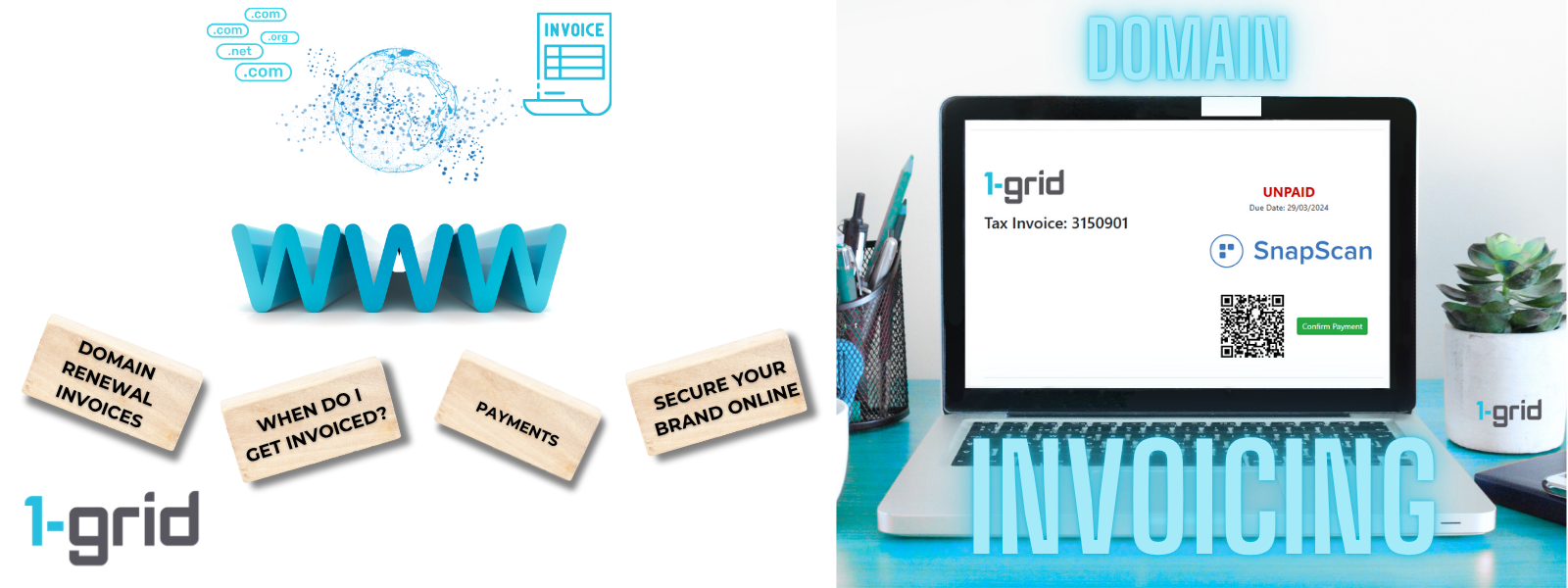
At 1-grid, we understand how vital your domain is to your business identity and online presence. To ensure your domain never expires or becomes vulnerable to loss, we send domain renewal invoices 60 days in advance. This means understanding invoicing for domain renewals is an integral part of making sure your brand stays online.
This proactive approach gives you ample time to review, budget, and renew so you can stay focused on your business while we keep your domain secure.
This guide will give you insight into invoicing for your domain, why this matters, and how you can keep your domain secure with proactive renewal.
- What Is a Domain Renewal Invoice?
- Why Are Domain Renewal Invoices Important?
- How Domain Renewal Invoicing Works at 1-grid
- Benefits of Invoicing in Advance
- Our Invoicing Process and Reminder Timelines
- Where Do Invoices Go?
- How Can I View My Invoice?
- How To Pay Your Domain Renewal Invoice
- When to Contact 1-grid Billing Support
- FAQs
- Additional Resources
What Is a Domain Renewal Invoice?
A domain renewal invoice is a billing notice that lets you know your domain name is nearing its renewal date when you have enabled auto-renew for your domain. So, we’ve set processes in place to ensure that your domain does not expire and try to save you the cost of paying an additional rescue and/or redemption fee. For this reason, our system sends out domain renewal invoices 60 days in advance.
It includes key details such as:
- The domain name and renewal period (typically one year).
- The invoice amount and due date.
- Clear payment options (Debit Order, Direct EFT, Credit Card, SnapScan, PayFast, etc.).
These invoices ensure that your ownership of the domain continues seamlessly.
Why Are Domain Renewal Invoices Important?
Your domain name is your online identity. If it expires, your hosting, email, or domain services can be disrupted, and your domain could be made available for resale.
Early invoicing prevents that risk by ensuring:
- You’re notified well before renewal deadlines.
- You have enough time to update your payment method or billing details.
- Your domain remains active and protected without interruption.
How Domain Renewal Invoicing Works at 1-grid
At 1-grid, domain invoices are automatically generated 60 days before the domain’s expiry date for domains that have auto-renew enabled.
Here’s briefly how it works:
- Invoice Issued: 60 days before renewal, your invoice is created and sent to your registered email address.
- Reminders Sent: Follow-up reminders are sent closer to the due date.
- Auto-Renew (if applicable): If you’ve enabled Debit Order or Auto Renew, the payment is processed automatically.
- Manual Renewal: If you prefer manual payment, you can renew at any time before its expiry via the Customer Zone, once your invoice has been issued.
This system ensures uninterrupted ownership, even if billing or card details change during the renewal window.
Benefits of Invoicing in Advance
Sending renewal invoices in advance offers several customer benefits:
- Prevents domain loss: Protects you from accidental expiry.
- Gives you flexibility: Allows time for financial planning or bulk renewal management.
- Improves transparency: You know exactly when and how renewals are billed.
- Supports proactive service: You stay in control, not caught off guard by last-minute renewals.
This proactive approach gives you full control over your payments, renewals, and avoids last-minute billing stress, giving you one less thing to worry about. It also saves your domain from going into redemption.
IMPORTANT: Failure to settle domain renewal fees in time may result in a redemption fee of R500 to R5000, dependent on the applicable Registry.
Our Invoicing Process and Reminder Timelines
At 1-grid, we’re committed to helping you manage your domain with confidence and ease. To keep your domain and services active and uninterrupted, we follow a consistent, transparent reminder and invoicing process supported by automated reminders, giving you plenty of time to review, plan, and pay before any action is required.
Our invoicing and reminder system ensures you’re always informed about upcoming payments and due dates, reducing the risk of missed invoices or unexpected expiry or service interruptions.
Standard Renewal Invoicing and Reminder Process
Here’s how our renewal cycle works:
- 90 days prior to the expiration, a domain renewal notice is sent via email.
- 60 days prior to the expiration date, an invoice is generated.
- 45 days prior to the expiration date, the invoice will be due.
- 30 days prior to the expiration date, a domain renewal notice will be sent via email.
- 7 days prior to the expiration, a final domain renewal notice will be sent via email.
- 5 days after the domain has expired, a notice will be sent that explains the domain has been deleted.
Why This Matters
By following a clear, predictable invoicing and reminder process, we help you:
- Plan: You’ll always know when to expect your next invoice.
- Stay informed: Multiple reminders ensure you never miss a due date.
- Avoid interruptions: Early notice gives you time to act before any suspension.
- Manage services easily: Log in anytime to view or pay domain renewal invoices directly via the Customer Zone.
Where Do Invoices Go?
All invoices are automatically:
- Emailed to the primary contact email address on your 1-grid account.
- Available anytime in your Customer Zone under Billing → My Invoices.
If you can’t find an invoice in your inbox, check your spam or trash folder, or log in to the Customer Zone to view these for instant access.
TIP: You can also add a Sub-Account to your 1-grid account as an alternate email address from the primary contact to receive billing information and invoices, such as when you need your Accounting or Finance Team to receive and attend to these on your behalf.
How Can I View My Invoice?
It matters to us that you spend less time worrying about when your next payment is due or struggling to find your invoice, so we’ve got you covered with this guide to make it easy for you to view or download your invoice directly from your Customer Zone.
How To Pay Your Domain Renewal Invoice
You can easily pay your renewal invoice in one of several secure ways:
- Debit Order (recommended): Automatic, secure, and ensure continuous service.
- PayFast (Credit Card / Instant EFT / SnapScan): Fast and real-time.
- Direct EFT: Transfer funds directly from your bank.
- Account Credit: Use available credit for automatic renewal.
TIP: Log in to your Customer Zone → Billing → My Invoices to view, download, and pay your renewal invoice instantly, as long as it is available. Alternatively, keep credit on your account to ensure that it automatically applies when your invoice for your domain renewal is due.
When to Contact 1-grid Billing Support
Contact our Team if you:
- Didn’t receive your renewal invoice.
- Recently updated your domain contact or payment information.
- Need help confirming your renewal date or payment.
FAQs
Why do I get domain invoices earlier than my hosting invoices?
Domains have fixed registry renewal cycles. Sending invoices earlier ensures no risk of losing your domain due to late payment or registry delays.
What happens if I don’t pay my domain renewal invoice on time?
The domain may enter a grace or redemption period, during which recovery fees may apply. It’s best to renew before the expiry date.
Can I enable auto-renewal for my domain?
Absolutely! Enabling Auto-Renew ensures a seamless renewal without manual intervention, so reach out to our Billing Tea,m and they will be happy to assist with this, if it is not automatically on.
Additional Resources
Domain Renewals Guides at 1-grid
Avoiding Domain Redemptions with 1-grid
Making Payments at 1-grid
Everything You Need to Know About Invoicing at 1-grid
Everything You Need to Know About Reactivating Suspended or Cancelled Services
Need Additional Support?
We’re Here to Help:
Understanding your domain invoices at 1-grid doesn’t have to feel complicated with this easy-to-understand guide. Stuck? Contact our Billing Team for clarity and guidance (https://1grid.co.za/contact-us/). We’re ready to see how we can help!