
A strong password is your first line of defence.
Choosing the right password helps protect your account from unauthorised access, reduces the risk of data loss, and gives you peace of mind every time you log in. Passwords protect some of your most important digital spaces, including your billing details, services, and personal information.
This guide will help you understand how to choose a strong, secure password using simple, practical tips that are easy to apply, even if you’re not technically inclined. By following these best practices, you can significantly reduce the risk of unauthorised access and keep your 1-grid account safe.
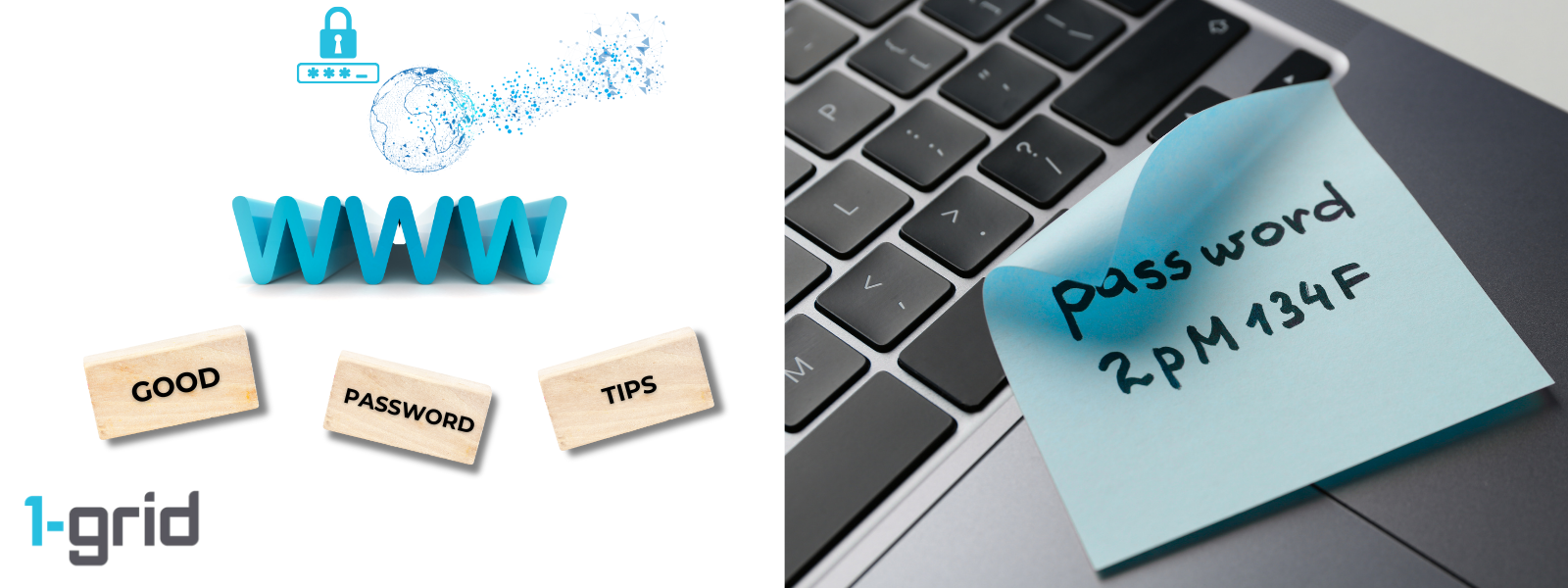
What Makes a Password Strong?
A strong password is designed to be hard for others to guess, crack, or reuse, while still being manageable for you to remember or store securely.
A strong password should:
- Be longer rather than shorter
- Use a mix of characters
- Avoid personal or common information
- Be unique to each account
Best Practices for Choosing a Secure Password
1. Use a Long Password or Passphrase
Longer passwords are exponentially harder to crack.
- Aim for 12–15 characters or more
Example: Cloud!River7Glass&Moon
2. Use a Mix of Characters
This increases complexity without reducing usability.
Include:
- Uppercase letters (A–Z)
- Lowercase letters (a–z)
- Numbers (0–9)
- Symbols (# $ ! % & etc.)
3. Avoid Dictionary Words and Names
Avoiding this prevents common brute-force and dictionary attacks.
Avoid:
- Real words (even with substitutions)
- Names, birthdays, places, or favourite teams
- Common phrases or song lyrics
4. Don’t Reuse Passwords
Not recycling passwords limits damage if another service is compromised.
Each important account (email, hosting, banking) should have its own unique password.
5. Use Memory Techniques (Safely)
Doing this makes strong passwords easier to recall.
Try:
- A private phrase meaningful only to you
- An obscure sentence combined with symbols and numbers
- A trusted password manager for storage
6. Change Your Password When It Matters
Regularly changing your password helps prevent long-term exposure.
Change your password if:
- You receive a security alert
- You reused the password elsewhere
Strong passwords don’t need frequent changes unless there’s a risk.
Extra Layer of Protection: Use Two-Factor Authentication (2FA)
Even the strongest password can be compromised.
Adding Two-Factor Authentication (2FA) protects your account by requiring a second verification step when logging in.
IMPORTANT: This is highly recommended for all 1-grid Customer Zone accounts.
Our Scope of Support
If you’re stuck and need any additional guidance or support, here’s an outline of what we can do and what is not within our Scope of Support.
What We Can Help With
- Guiding you through updating your password
- Resetting your Customer Zone password (if you’re logged out)
- Resetting Two-Factor Authentication
- Guiding you through account security settings
What We Cannot Assist With
- See or recover your existing password
- Choose passwords on your behalf
FAQs
Q. How often should I change my password?
Only when there’s a security concern, or you’ve reused it elsewhere.
Q. Are password managers safe?
Yes, reputable password managers are one of the safest ways to manage strong, unique passwords.
Q. What if I forget my password?
You can reset it securely via the Customer Zone login page.
Additional Resources
Choosing a Strong Password
Two-Factor Authentication and Why It’s Critical
Update Your 1-grid Password While Logged In
Resetting Your 1-grid Password (if you’re logged out)
Keeping Your 1-grid Account Details Up to Date
Preventing Unauthorised Access to Your Account
How to Verify Your 1-grid Support Account
Need Additional Support?
We’re Here to Help:
Choosing a password to keep your account safe doesn’t have to feel like a challenge with this easy-to-reference guide. Stuck? Check out our Scope of Support, and then contact our Support Team for further clarity and guidance (https://1grid.co.za/contact-us/). We’re ready to see how we can help!