
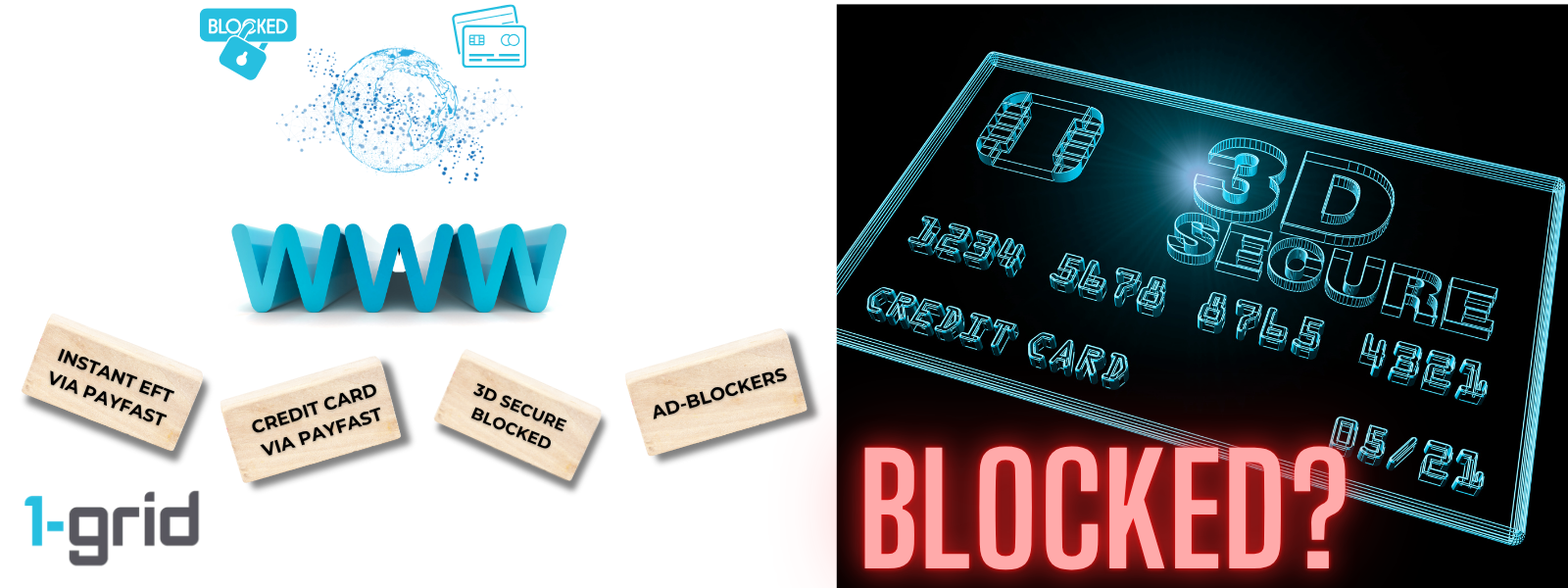
At 1-grid, your online safety and uninterrupted services are our top priority. When making secure payments online, whether by credit card or Instant EFT through PayFast, you’ll be prompted to verify your transaction using 3D Secure authentication (like Visa Secure or Mastercard SecureCode).
However, ad-blockers or certain browser extensions can sometimes interfere with this step, preventing your payment from being completed successfully.
This guide explains what 3D Secure is, how ad-blockers might affect payments, and the simple steps you can take to ensure a smooth, secure, and successful transaction every time.
- What Is 3D Secure (Visa Secure / Mastercard SecureCode)?
- Mastercard SecureCode/NetCode Explained
- Verified by Visa Explained
- How Ad-Blockers Might Prevent 3D Secure Payments
- How to Prevent This When Making Payment Online
- When Your Security and Transparency Are Top Priority
- When to Contact 1-grid Billing Support
- FAQs
- Additional Resources
What Is 3D Secure (Visa Secure / Mastercard SecureCode)?
With your online safety as our top priority, all card and Instant EFT payments that are processed through PayFast use 3D Secure technology, an added layer of authentication developed by Visa and Mastercard.
3D Secure, also known as Visa Secure (formerly “Verified by Visa”) or Mastercard SecureCode/NetCode helps protect you from unauthorised card transactions by confirming your identity before processing your payment.
When you make a payment, you’ll see a secure pop-up or redirected page from your bank, prompting you to verify the transaction using a One-Time PIN (OTP) or your banking app. This step ensures only you can approve the purchase, reducing the risk of fraud.
Mastercard SecureCode/NetCode Explained
Mastercard SecureCode (sometimes called NetCode) is a private code that acts like an extra password for your card.
When you pay online via PayFast, your bank sends a One-Time PIN or prompts you to authorise the payment in your mobile app.
Once confirmed, your transaction is securely processed, and your invoice payment reflects instantly on your 1-grid account.

Verified by Visa Explained
Verified by Visa (now Visa Secure) works in a similar way where it verifies that you are the legitimate cardholder using your bank’s secure verification method.
This might involve entering a One-Time PIN or approving the payment via your banking app.
This extra step gives you peace of mind knowing that your card details remain private, even when paying online.

How Ad-Blockers Might Prevent 3D Secure Payments
While ad-blockers and browser extensions help protect your online privacy, they can sometimes interfere with secure payment pages like those used for 3D Secure authentication.
These tools may:
- Block the secure pop-up from your bank.
- Prevent redirects to the 3D Secure verification page.
- Disrupt the loading of PayFast’s secure payment window.
When this happens, your transaction may not complete successfully, or the page might appear to “freeze” or “time out.”
TIP: If you use AdBlock Plus, please turn this off.

How to Prevent This When Making Payment Online
To ensure smooth, secure payment processing, follow these steps.
- Disable your ad-blocker temporarily before starting your online payment.
- Use a trusted browser (such as Chrome, Firefox, or Edge) and keep it up to date.
- Ensure pop-ups are allowed for PayFast and your bank’s verification page.
- Check your internet connection and avoid public Wi-Fi when making payments.
TIP: You can whitelist PayFast by visiting its official domain (https://www.payfast.co.za) to allow it to load properly, even with your ad-blocker enabled.
When Your Security and Transparency Are Top Priority
We know financial information is sensitive, and your trust matters. That’s why all secure transactions with 1-grid are processed securely through PCI DSS-compliant payment gateways, ensuring your data remains safe and encrypted, making 3D Secure Payments a priority!
When to Contact 1-grid Billing Support
Contact our Team if you:
- Made a payment that didn’t complete due to a 3D Secure block,
- Been charged, but your payment hasn’t reflected, or
- Tried disabling your ad-blocker, but still encounter verification issues
FAQs
Can I safely whitelist PayFast for payments?
Yes, PayFast is a PCI DSS Level 1 compliant payment gateway; the highest global standard for payment security. You can safely whitelist https://www.payfast.co.za.
My payment failed after 3D Secure verification. What should I do?
Retry your payment after clearing the cache and disabling your ad-blocker. If it still fails, contact [email protected] for quick resolution.
Which payment methods use 3D Secure?
All card payments (Visa, Mastercard) and some Instant EFT transactions processed through PayFast require 3D Secure authentication for your protection.
Additional Resources
Paying Invoices with Credit Card
Easy-to-Use Payment Methods
Paying Invoices with Instant EFT
Why Pay with Credit Card?
How to Update Your Credit Card Details
Invoicing at 1-grid Keeps Your Online and On Time
Avoiding Suspensions is Priority for Business
Need Additional Support?
We’re Here to Help:
Figuring out why your secure payment won’t work doesn’t have to feel like a challenge with this easy-to-reference guide. Stuck? Contact our Billing Team for clarity and guidance (https://1grid.co.za/contact-us/). We’re ready to see how we can help!