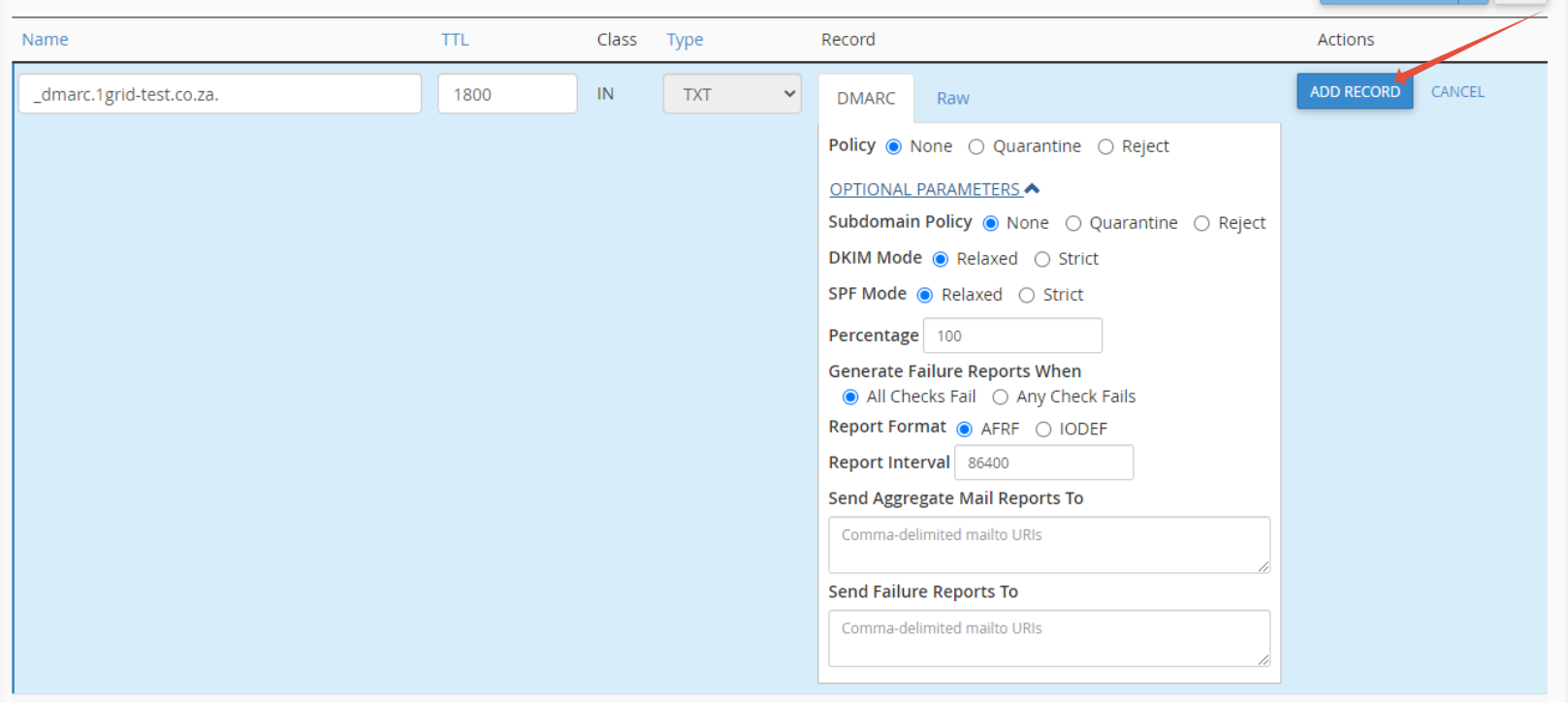
This article provides you with information on how to add a DMARC record to your domain in cPanel.
Step 1- Login to cPanel
- Please see our article on logging into cPanel here.
Step 2 – Navigate to Domains, then click DNS Zone Editor

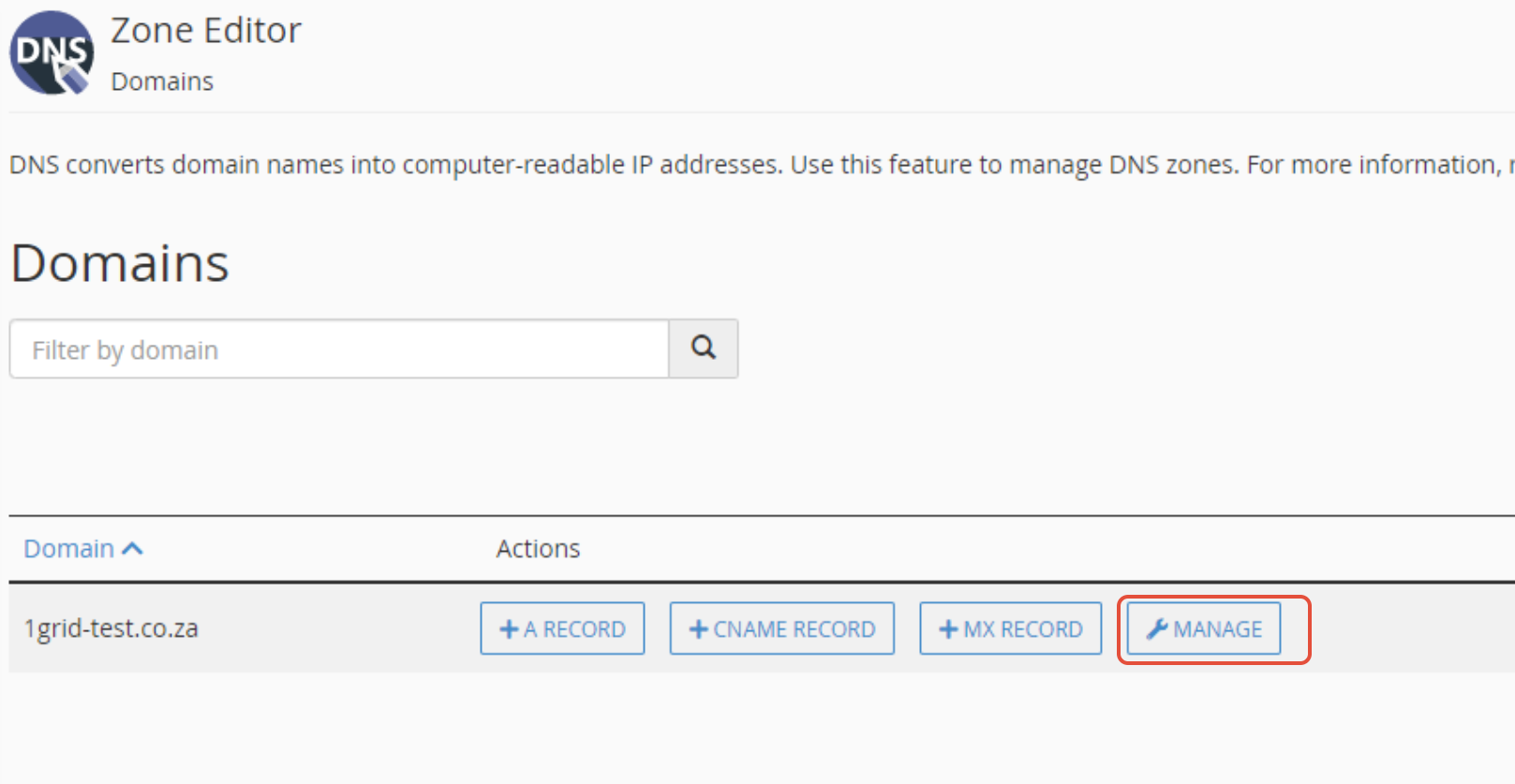
Step 3 – Then click the Manage button of the domain of your choice
Step 4– Click the Add Record button, as illustrated
- Select “DMARC”

- Choose policy “Quarantine”
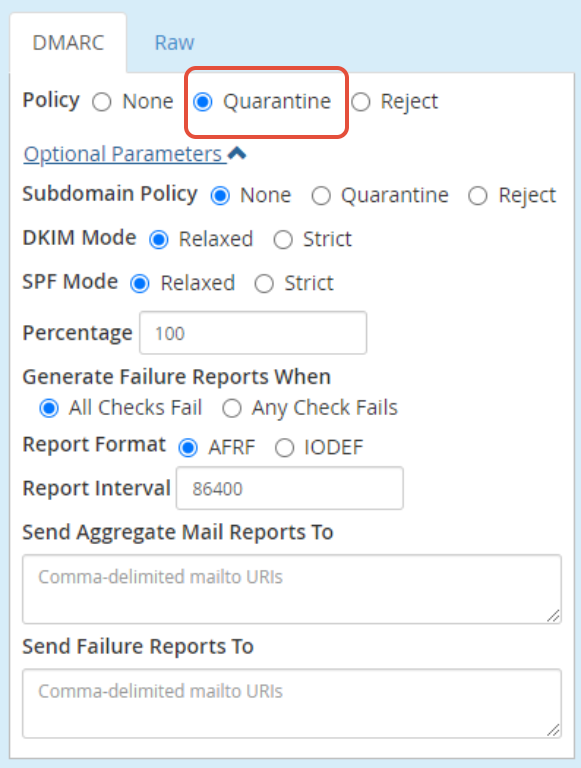
Step 5 – Click “Add Record”