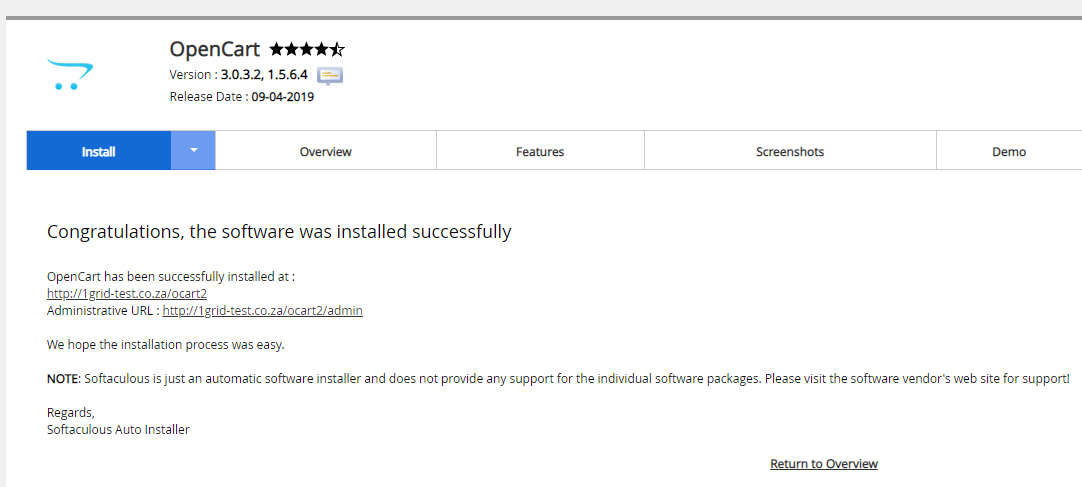
This article provides you with steps to install OpenCart via cPanel installer.
Step 1– Login to cPanel
- Please see our article on logging into cPanel here.

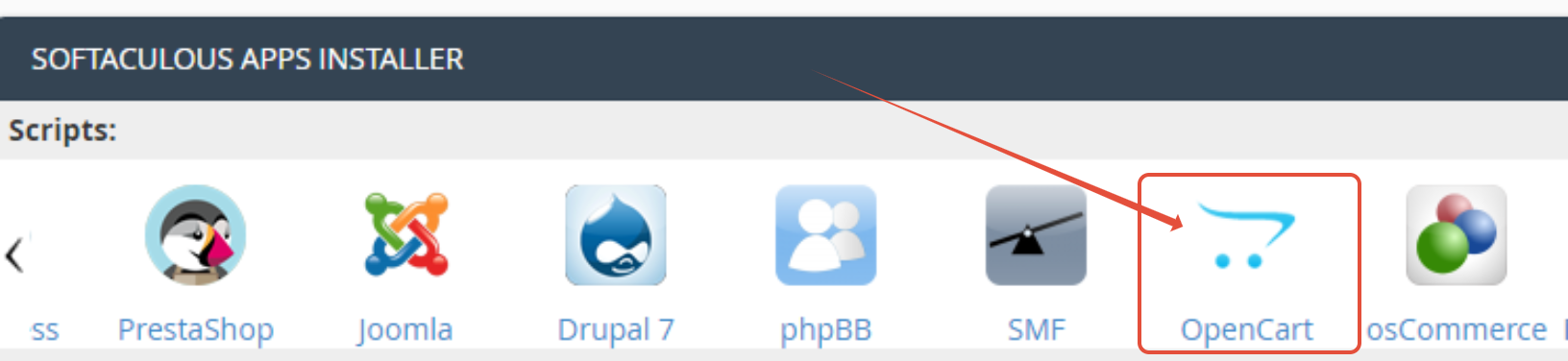
Step 2– Select OpenCart under Apps Installer
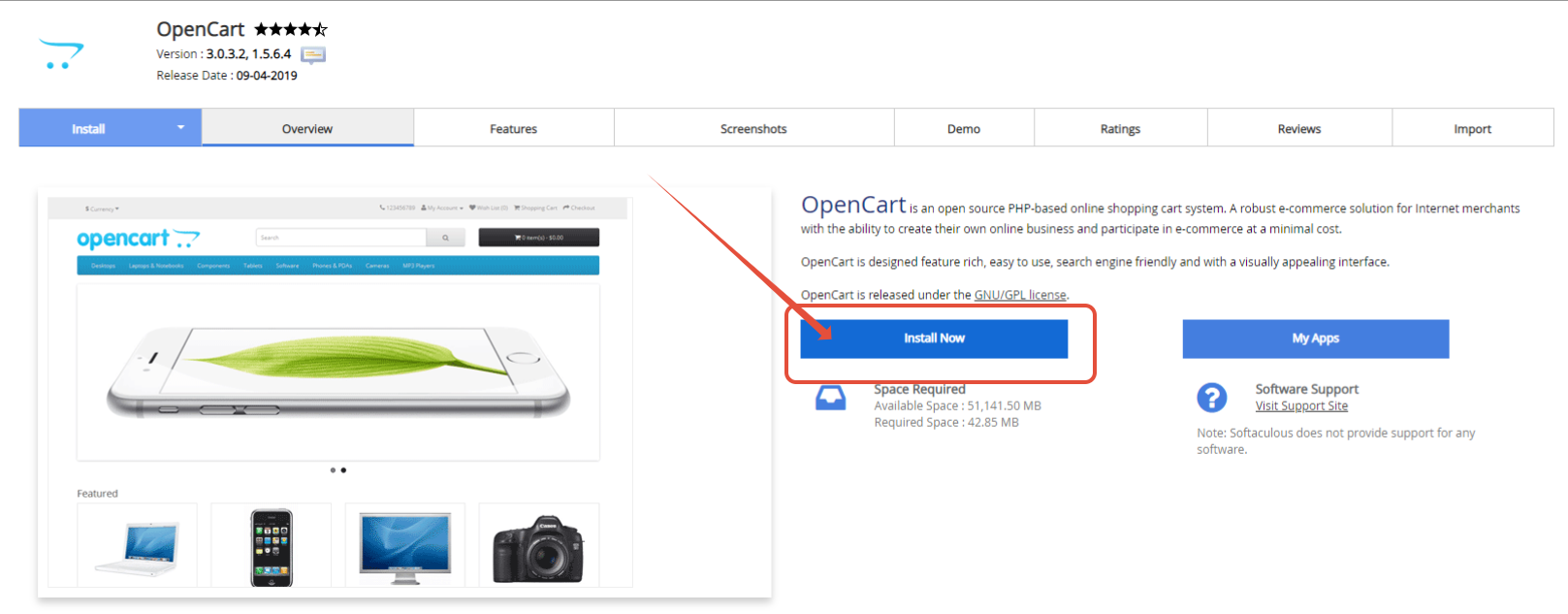
Step 3– Click Install Now
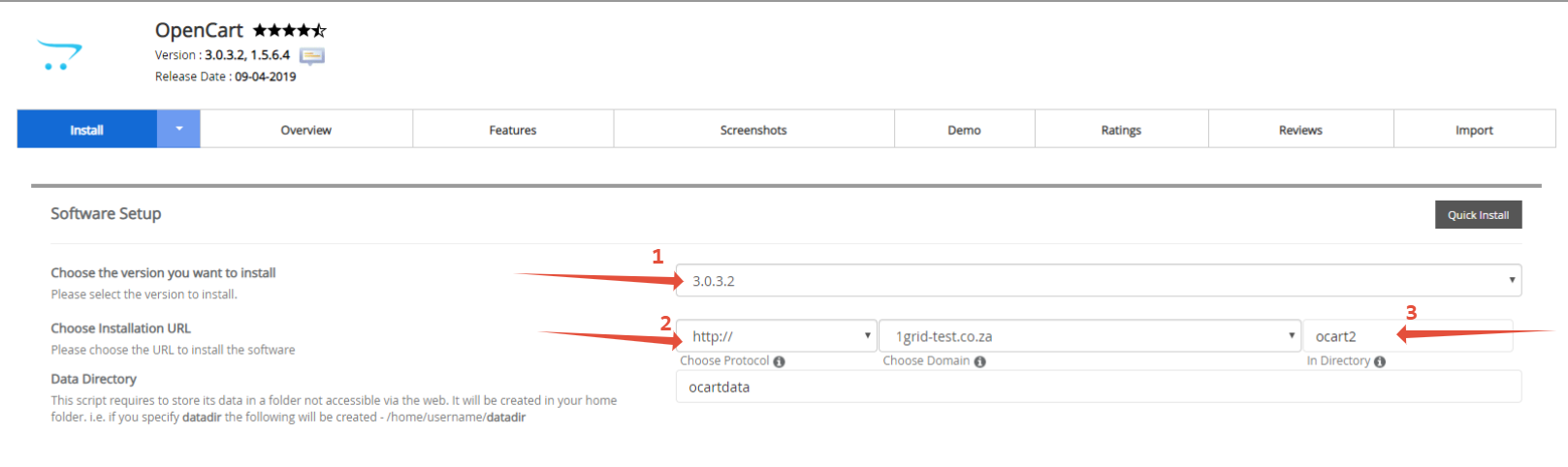
Step 4– Configure your installation options
- Choose Version , and directory for installation
- Should you wish to install in your main directory clear the in directory field (3)
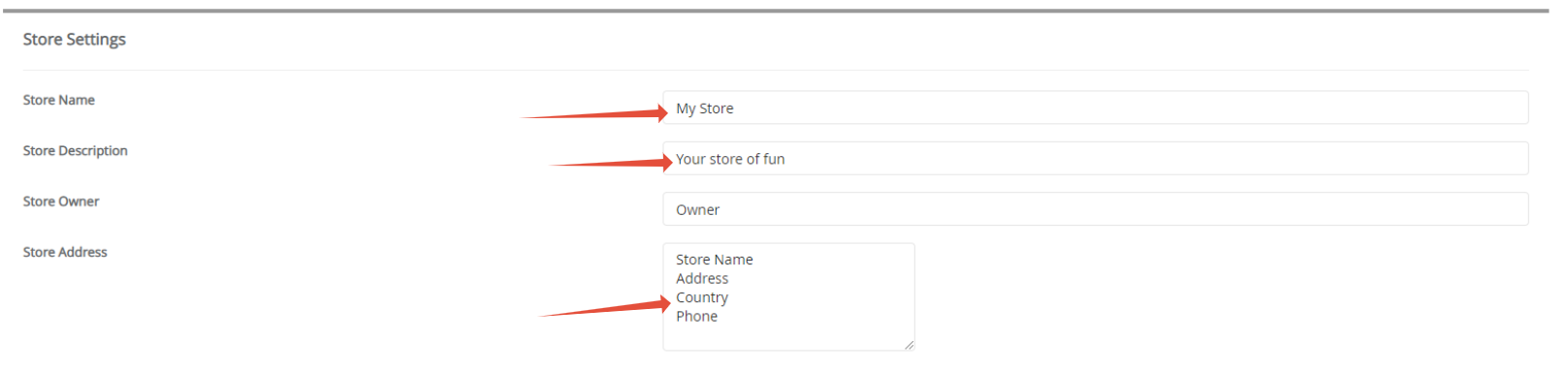
- Configure store settings such as name, description and store address
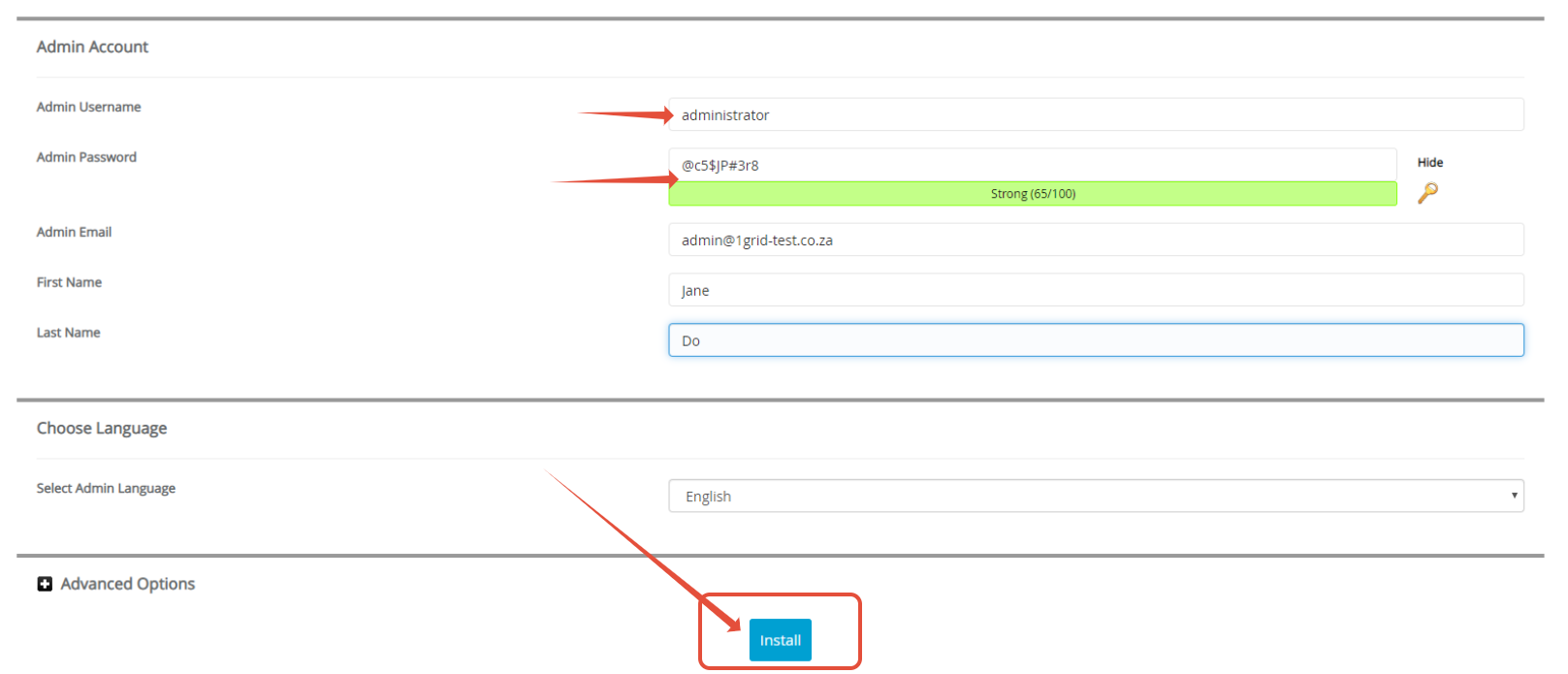
- Configure the Administrator account and Click Install.
Step 5– Completed! Save the installation details provided and login.