
Professional Email from 1-grid gives your business a reliable and professional presence with secure and affordable email hosting. In this guide, you’ll learn how to access an email account for Professional Email and log in from Webmail on your computer or mobile device so you can stay connected anytime, anywhere.
Accessing Your 1-grid Mail via Webmail
1. Access your email easily from anywhere with 1-grid’s Webmail platform. Simply open your browser and go to http://mail01.1-grid.com.
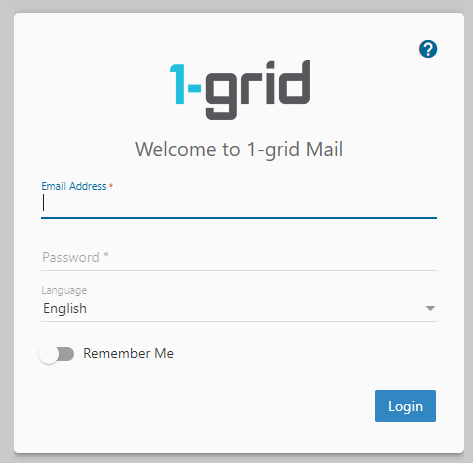
2. Enter your Email Address and Password.
3. Click on Login.

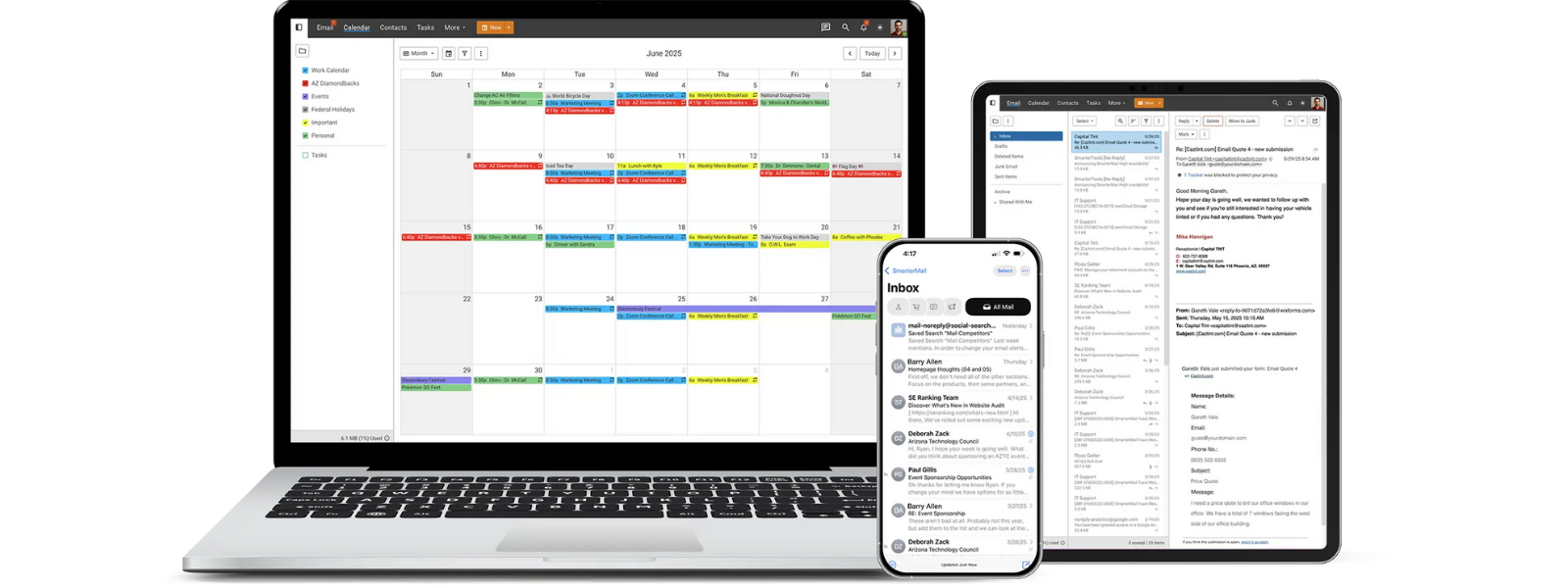
TIP: You can access, manage, and view your Webmail on any device, anywhere, anytime.
Forgot Your Password or Having Access Problems?
You can follow these quick steps on how to update your email password for Professional Email.
Troubleshooting Tips
- Clear your browser cache on your computer or your mobile device, or try a different browser if Webmail doesn’t load.
- Check your internet connection and monitor its speed.
Managing Your New Email Account
Update your DNS Settings to ensure your Professional Email delivers reliably and reflects your domain, reinforcing your brand with every email you send.
Best Practices
- Use strong, unique passwords to protect your business data.
- Assign professional mailbox names like [email protected] to build trust and credibility with clients.
- Regularly review and remove unused accounts via Manage Users in your Admin Dashboard.
- Do not use email as a primary storage function and ensure that any important information is backed up and stored in another location.
FAQs
Q: Where do I log into Webmail?
You can log into Webmail directly via your Admin Dashboard, or via the direct Webmail link (http://mail01.1-grid.com).
Q: Can I use Outlook or my mobile device to check mail?
With Professional Email, you get business-grade functionality at a fraction of the cost of MS Exchange. You can log in via webmail anytime, from any device, making it a flexible and cost-effective choice for small businesses and growing teams.
Q: How do I reset the password for an email account?
You can do this by managing a user under Manage Users in your Admin Dashboard, via your Customer Zone.
Additional Resources
Professional Email Product Page
What is Professional Email from 1-grid
How to Access an Email Account for Professional Email?
Email for Business: How to Reset Your Email Password from Your Customer Zone
Email for Business: How to Update Your DNS Settings
Other Email for Business How-To Guides
How to Verify Your 1-grid Account for Support
How to Keep Your 1-grid Account Details Up to Date
Adding a Sub-Account or Technical Contact to Your 1-grid Account
Deleting a Sub-Account or Technical Contact from Your 1-grid Account
Preventing Unauthorised Customers from Accessing 1-grid Support
Need Additional Support?
We’re Here to Help:
With Professional Email from 1-grid, you get more than just an inbox. You get a reliable, secure, and professional communication tool for your business. If you need help at any stage, our Support Team is just a click away (https://1grid.co.za/contact-us/). We’re ready to see how we can help!