This article will show you how to migrate WP data to Public_HTML Folder
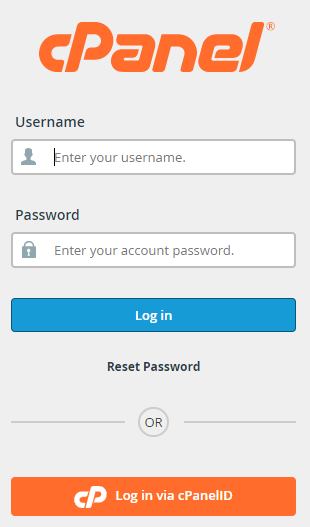
Step 1. Log into Cpanel
Step 2. Click on File manager

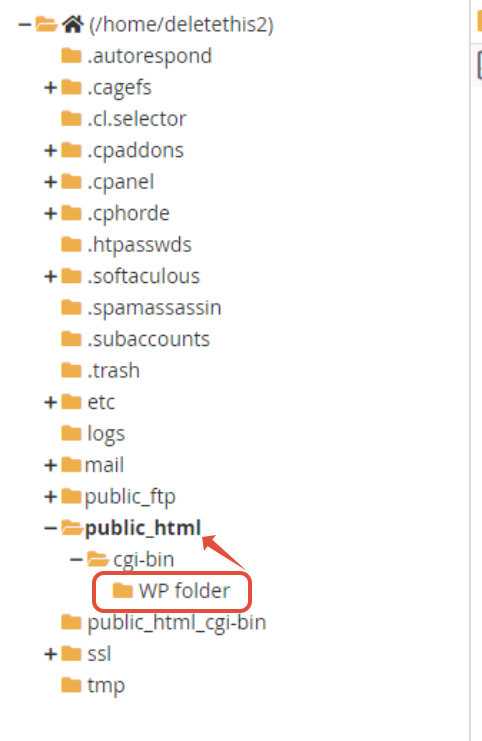
Step 3. You will need to drag the Content in the WP folder into your public_html folder

This article will show you how to migrate WP data to Public_HTML Folder
Step 1. Log into Cpanel
Step 2. Click on File manager
Step 3. You will need to drag the Content in the WP folder into your public_html folder