
We know that managing your online services doesn’t always happen at a desk. The 1-grid App is designed to give you quick access, real-time updates, and peace of mind, wherever you are.
Keep your hosting account, billing, and support always within reach, in your pocket and on-the-go.
This guide introduces the 1-grid App and shows how it helps you manage your account, billing, and support, all from your mobile device.
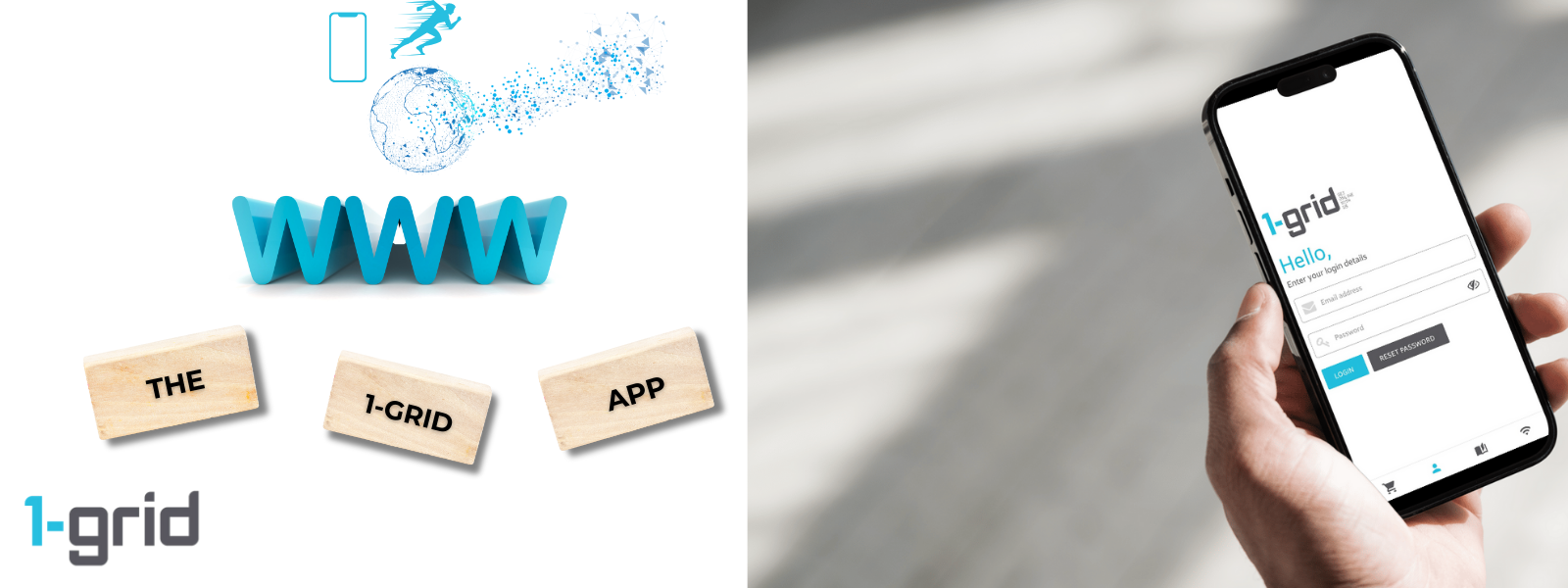
What Is the 1-grid App?
The 1-grid App is a secure, mobile extension of your Customer Zone, designed to help you stay informed and in control while you’re on the move.
You can use it to:
- Monitor billing and invoices
- Update account information
- Buy new services
- View services
- Check domain availability
- View recent orders
- Read Knowledge Base articles
Why this matters: No need to log in on a desktop just to take action.
What You Can Do in the App (With Benefits)
View and Pay Invoices Instantly
Benefit: Pay an invoice in seconds, even while travelling or catching your breath between meetings.
Monitor Your Services at a Glance
- See how many domains are active
- View your services in one place
- View key account details instantly
Benefit: Quick visibility without logging into your Customer Zone via a desktop, giving you the freedom to focus on what matters without being tied down.
Update Account Information
Make quick changes to:
- Contact details
- Account preferences
Benefit: Keep your account details accurate to avoid delays in support or billing.
Use Handy Account Shortcuts
The app provides shortcuts to commonly used account actions.
Benefit: This means less clicking and faster action.
Payments on the Go
The app is especially useful for billing on the go:
- Pay invoices immediately
- Avoid service interruptions
- Stay in control of renewals
Making handling your billing calm and secure – anytime, anywhere.
How to Get Started
Getting started is just as easy as 1-2-3. Downloading is absolutely free and takes less than a minute.
1: Download the App
2: Log In Securely
No separate account setup required, so you can simply log in using the same email address and password you use for your 1-grid Customer Zone.
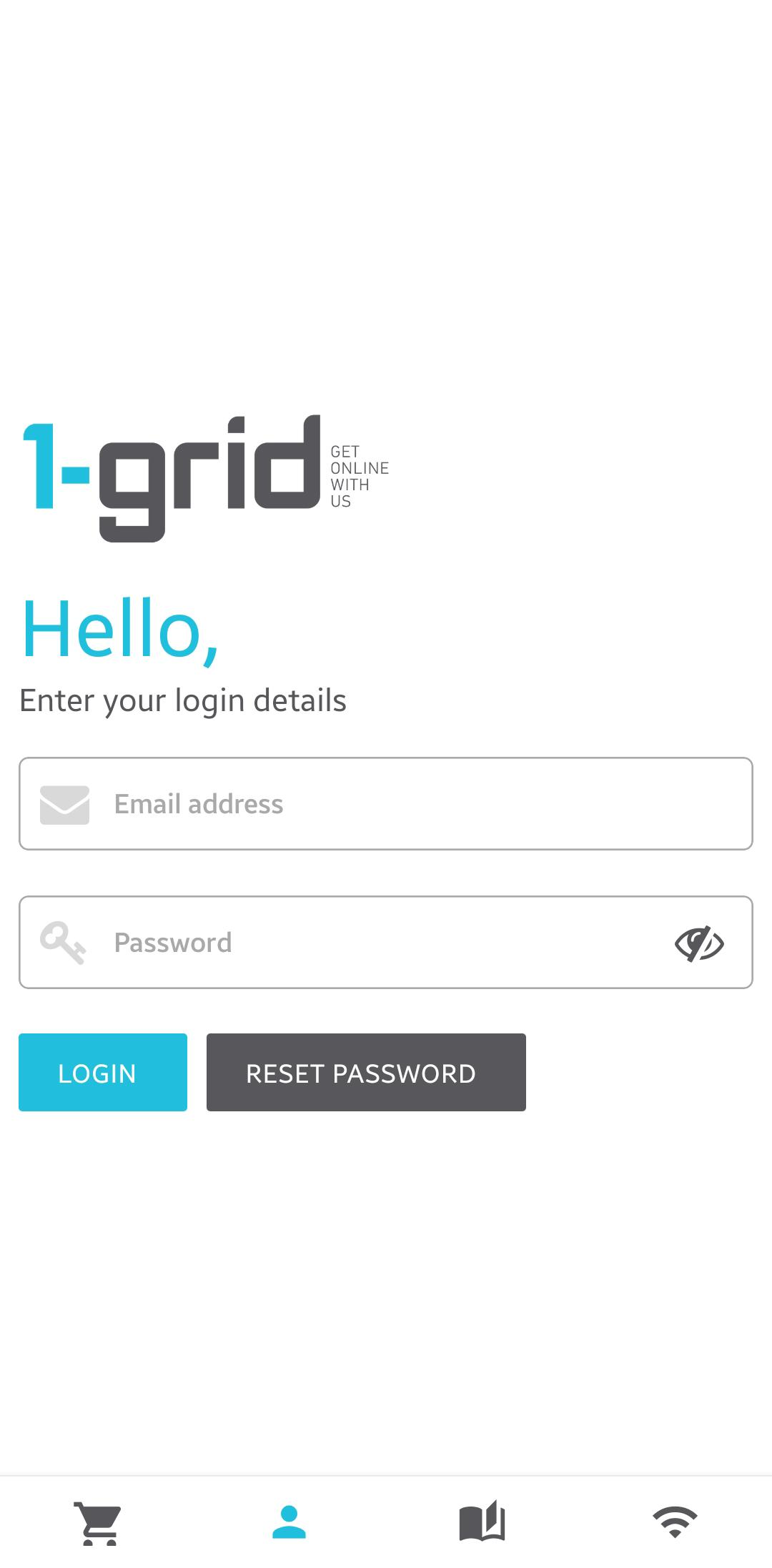
That’s it!
Our Scope of Support
Here’s an outline of what we can do and what is not within our Scope of Support if you’re stuck and need any additional guidance or support.
Included Support
We can help with:
- Guidance on where to download the app for your device
We may refer you to related guides for:
- Invoice payments
- Password or security updates
For device-specific, Play or iOS Store challenges you may run into, we highly recommend that you contact the relevant Support for these.
FAQs
Q. Is the app secure?
Yes, it uses the same secure login as your Customer Zone.
Q. Can I pay invoices from the app?
Yes, you can view and pay invoices directly and securely.
Q. Do I need a separate account?
No, you can use your existing Customer Zone login details.
Q. Is the app free?
Yes, it’s 100% free to download and use. You will likely only need to pay network data charges when downloading, depending on your device’s connectivity settings
Additional Resources
How to Pay My Invoices Using the 1-grid App
Updating Your Profile Information with the 1-grid App
Viewing Your Logged Support Tickets via the 1-grid App
How to Check Our Network Status Using the 1-grid App
Need Additional Support?
We’re Here to Help:
Downloading the 1-grid App on your device doesn’t have to cost you time with this easy-to-understand guide. Stuck? Contact our Support Team for further clarity and guidance (https://1grid.co.za/contact-us/). We’re ready to see how we can help!