
At 1-grid, we understand that uninterrupted service is essential to your business and digital presence, but sometimes, hosting, email, and domain services may be affected by temporary suspensions due to outstanding payments or security-related issues.
This guide will help you understand what a suspension means, why suspensions occur, what you can do to restore your services quickly, and how to prevent future disruptions, ensuring your website and email stay up and running with confidence.
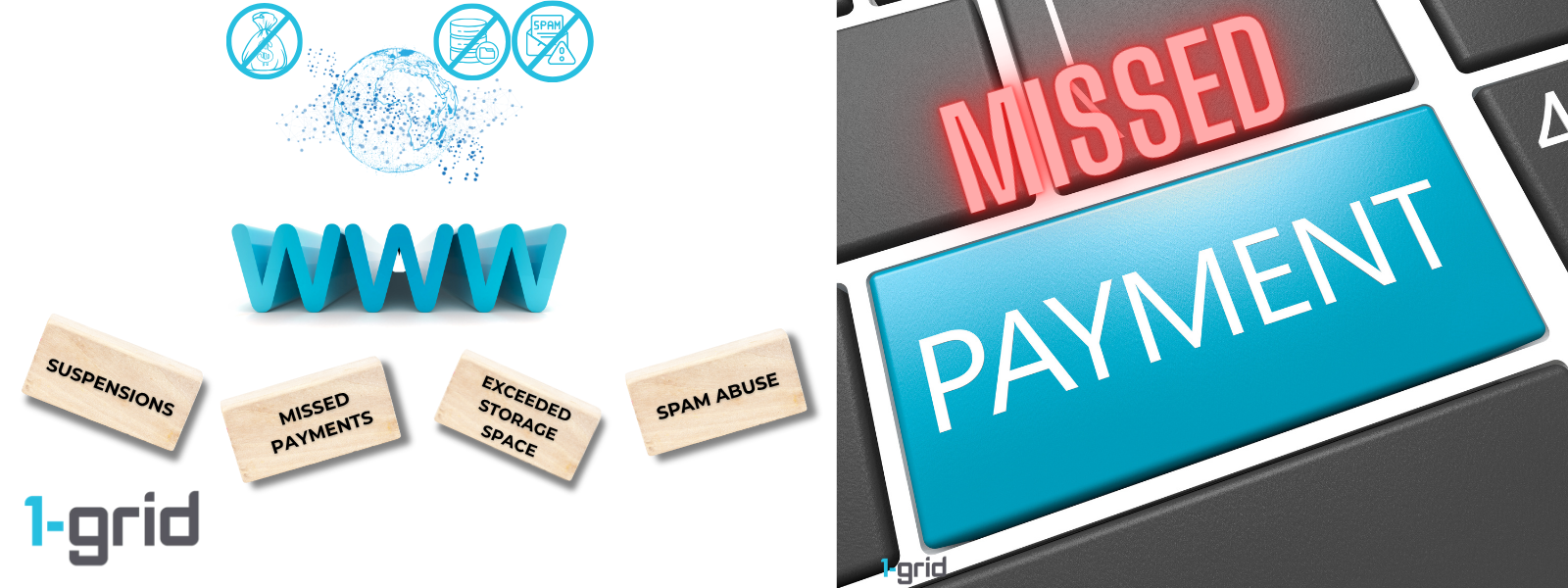
- What is a Suspension?
- Suspension Reasons
- Invoicing and Payments During Suspension
- Benefits of Paying on Time
- What is a Service Reactivation Fee?
- When Can I Request Reactivation?
- What Hosting Services Can Be Reactivated?
- How to Reactivate a Hosting Package due to Non-Payment
- When to Contact 1-grid Billing Support
- FAQs
- Additional Resources
What is a Suspension?
A temporary and reversible suspension happens when your hosting account or related service (email, domain, or website) is temporarily disabled due to an unpaid invoice, overdue renewal, or a security-related issue (e.g., malware, phishing activity, or overuse of resources). This can be reversed once payment or the required action is completed.
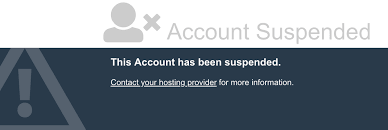
At 1-grid, we believe in the importance of uninterrupted services and supporting you in keeping your brand online, which is why we play our part in proactively sending invoices in advance, sending notifications, and reminders before any potential suspension may occur.
Suspension Reasons
Common reasons for service suspension include:
- Unpaid or Overdue Invoices:
The most common reason for suspension. If payment isn’t received after multiple reminders, your services are automatically paused to prevent account debt and resource overuse.
Learn more: Why Do I Have to Pay a Service Reactivation Fee?
- Security Concerns:
Services may be temporarily suspended if suspicious activity, phishing, or malware is detected to protect your data and other customers on the network.
- Exceeded Resource Limits:
In some cases, hosting accounts can be suspended for exceeding storage, bandwidth, or email quota limits.
REMEMBER: Suspension is not permanent.
Invoicing and Payments During Suspension
At 1-grid, we understand that payment delays can happen, and our goal is to help you get your services back online as quickly and seamlessly as possible.
When a service is suspended due to non-payment, it’s important to know that your billing cycle continues until the account is formally cancelled or terminated.
Suspension is a temporary status that restricts access, but your service remains active in the background.
This means that:
- Your hosting space, domain allocation, and IP resources remain reserved for you.
- Your website data and content are securely stored and not deleted.
- We continue to maintain and pay for the underlying infrastructure that supports your service.
Because your service isn’t cancelled, the normal billing process continues until payment is received or a cancellation request is processed. Once payment reflects, your account is automatically reactivated, and access to your services is restored immediately.
To avoid unnecessary charges or downtime, we recommend:
- Keeping your payment details up to date in your Customer Zone.
- Paying outstanding invoices promptly to avoid suspension.
- Cancelling services you no longer need through the official 1-grid Cancellation Process to stop billing.
Your trust matters to us, and we’re here to make reactivating your services or managing your billing as quick and stress-free as possible.
Benefits of Paying on Time
Timely payments support continuity and peace of mind for you, while your business needs your focus:
- Avoids Interruptions: Paying invoices on time keeps your hosting, domain, and email active without any downtime.
- Protects Your Data: Prevents accidental loss of website files or email due to prolonged suspension.
- Builds Reliability: Consistent payments reflect professionalism and help maintain trust with your customers.
- Simplifies Renewals: Ensures connected services (like SSL certificates and domains) stay automatically renewed.
TIP: By automating your payments and paying your 1-grid services by debit order makes business a little more than just convenient; it’s a smart, secure, time-saving, and stress-free way to keep your services active while simplifying your billing and building trust, reliability, and financial confidence.
What is a Service Reactivation Fee?
A reactivation fee covers the administrative process of restoring data, reconnecting services, and verifying account integrity, and the fee starts at R50.00 for a standard suspension due to non-payment and can vary depending on the administration costs involved in needing to do a recovery. Reactivation requests that require a manual restore often can result in a higher fee, for cases after 60 days of suspension or cancellation.
When Can I Request Reactivation?
- Non-Payment
Settle your outstanding invoice through Debit Order, PayFast, EFT, or SnapScan, etc. - Security or Malware Issues
Remove or clean up any compromised files, then contact 1-grid Support to confirm. - Resource Limits
Upgrade your hosting plan or free up storage space.
What Hosting Services Can Be Reactivated?
At 1-grid, most hosting products (Web Hosting, Email Hosting, WordPress Hosting, VPS) can be reactivated within 60 to 90 days, if:
- The outstanding balance is settled in full.
- The service hasn’t been permanently deleted or replaced.
IMPORTANT: Services cancelled beyond the data retention period require a new setup or restoration.
How to Reactivate a Hosting Package due to Non-Payment
We have quick guides to make paying your invoices easy and stress-free.
Here are the quick steps to make a payment:
1. Log in to your 1-grid Customer Zone.
2. Go to Billing > My Invoices.
3. Locate your unpaid invoice for the suspended service.
4. Click Pay Now and choose your preferred payment method, and follow the prompts or steps for the method selected.
IMPORTANT:
- Once payment clears, the system will automatically process the reactivation.
- Reactivation for suspensions may take a few hours after payment confirmation.
- For cancelled services, contact Billing Support via a Customer Zone ticket or directly via email at [email protected] to request manual reactivation.
When to Contact 1-grid Billing Support
Contact our Team if:
- You’ve paid, but your service is not yet reactivated after 2 to 4 hours (2 to 3 business days for Direct EFT payments)
- Your hosting product was cancelled, and you need to confirm eligibility for reactivation.
- You believe your account was suspended by mistake or due to a technical issue.
- If you need assistance restoring files or backups from a cancelled service, where available.
- If you’d like to discuss reactivation fees or product upgrades.
Include the following:
- Proof of payment, clearly reflecting the date, account number, amount, and reference number (Customer Code).
- Impacted services.
FAQs
Will I lose my data during suspension?
Your data remains secure during temporary suspension. However, prolonged non-payment could lead to data deletion if the account transitions to cancellation outside of the period of 60 to 90 days.
Can I avoid suspension due to non-payment in the future?
Yes, we recommend that you enable Debit Order payments or make early payments through your Customer Zone.
What happens if my service was suspended due to malware or phishing?
Our team will guide you through cleaning and restoring your files before reactivating the service.
Additional Resources
Why Do I Have to Pay a Service Reactivation Fee?
Service Remains Suspended After Payment
How to Reactivate a Previously Suspended or Cancelled Hosting Product
How to Update My Payment Method in Customer Zone
Our Easy-to-Use Payment Methods at 1-grid
Need Additional Support?
We’re Here to Help:
Understanding suspensions and how to reactivate your services doesn’t have to feel technical with this easy-to-reference guide. Stuck? Contact our Billing Team for clarity and guidance (https://1grid.co.za/contact-us/). We’re ready to see how we can help!