
This guide will show you This article will show you How to install 1-grid Cloud Backup Agent (CentOS)
Step 1 – Login to your Cloud Backup Control Panel
- Login with Username and Password received during application.
- The link to Backup Portal would be https://backup.1-grid.com/

Step 2 – On the Add Device pop-up click Show all options

Step 3 – Click Linux to start downloading your Backup Agent
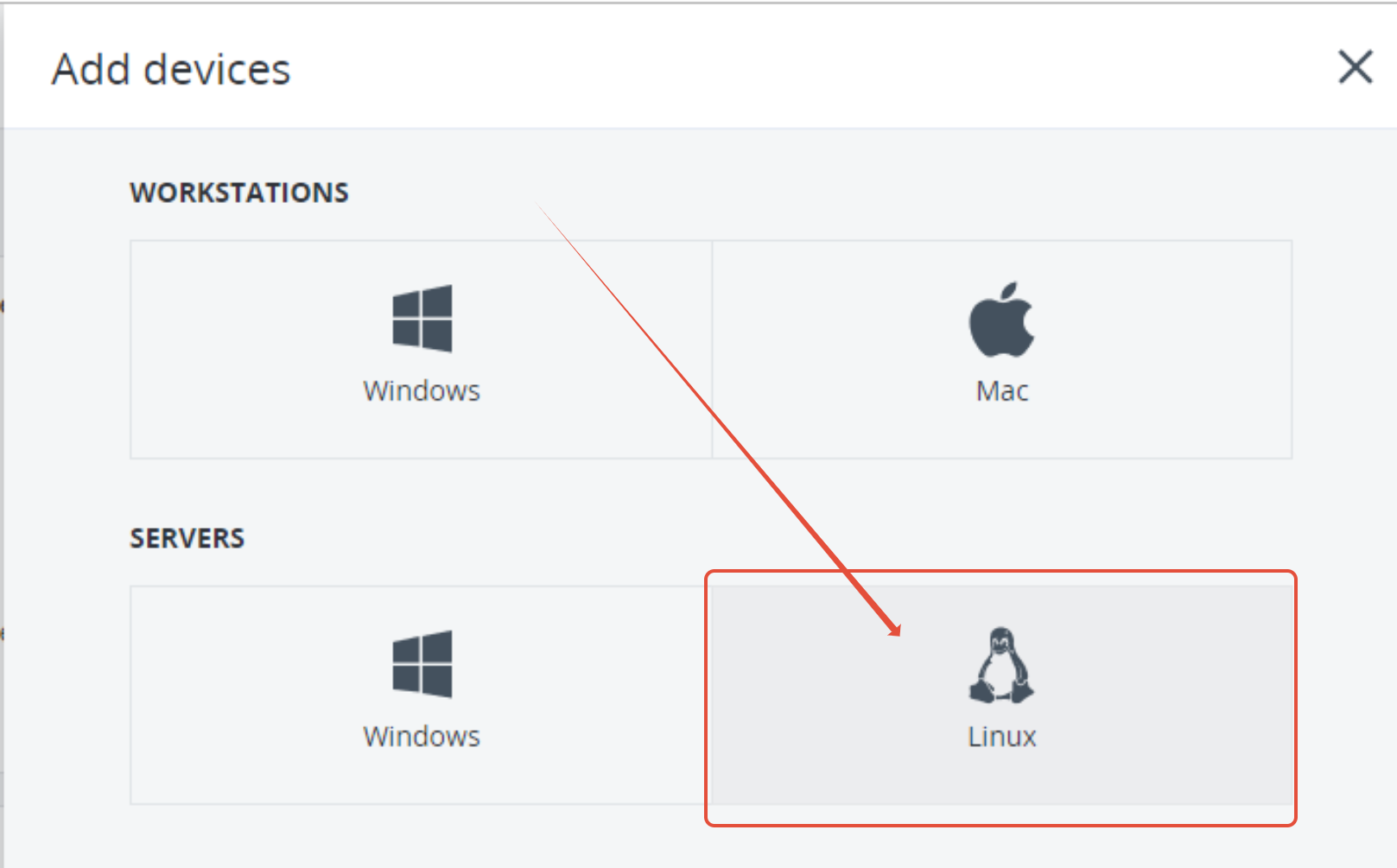
Step 4 – Upload the Agent Software to your VPS for installation
- For step by step instructions on how to upload files using FTP please see the article here.
Step 5 – Login to your VPS and install the Agent Software.
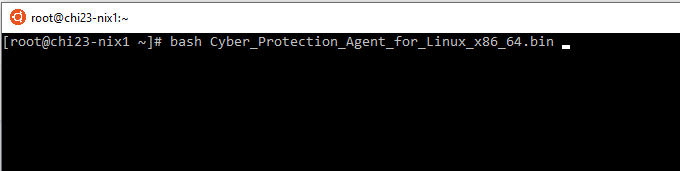
- Choose Agent for Linux
- Choose Next
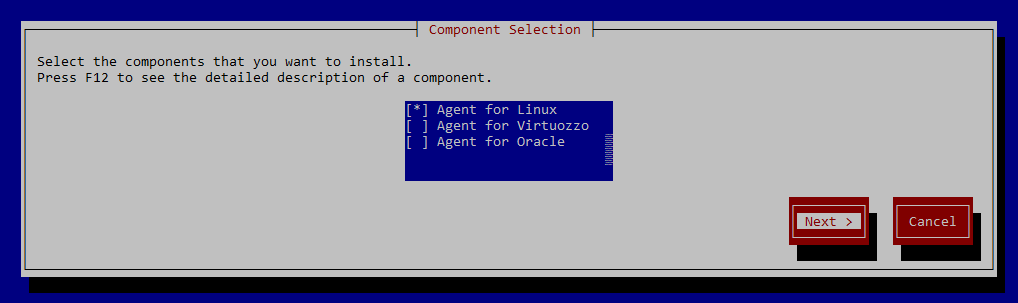
- Choose Next until the installation completes
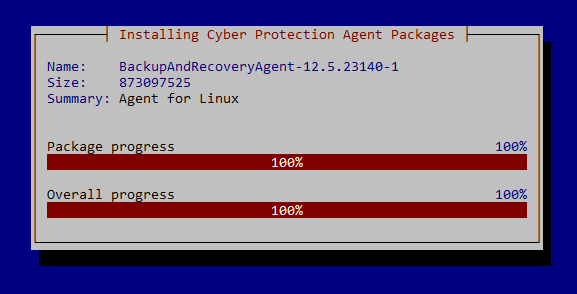
Step 6 – Register your Agent Software.
- Choose Show Registration Info

- Make a note of the Registration Code provided as the registration code is only valid for 1minute
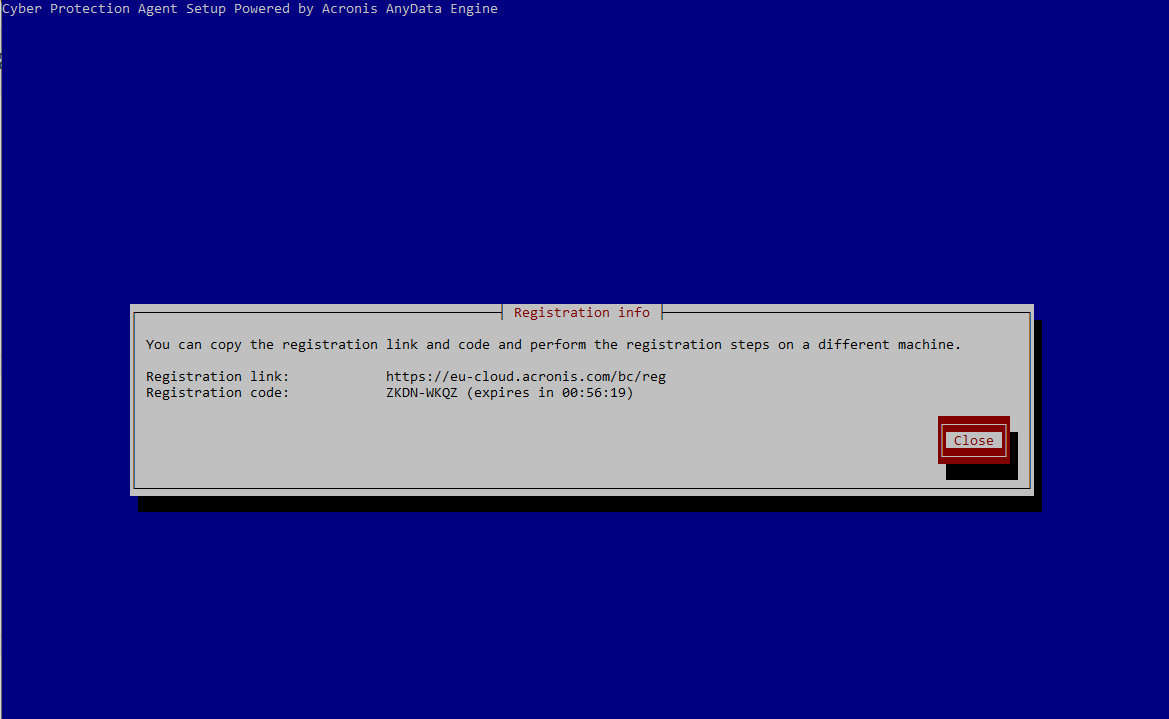
- Go to https://backup.1-grid.com/bc/reg and enter the registration code.
- Click Check Code

