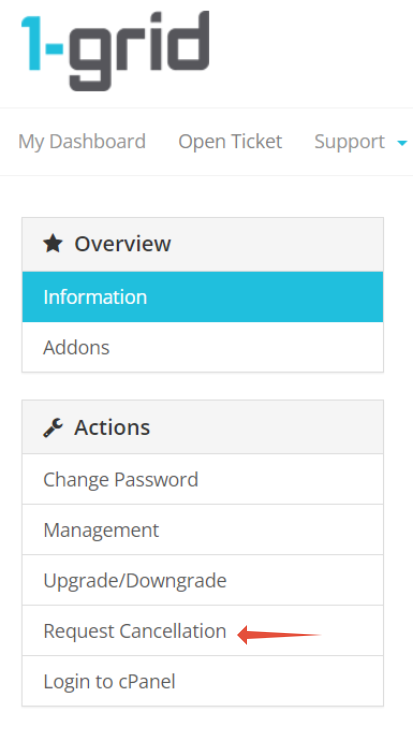
This article provides you with information on how to request cancellation from your 1-grid customer zone.
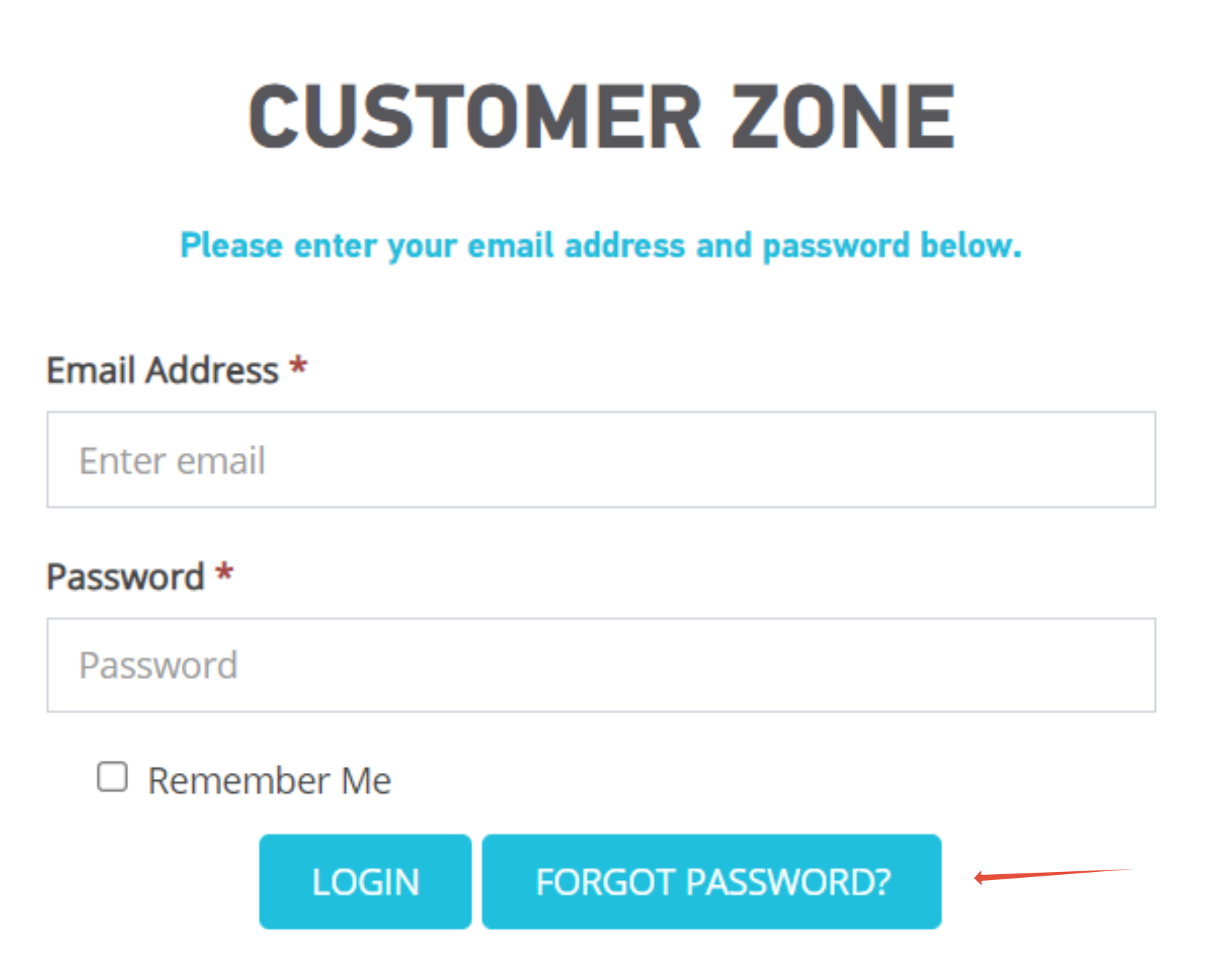
Step 1- Login to your 1-grid Customer Zone
- Go to https://1-grid.com/client/clientarea.php
- Enter your email address and password you created during your application.
Step 2- Click Services
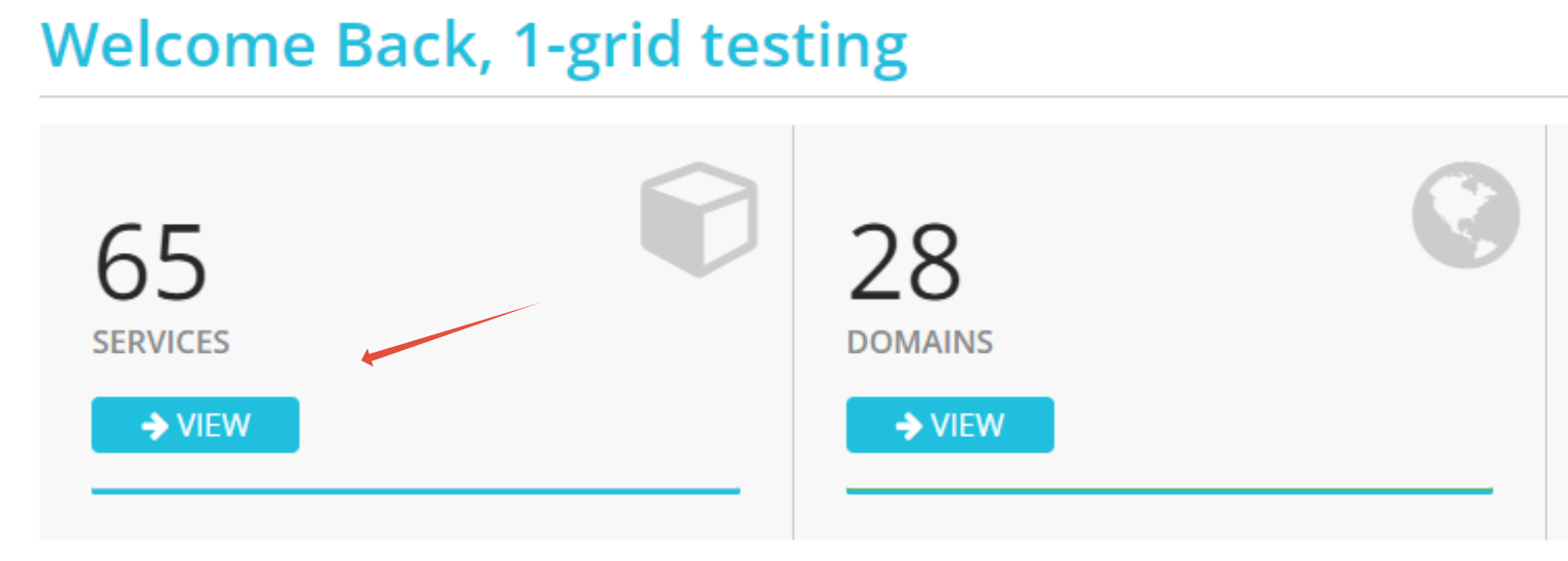
Step 3– Click Manage Product on the relevant service.

Step 4 – Under Actions click Request Cancellation
-
Follow the prompts on the screen to complete.