This guide will take you through the steps of downloading a database from cPanel.
Step 1. Log in to cPanel.

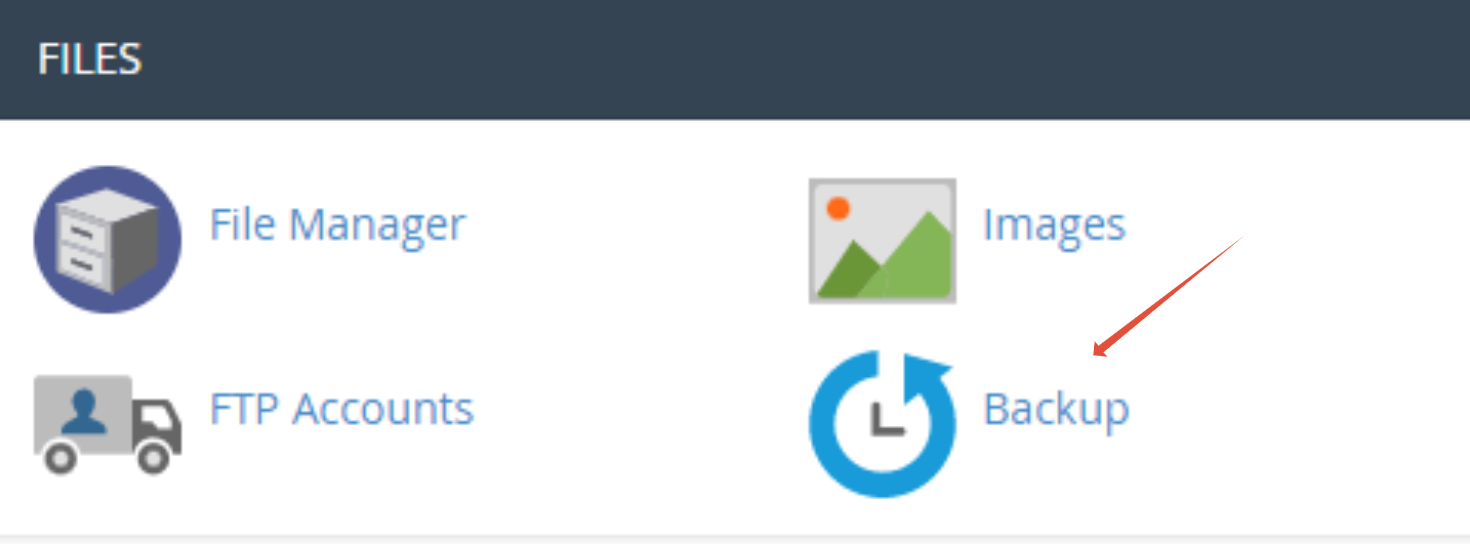
Step 2. Click on “Backup“.
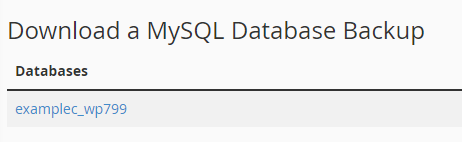
Step 3. Click on your database(s) to download them.
That’s it! You’ve successfully downloaded your database!


This guide will take you through the steps of downloading a database from cPanel.
Step 1. Log in to cPanel.
Step 2. Click on “Backup“.
Step 3. Click on your database(s) to download them.
That’s it! You’ve successfully downloaded your database!