This article provide you with information on how to upload your MS SQL database to Plesk.
Step 1. Login to Plesk
- Login with username and password received when you completed your subscription.

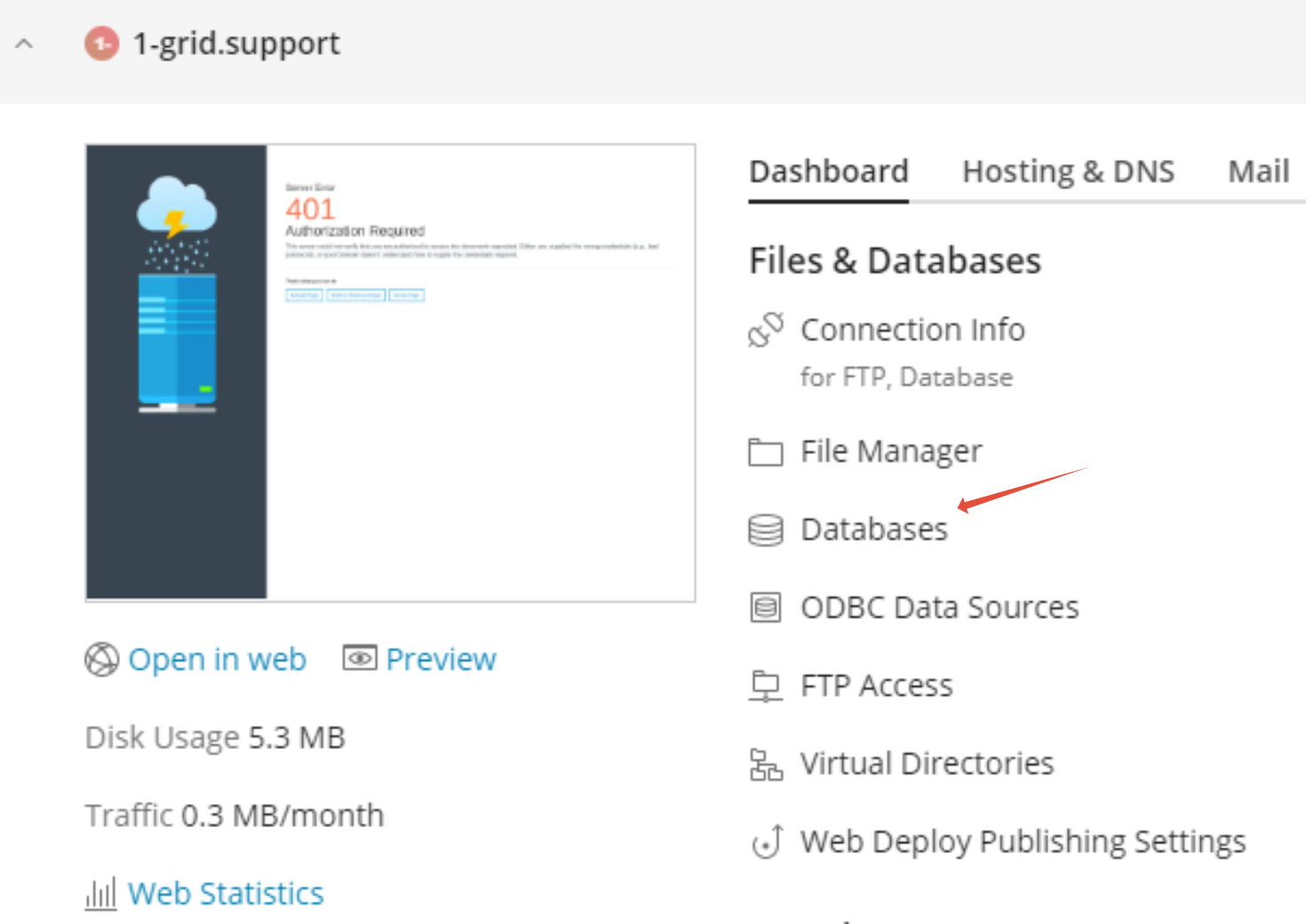
Step 2 – Click on Databases
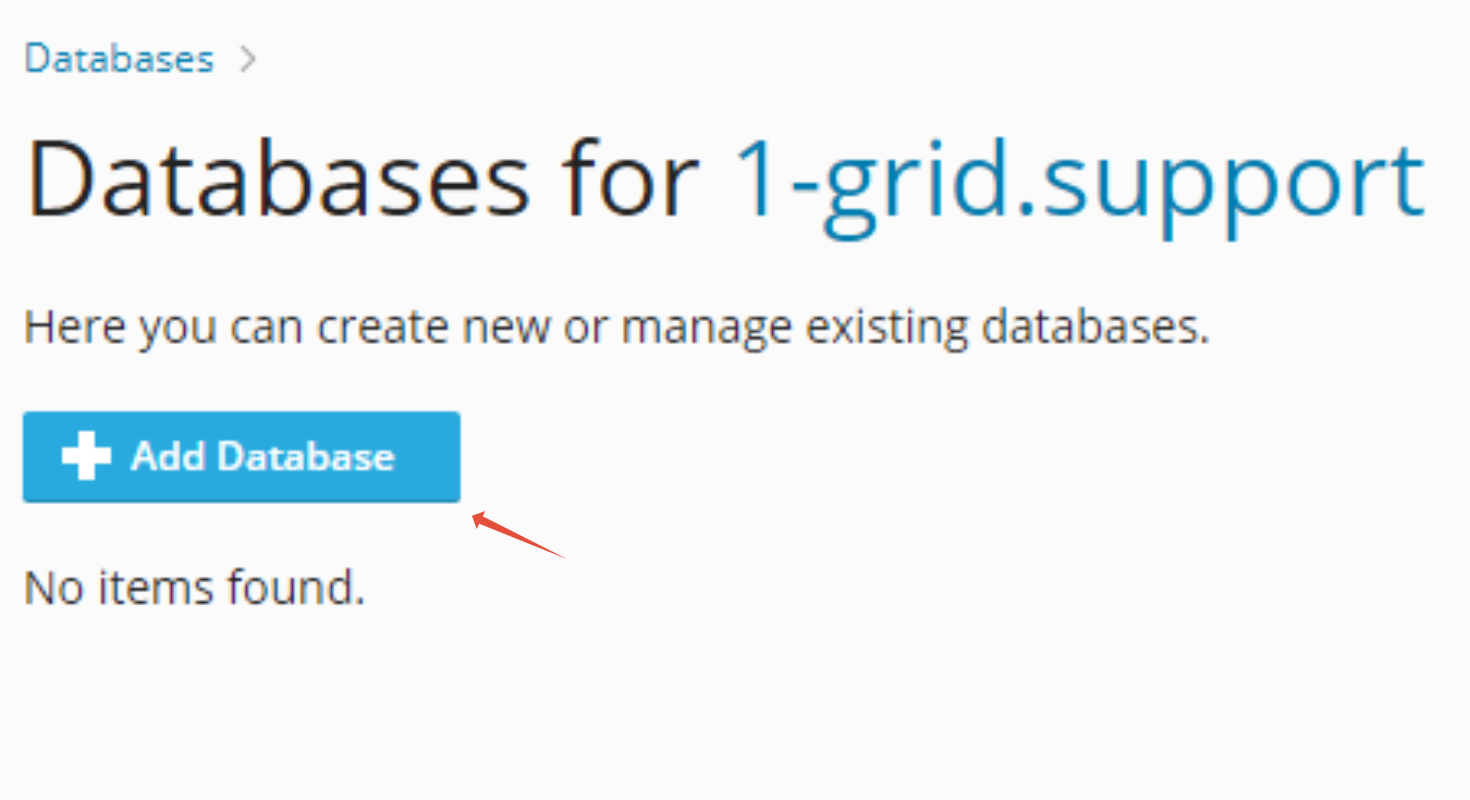
Step 2 – Click on Add Database
- To add anew database click on Add Database
Step 3 – Select MS SQL
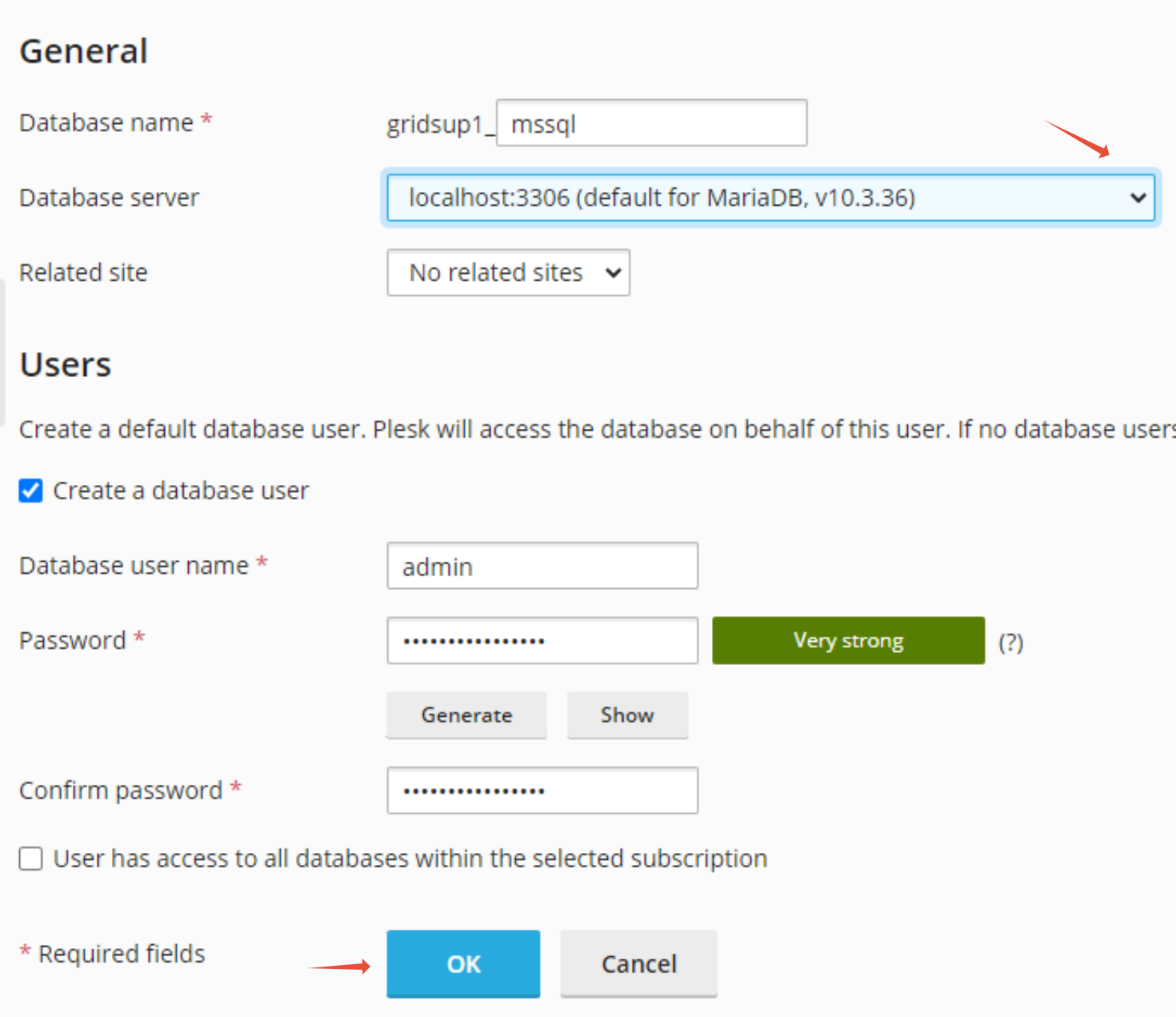
- To add a MS SQL database choose it from the drop-down menu next to Database Server
- Choose Database name, Username and Password
- Click OK
Upload MS SQL Database
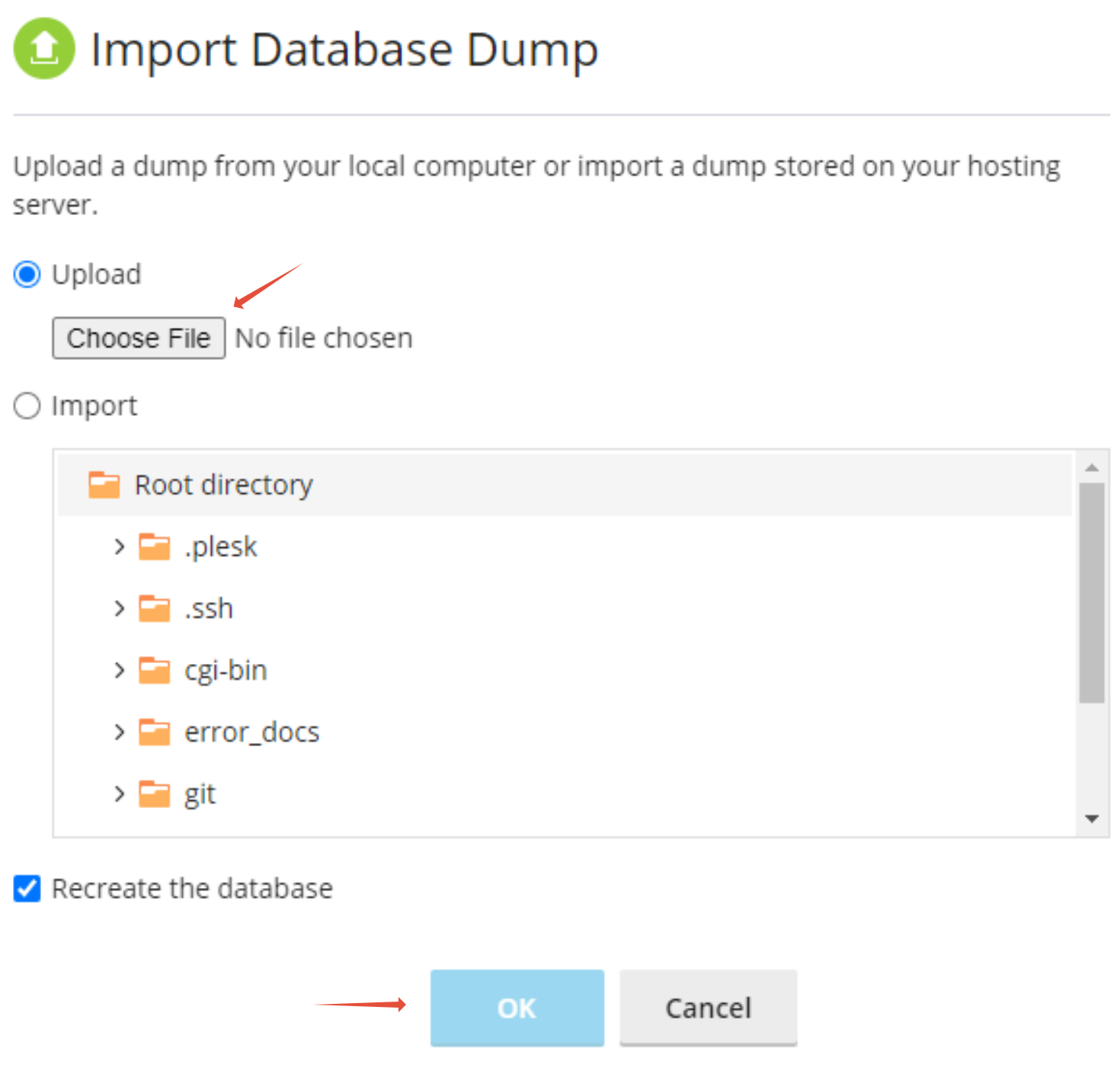
- Once database is created, you can check the database list from your Database section on the screen. Click on the Import Dump option.
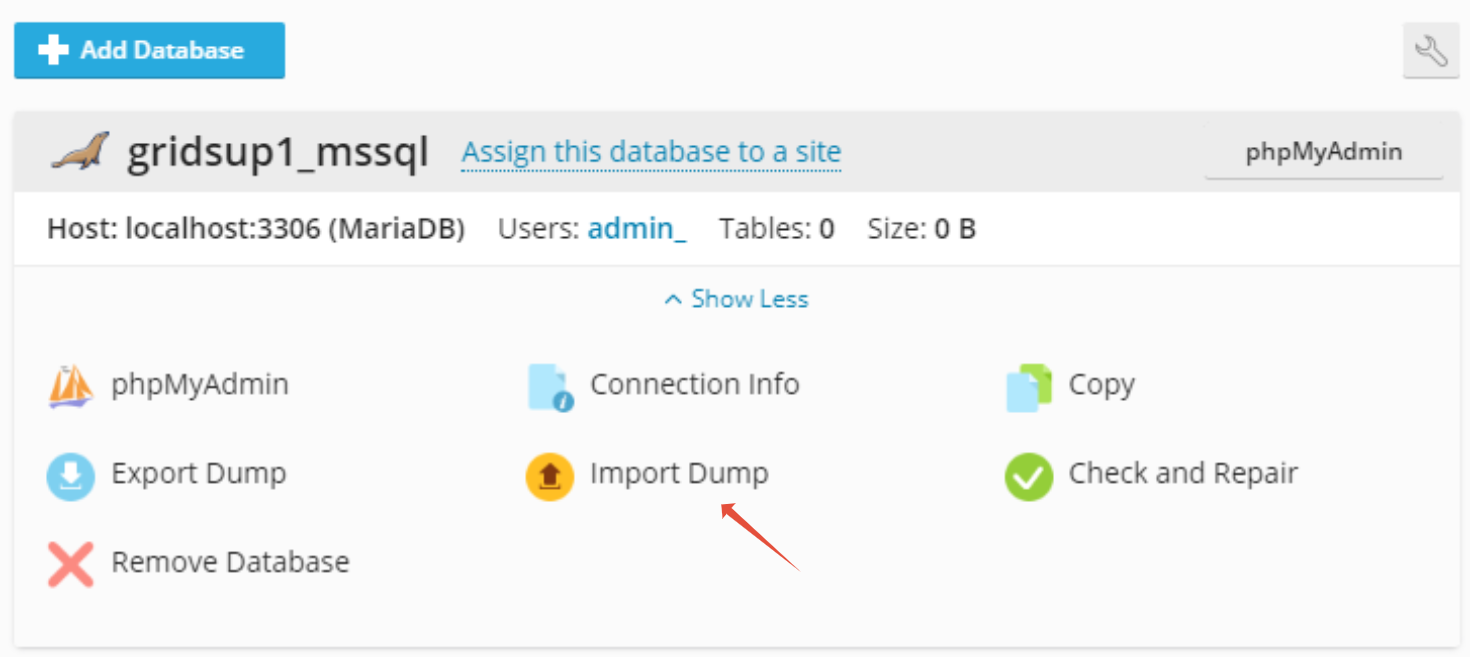
- Choose the MS SQL file from your local computer and click OK