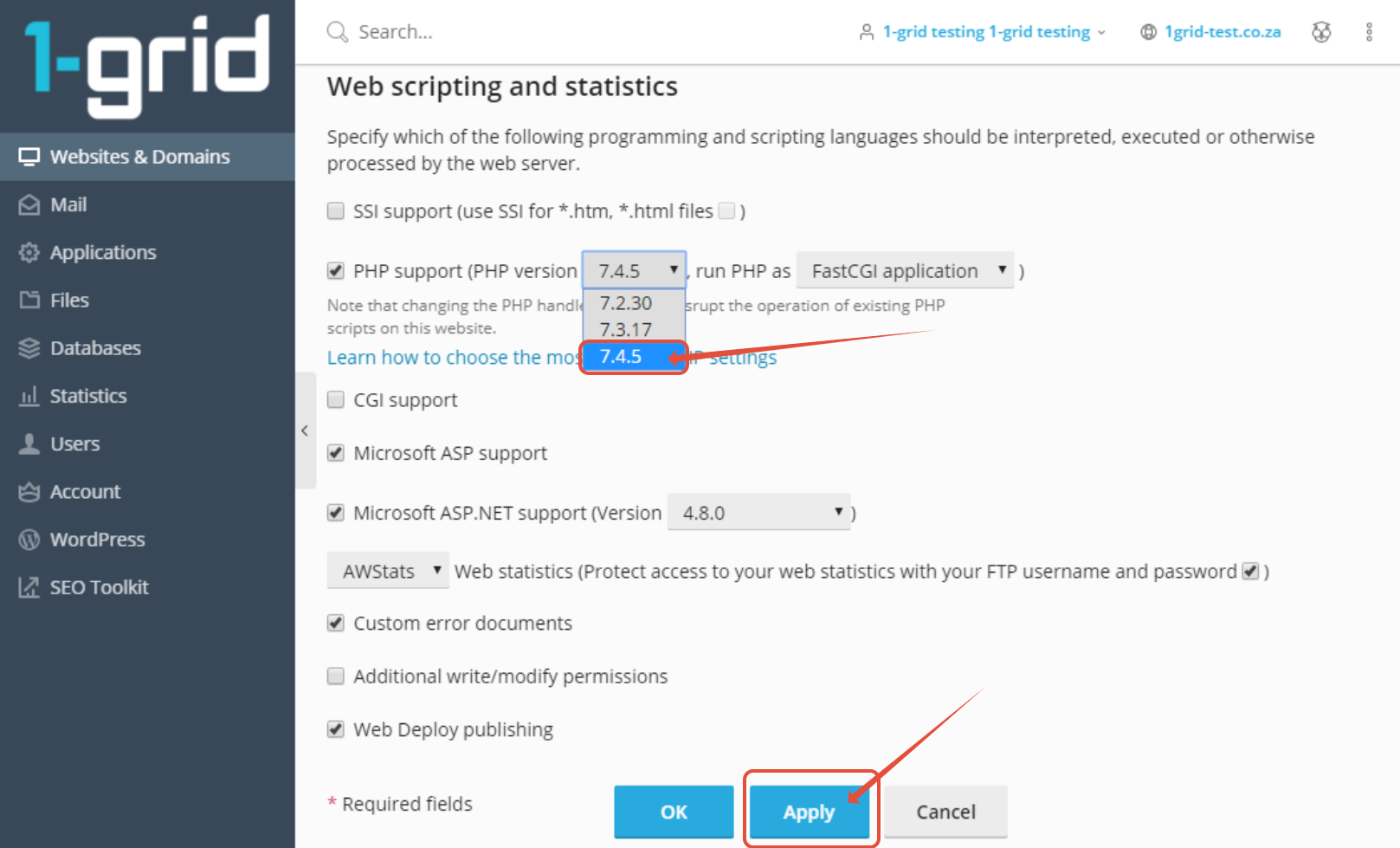
Plesk: Updating PHP version This article provides you with steps to update your PHP version via Plesk. Step 1– Login to Plesk. Login with username and password received when you completed your application. Step 2 – Click on Hosting & DNS > Hosting Settings Step 3– Select PHP version and click Apply Updated on August 30, 2023 Tagged: hostinghow tophppleskupdateupdatingversion Was this article helpful? Yes No Related Articles Catch-All Email Address: How to Set Up in cPanel | 1-grid Monthly Bandwidth: Does Email Count Towards This with 1-grid? Remote MySQL Access: How to Configure on 1-grid Hosting cPanel vs. WHM: What’s the Difference? What PHP Versions Does cPanel with 1-grid Support? What Databases Does 1-grid Support?