This Article will show you How to remove a Website in WebsitePanel
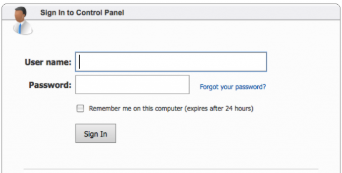
Step 1. Log into your WebsitePanel Account.
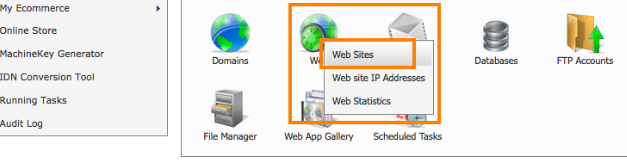
Step 2. Go to hosting space panel, and then open menu “Web -> Websites“:
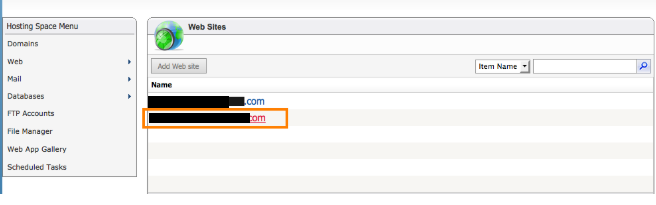
Step 3. Choose the website that you want to delete and click on it:
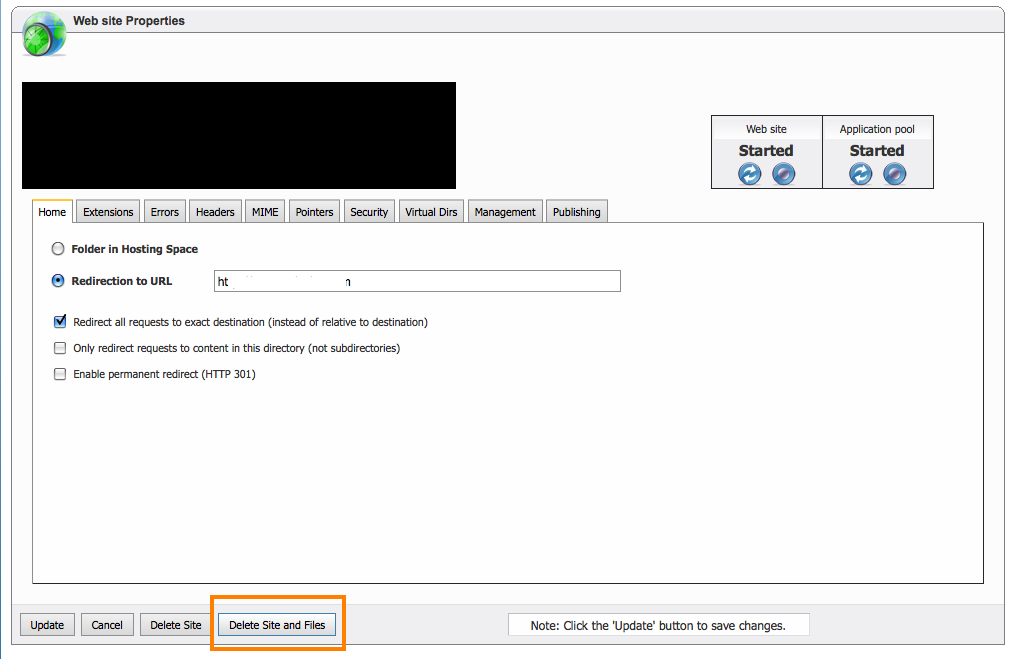
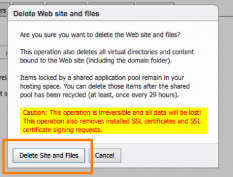
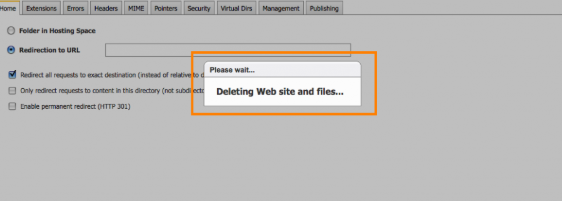
Step 4. Click on the “Delete Site and Files” and wait to the process to finish: