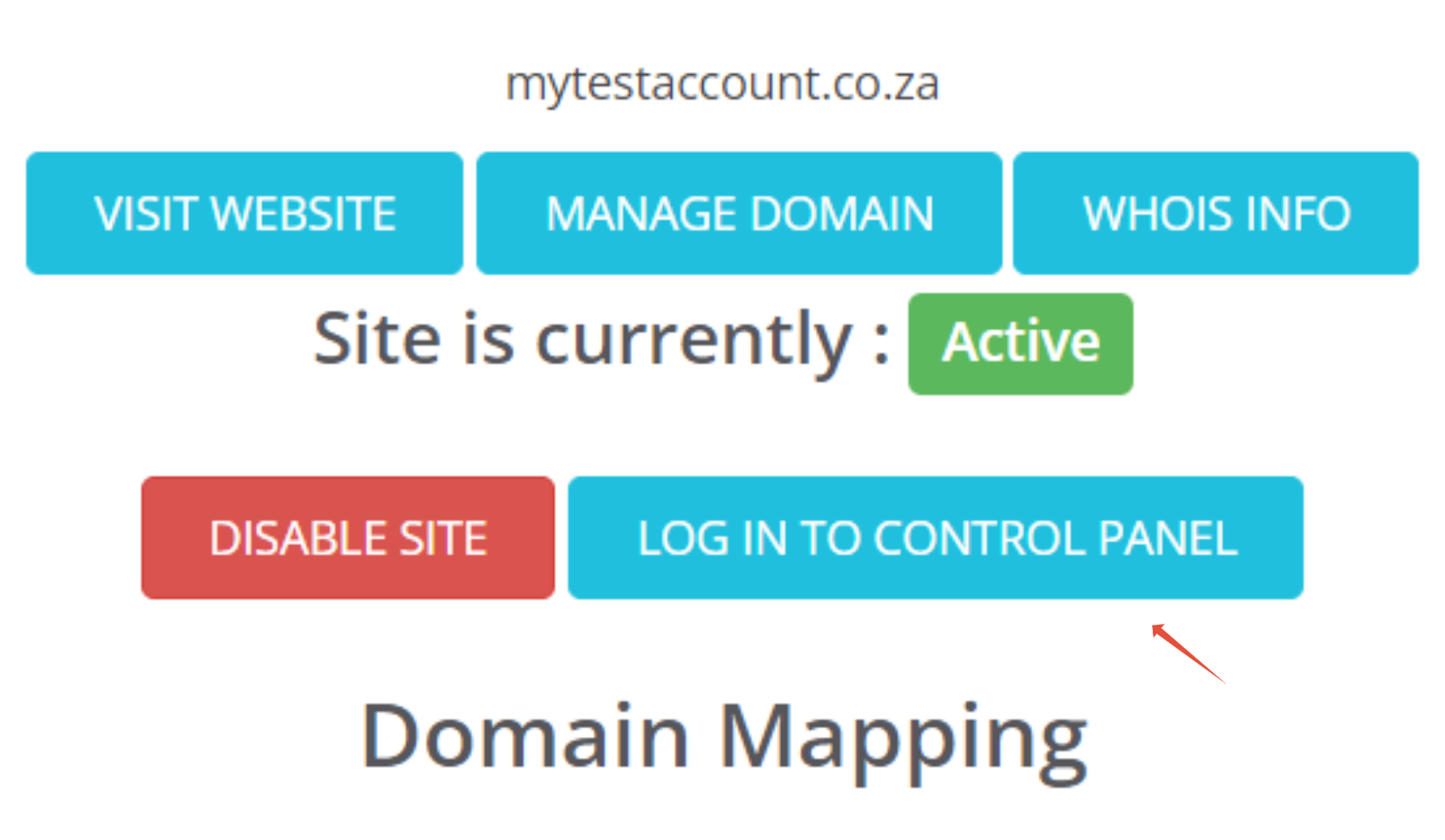
This quick guide provides you with steps to log in to your Website builder.
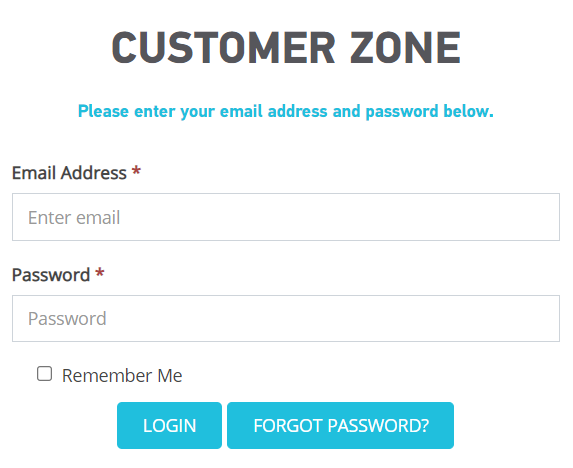
Step 1– Log in to your 1-grid Customer zone.
- Go to https://1-grid.com/client/clientarea.php
-
Enter your email address and password that you created during your application.
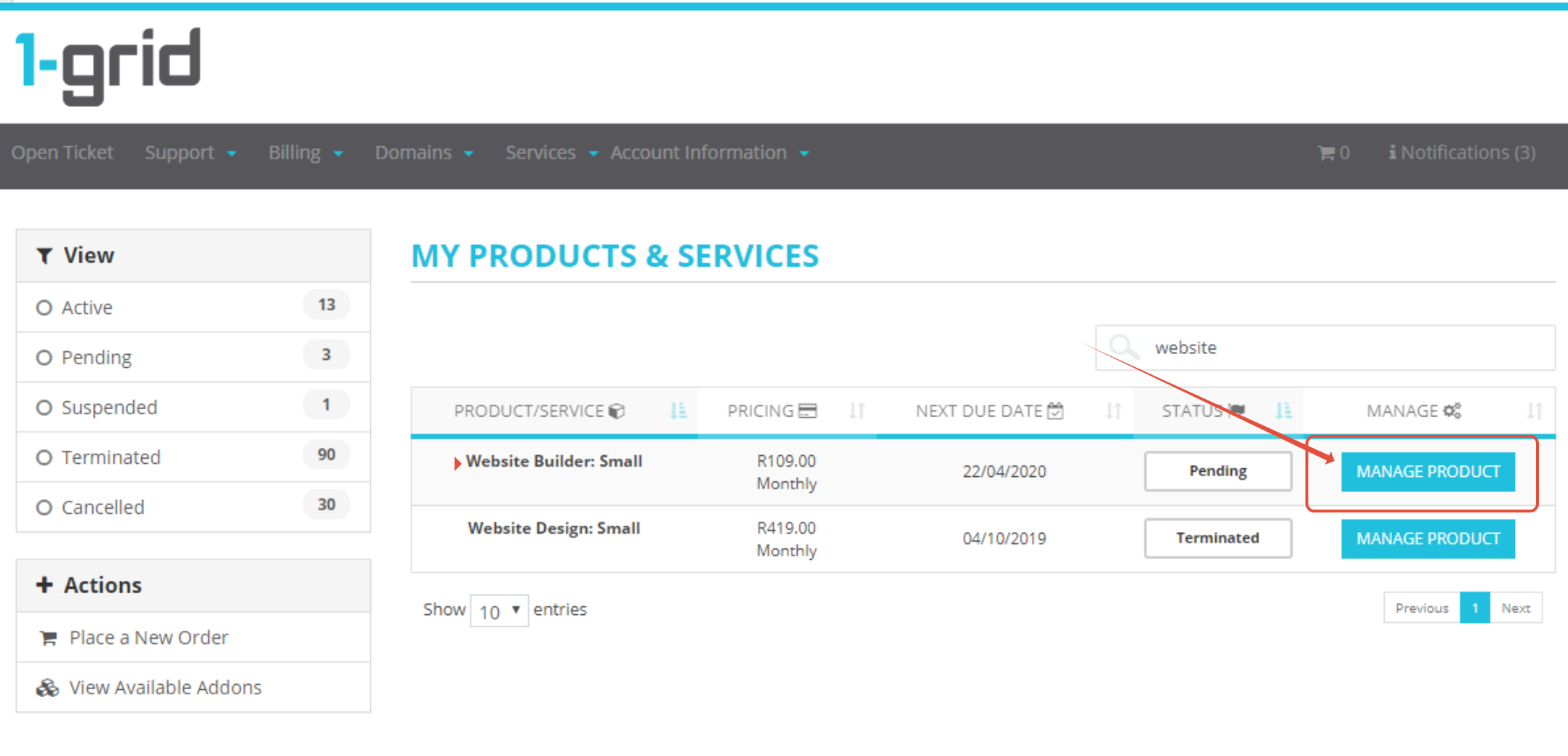
Step 2 – Click on Services.

Step 3 – Click Manage product on the relevant package.
Step 4 – Under One Click Log In to the Control Panel, click on Website Builder.