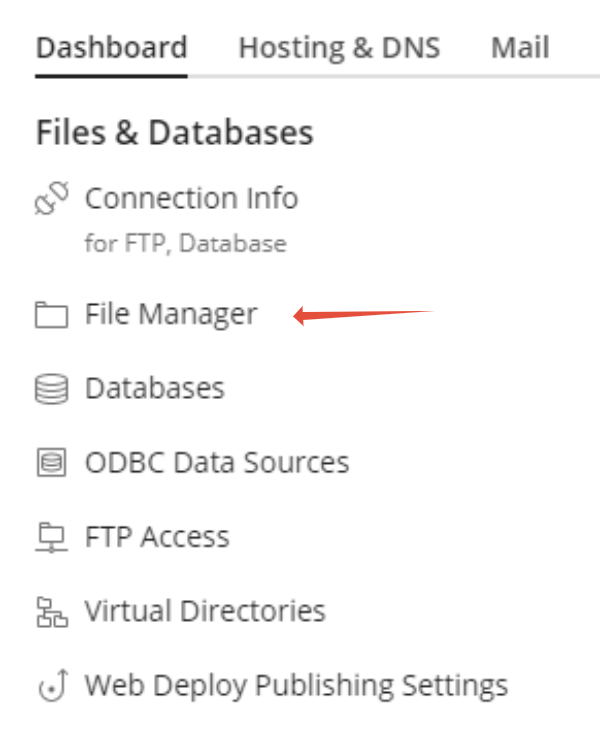
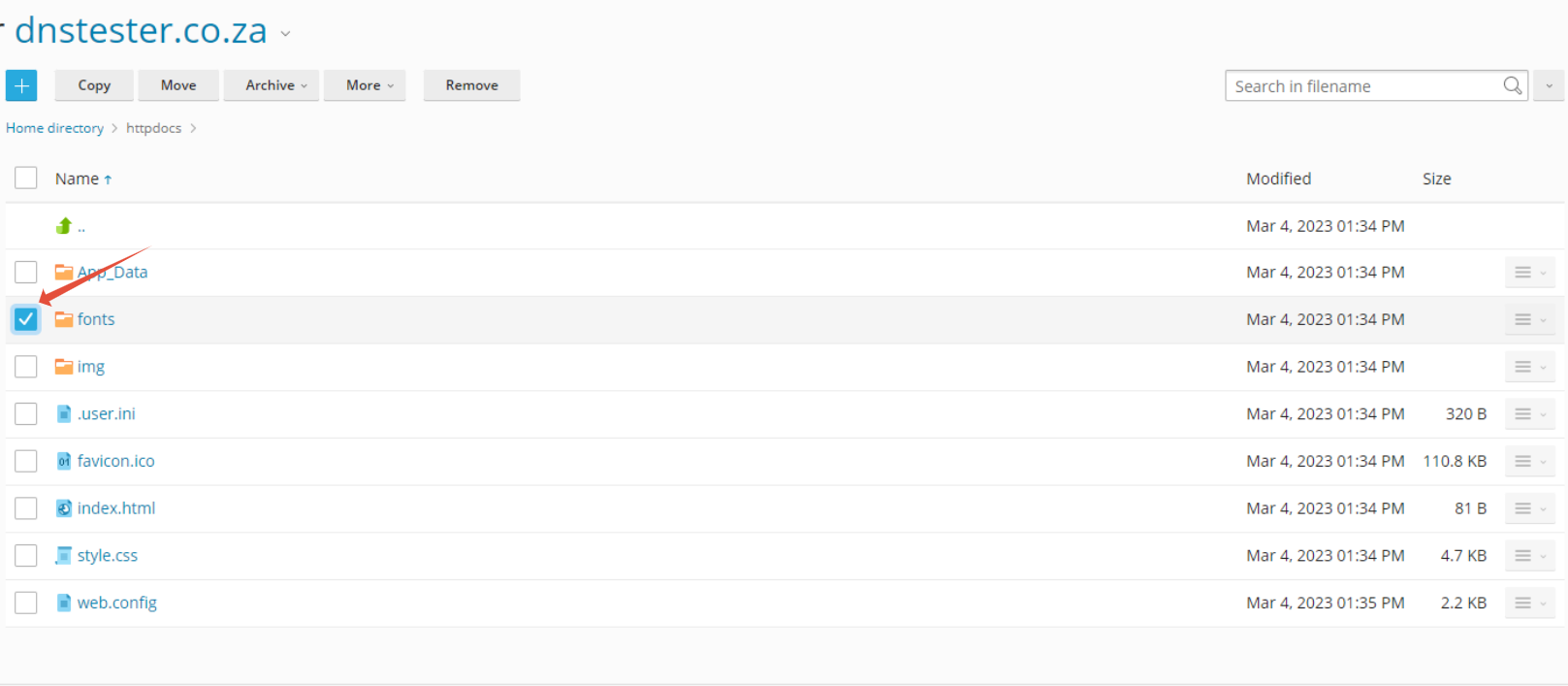
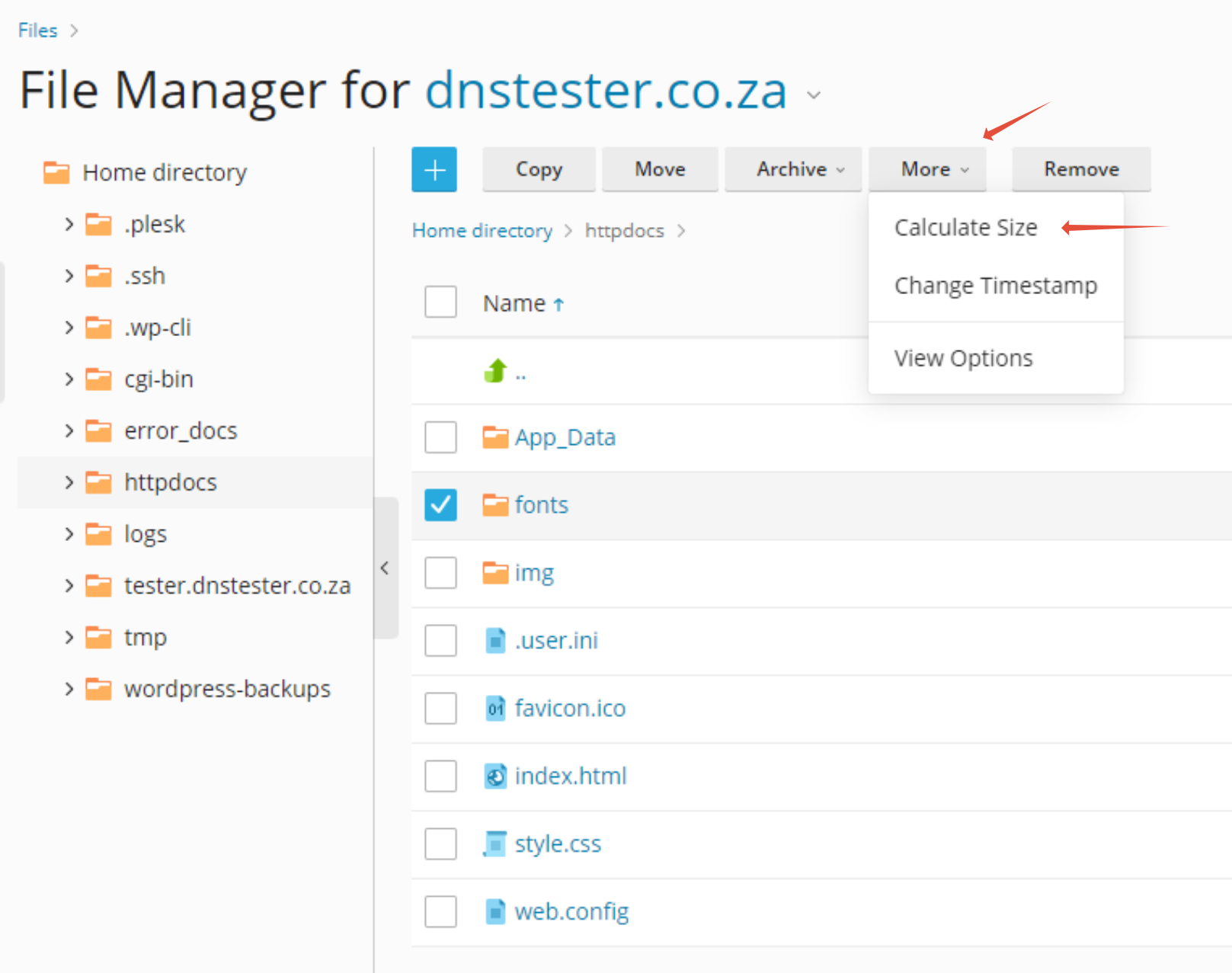
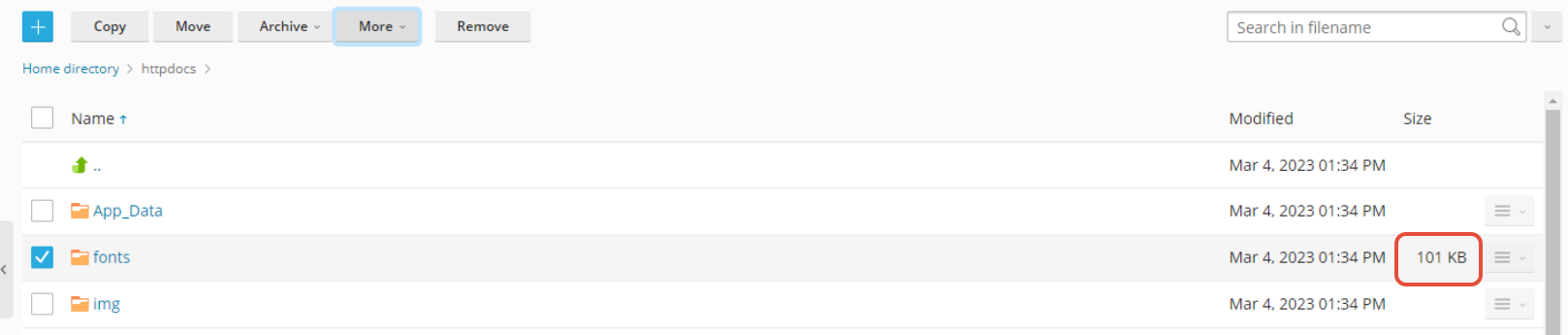
How to Calculate the Size of a Directory in Plesk File Manager This article provides you with video instructions on how to calculate directory sizes via Windows Plesk Step 1. Log into Plesk Step 2. Click on File Manager Step 3. Click on the Box next to the folder you would like to examine Step 4. Click on More then select Calculate Size Step 5. The Size of the files and folder in the directory combined is now displayed on the right. Updated on August 30, 2023 Tagged: calculatedirectoryfilefile managerhow tomanagerplesksize Was this article helpful? Yes No Related Articles What Is Phishing? How It Works and How to Protect Yourself How To Check If My IP Is Blacklisted and Get It Delisted Everything You Need to Know About IP Blacklisting What Is My Public IP Address and How Do I Find It? Everything You Need to Know About an IP Address Understanding DNS Records and How to Check These