This article will show you How to Edit your Profile in WordPress
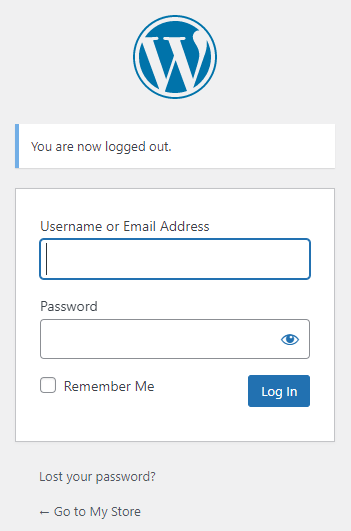
Step 1. Log into WordPress
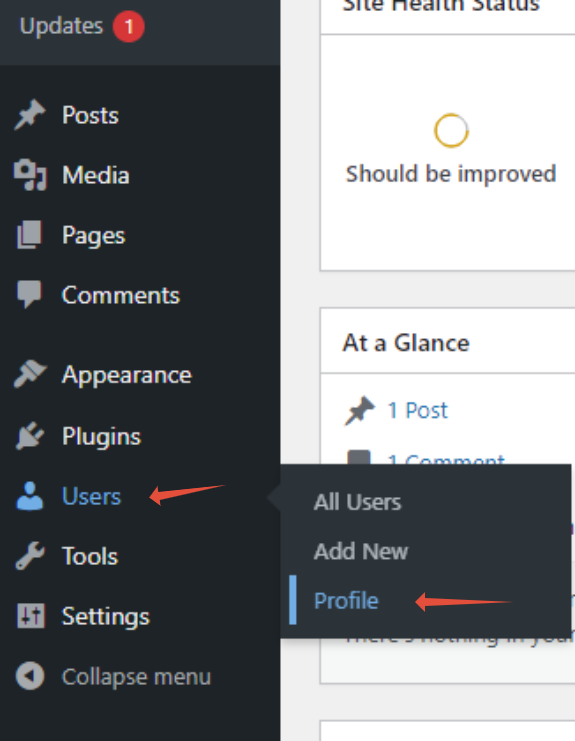
Step 2. Click on User then Profile
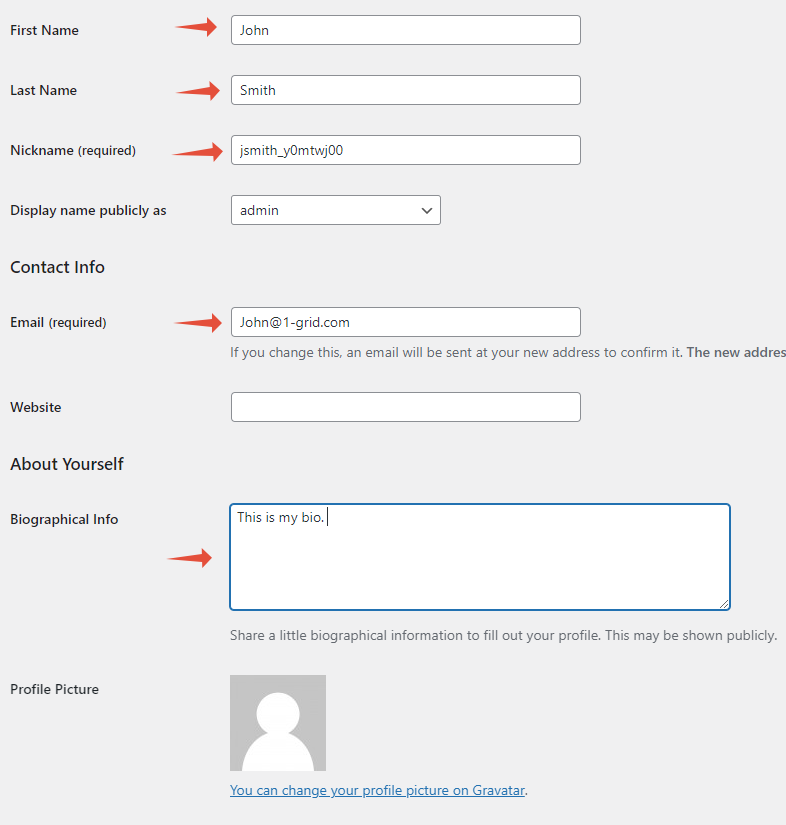
Step 3. Fill in the necessary Fields
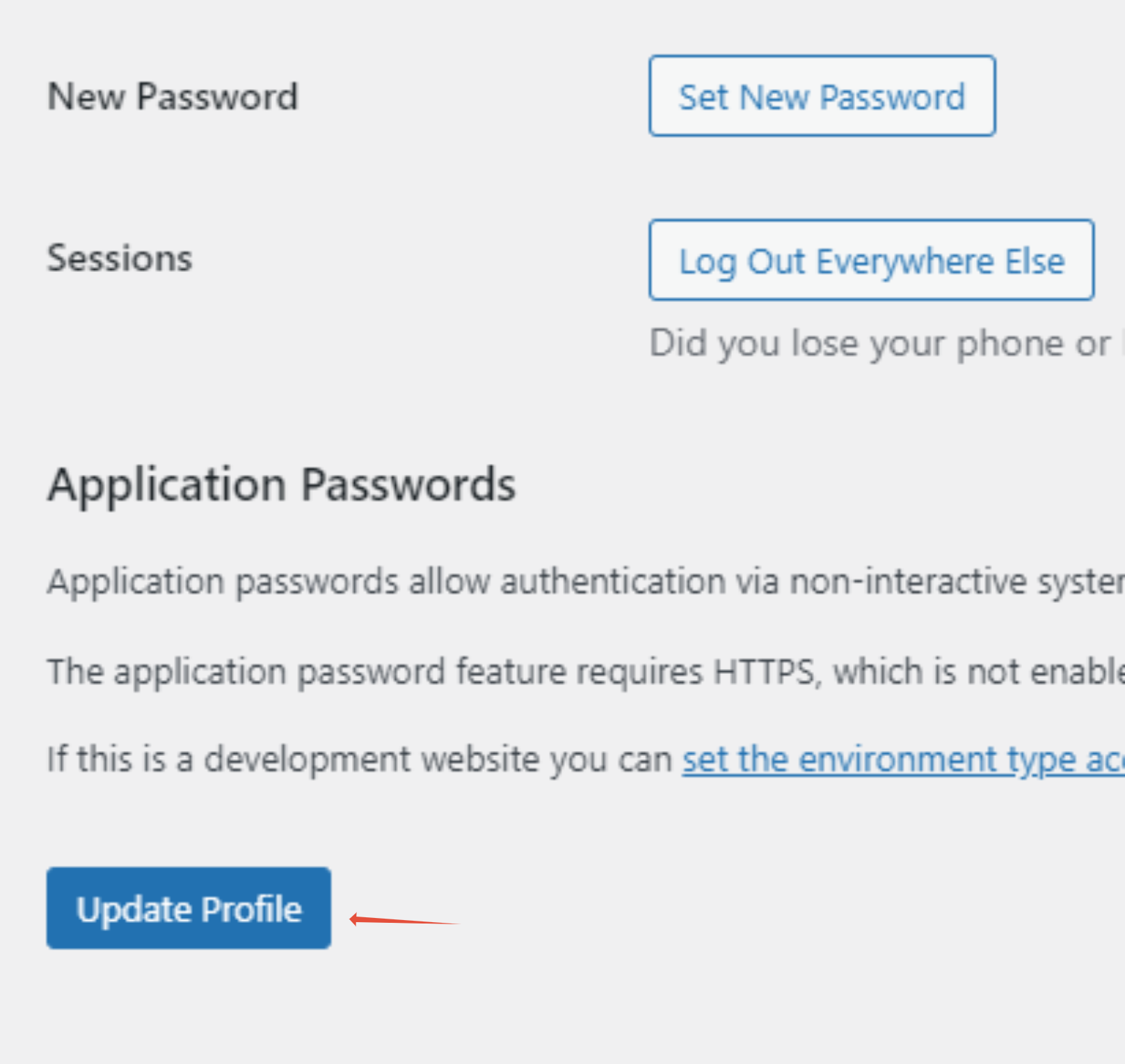
Step 4. Once completed Click on Update Profile

This article will show you How to Edit your Profile in WordPress
Step 1. Log into WordPress
Step 2. Click on User then Profile
Step 3. Fill in the necessary Fields
Step 4. Once completed Click on Update Profile