
This article provides you with steps to generate a CSR via your cPanel.
Step 1– Login to cPanel
- Please see our article on logging into cPanel here.
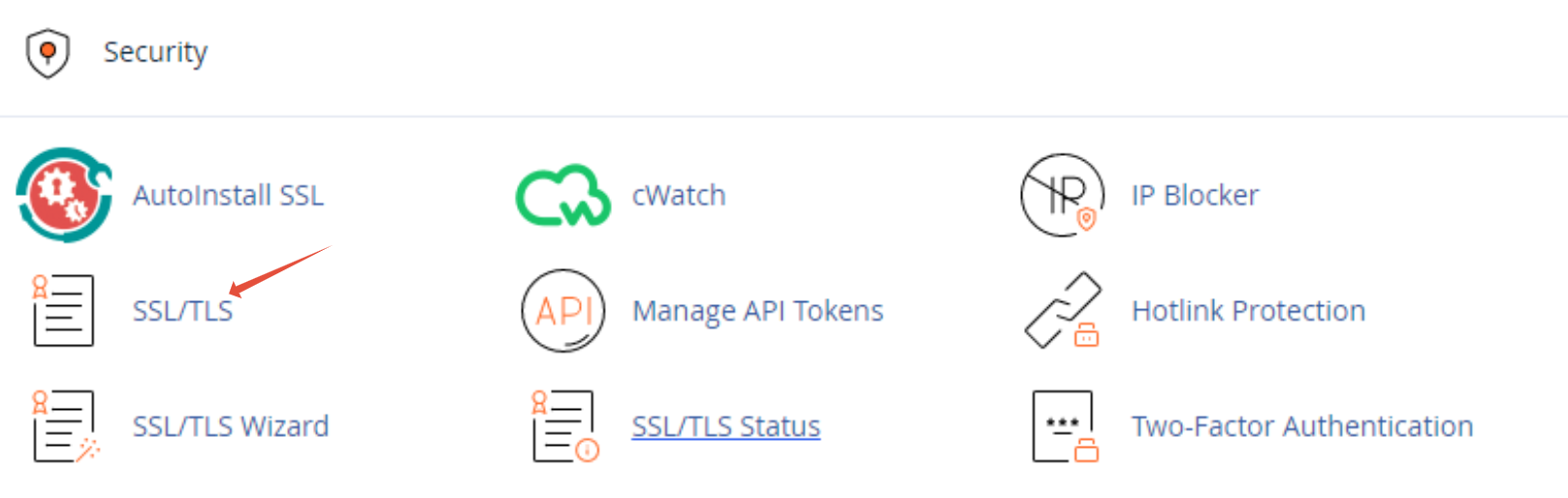
Step 2 – Click on SSL /TLS
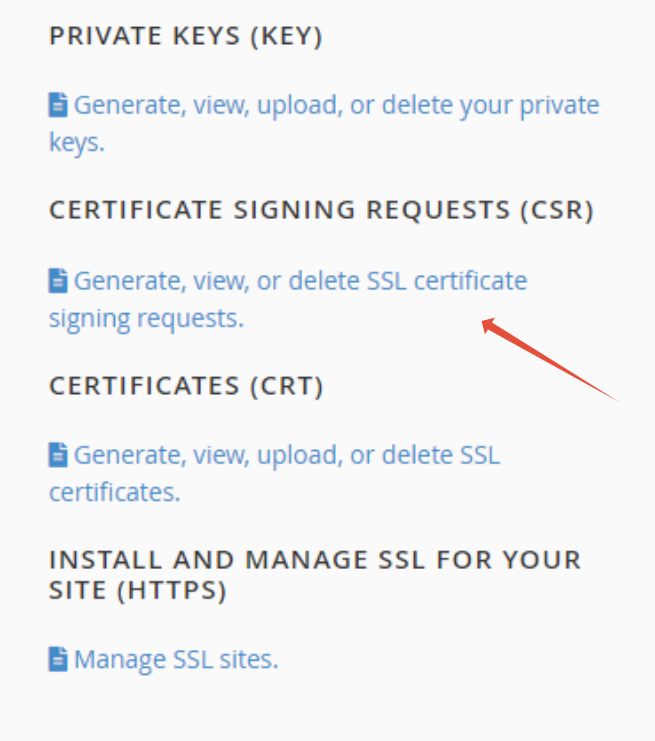
Step 3 – Click on Certificate Signing Request (CSR)
Step 4 – Complete requested information

Step 5 – Click Generate
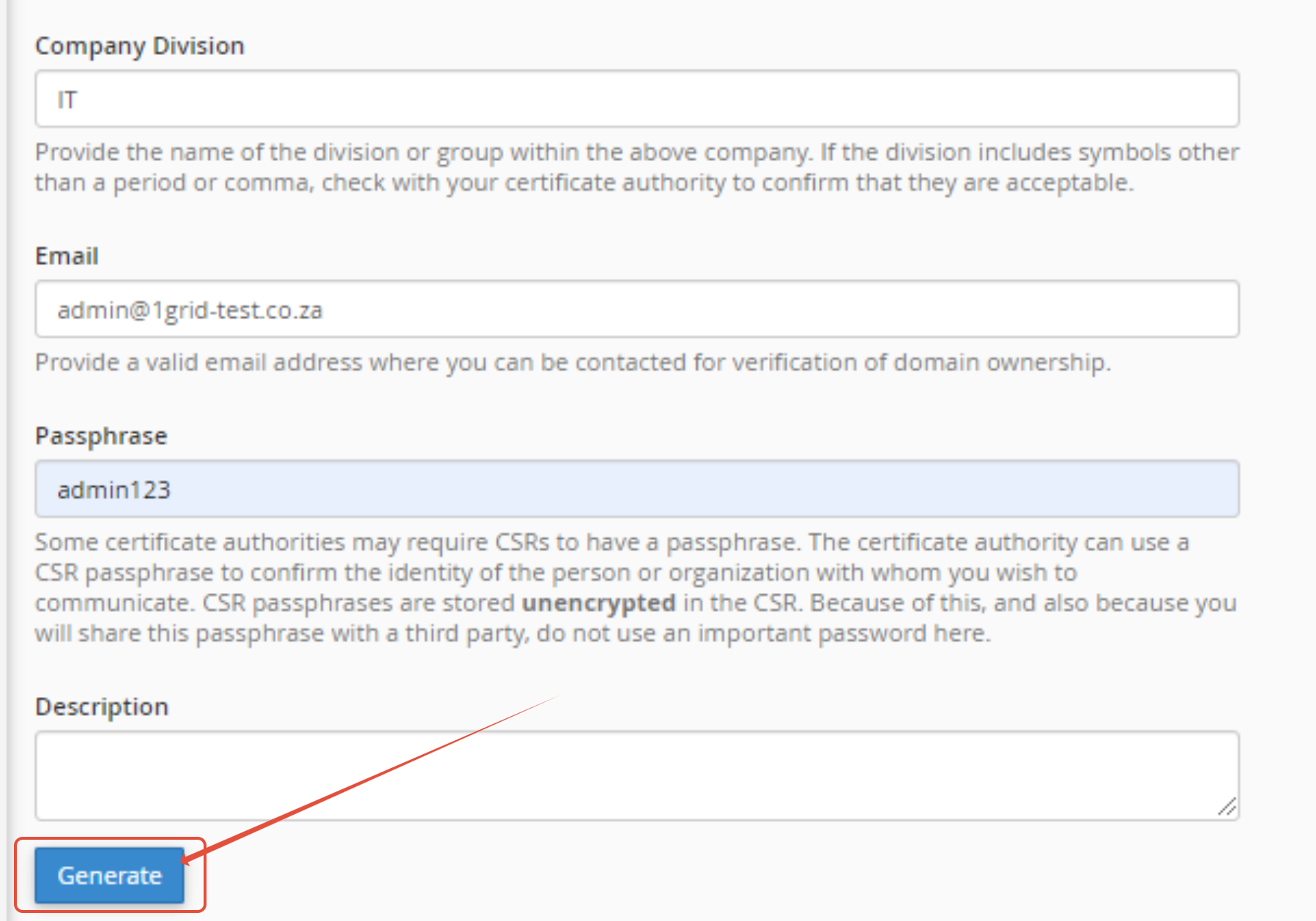
INFO: The required fields are marked with *, all other fields are optional.
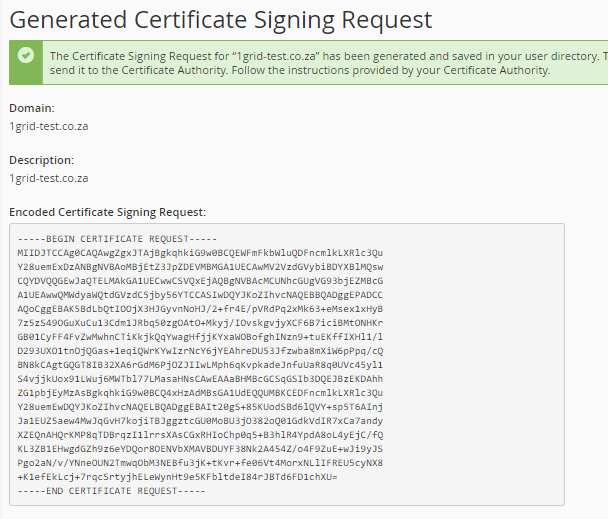
Your CSR is then presented as per below. You can copy and paste it into a txt file.
TIP: For more articles on cPanel please see our cPanel category. Alternatively should you wish to contact our Support Center please click here.