This article will show you how to change your Windows Plesk password
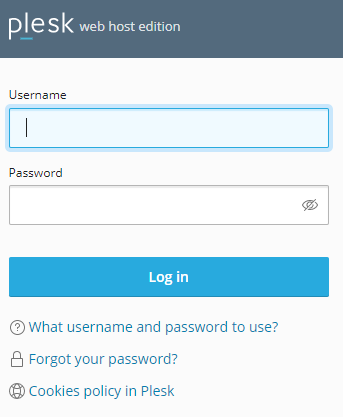
Step 1. Log into your Plesk account
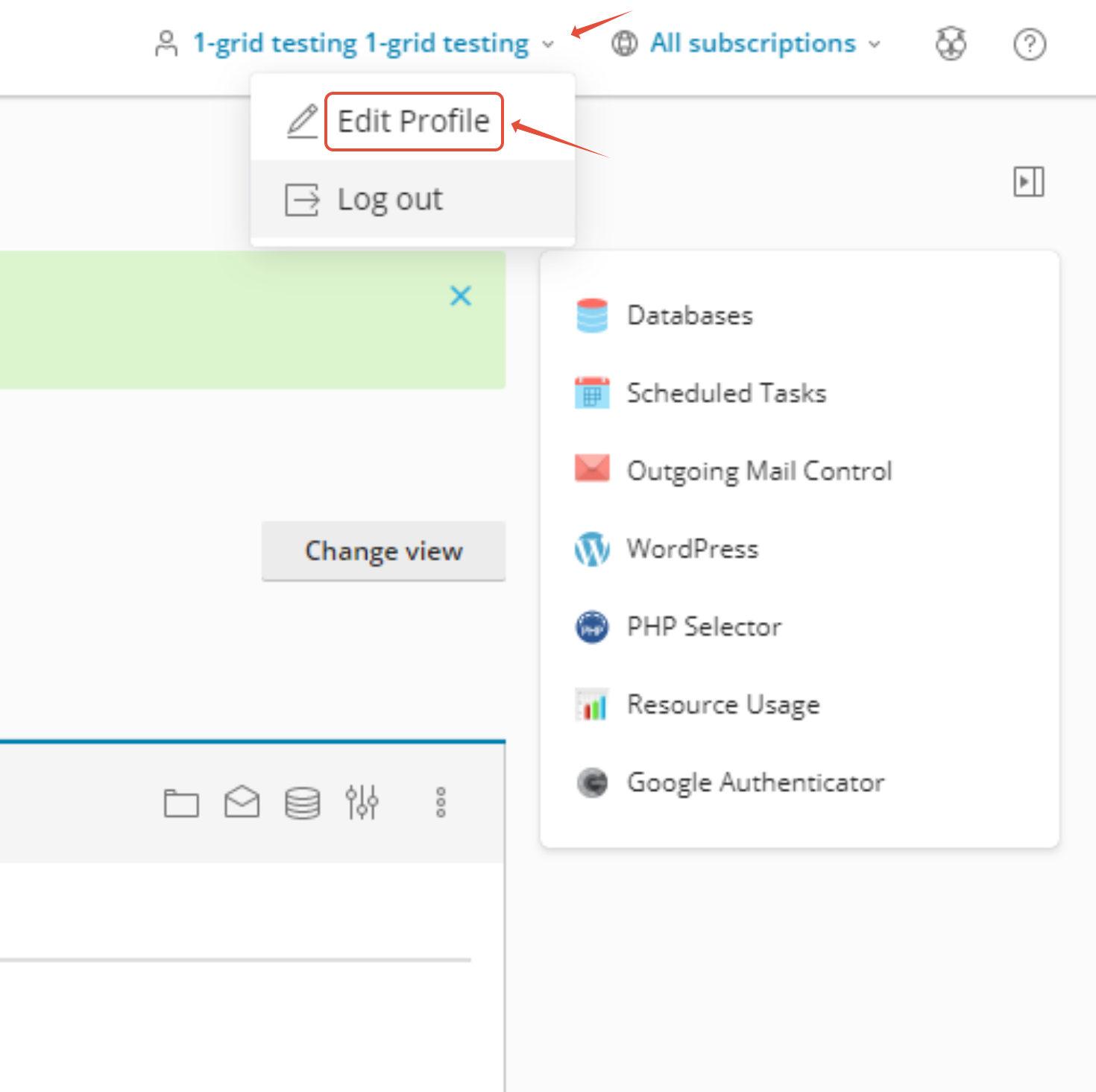
Step 2. Click on the arrow below and select Edit Profile
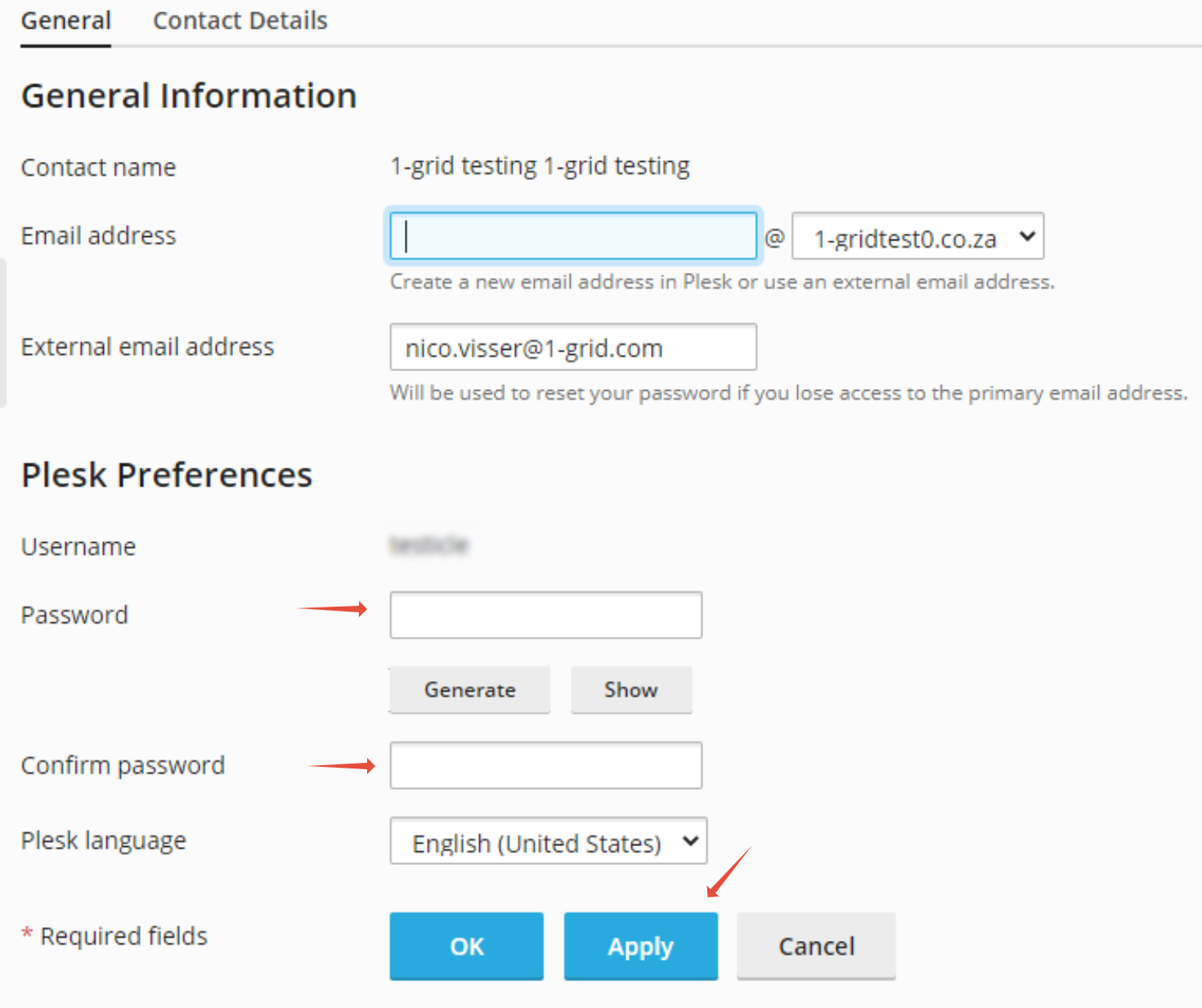
Step 3. Fill in the Password and click Apply and OK

This article will show you how to change your Windows Plesk password
Step 1. Log into your Plesk account
Step 2. Click on the arrow below and select Edit Profile
Step 3. Fill in the Password and click Apply and OK