This Article will show you how to change your password and contact information in Windows Plesk
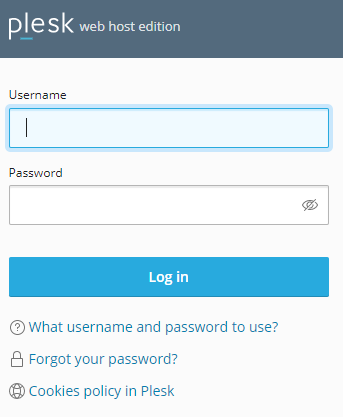
Step 1. Log into Plesk
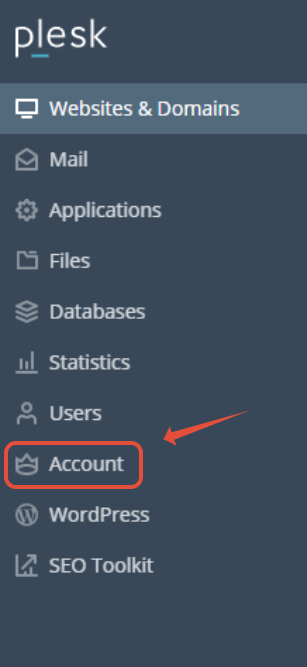
Step 2. Click on Accounts
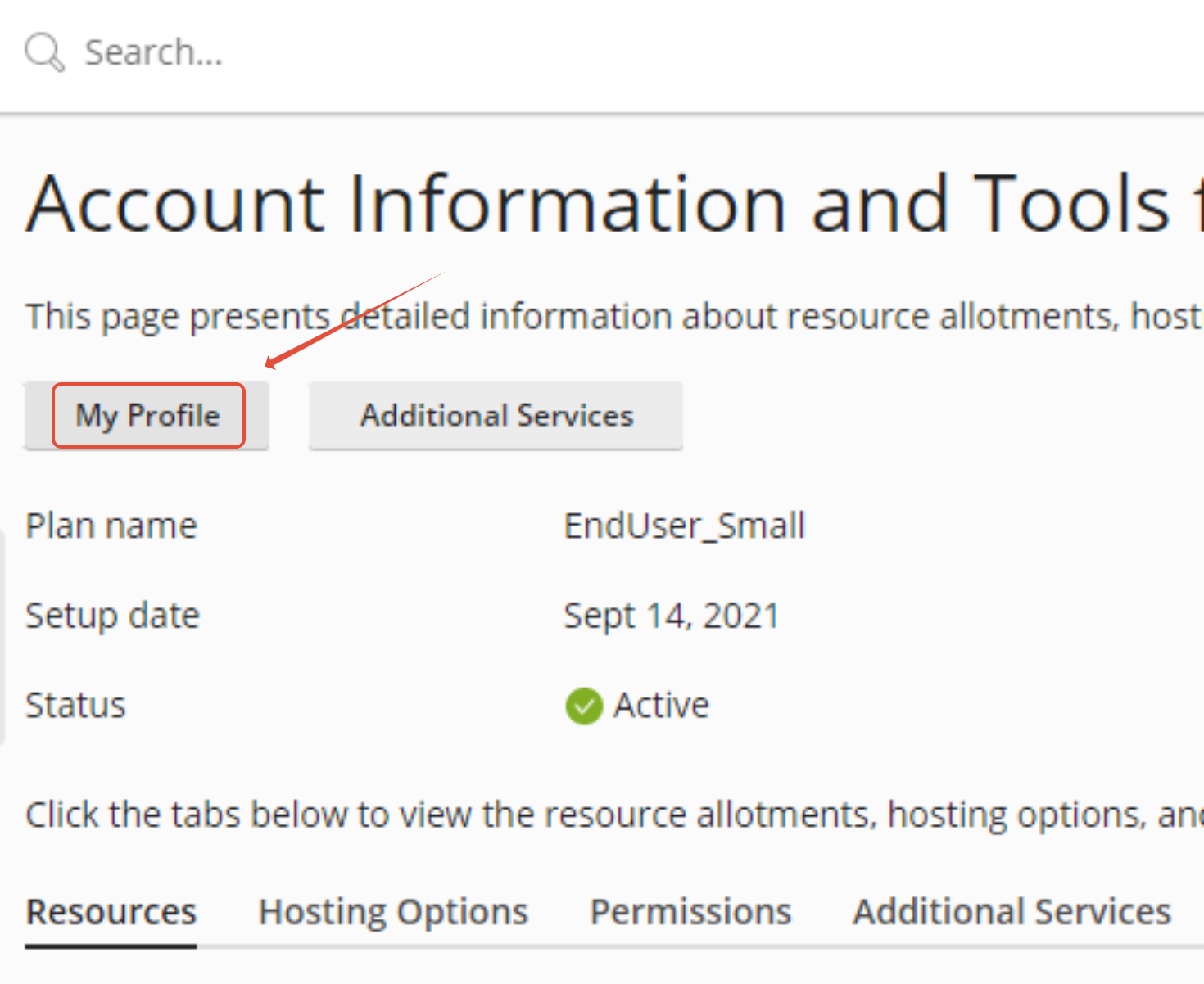
Step 3. Click on My Profile
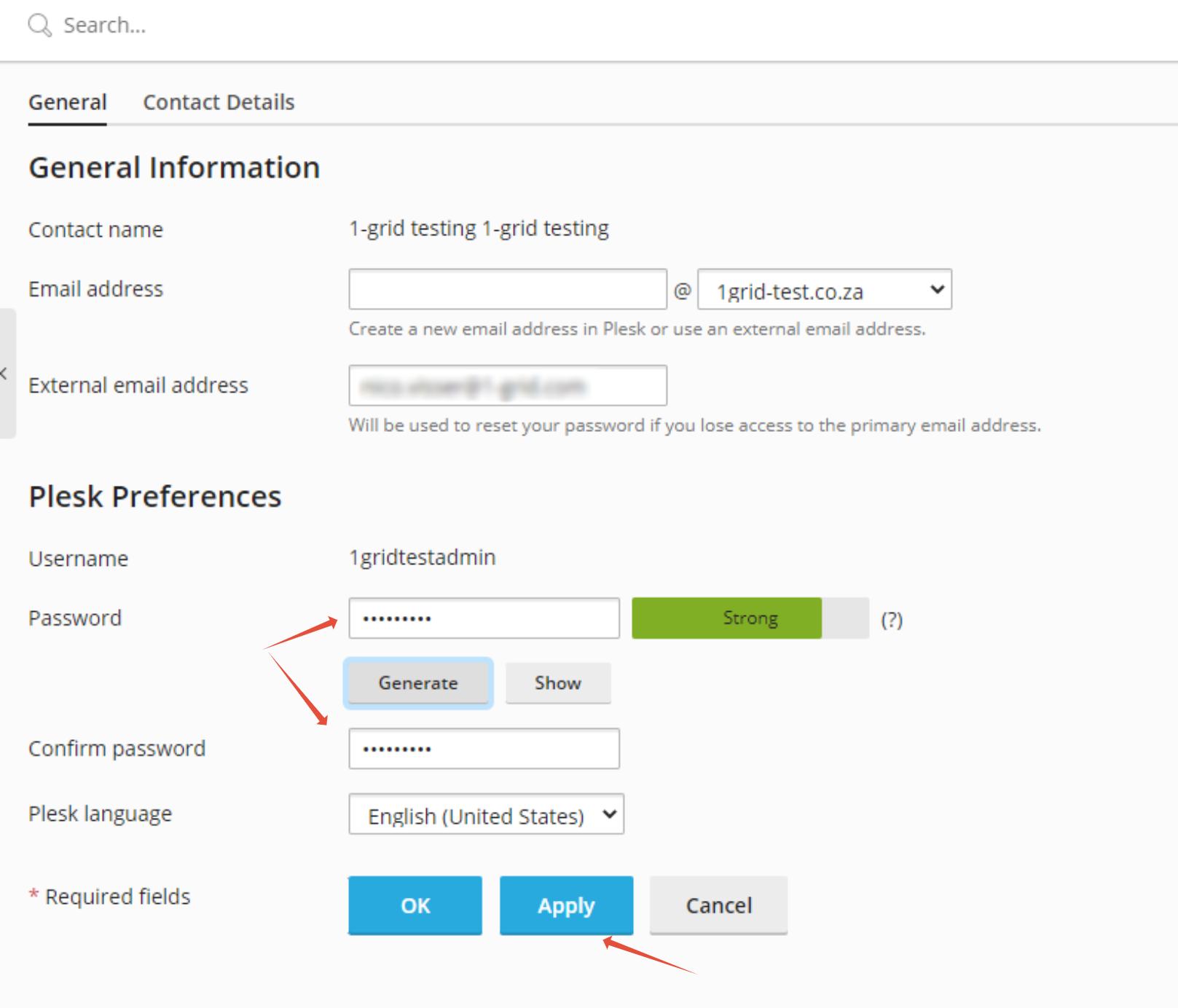
Step 4. Type your Password in and confirm it, then click on Apply

This Article will show you how to change your password and contact information in Windows Plesk
Step 1. Log into Plesk
Step 2. Click on Accounts
Step 3. Click on My Profile
Step 4. Type your Password in and confirm it, then click on Apply