This article will show you How to Change the Primary Language
Step 1. Log into Cpanel

Step 2. Click on Change Language

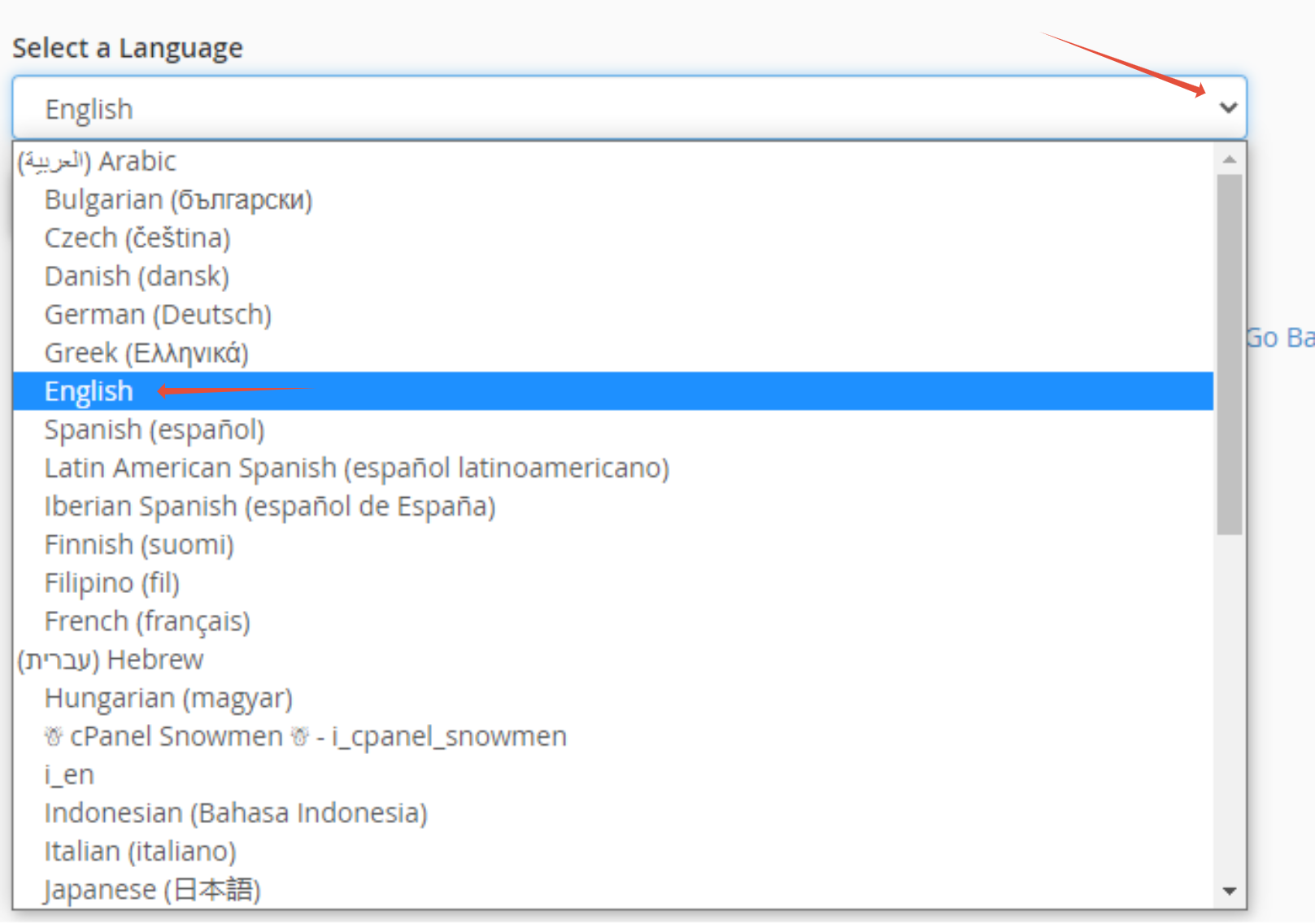
Step 3. Click on the Drop down then Choose your language
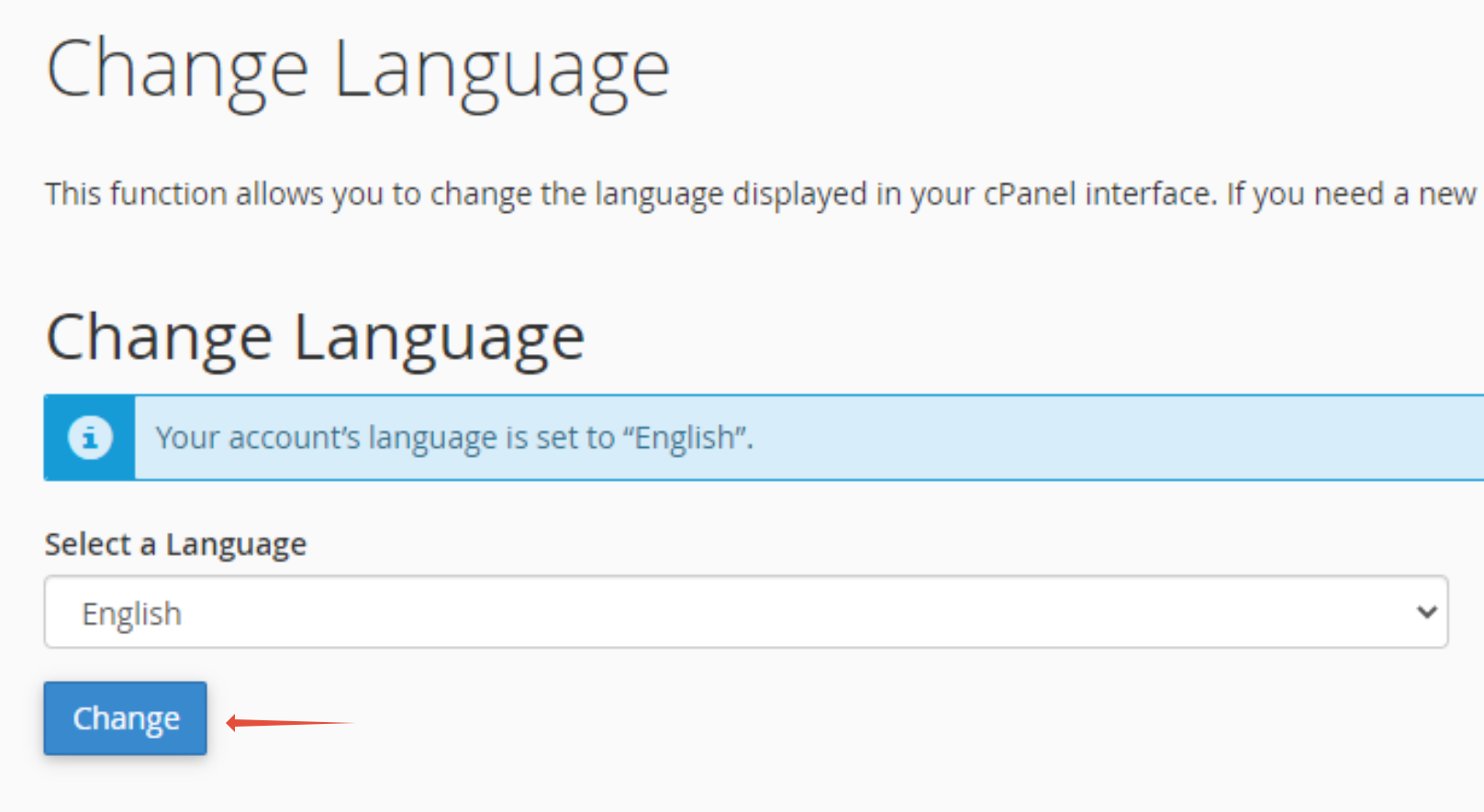
Step 4. Once selecting the Language, Click on Change to set the language


This article will show you How to Change the Primary Language
Step 1. Log into Cpanel
Step 2. Click on Change Language
Step 3. Click on the Drop down then Choose your language
Step 4. Once selecting the Language, Click on Change to set the language