

This article will show you how to create a custom signature for your email account
Step 1. Log into your Webmail dashboard and choose the RoundCube option.

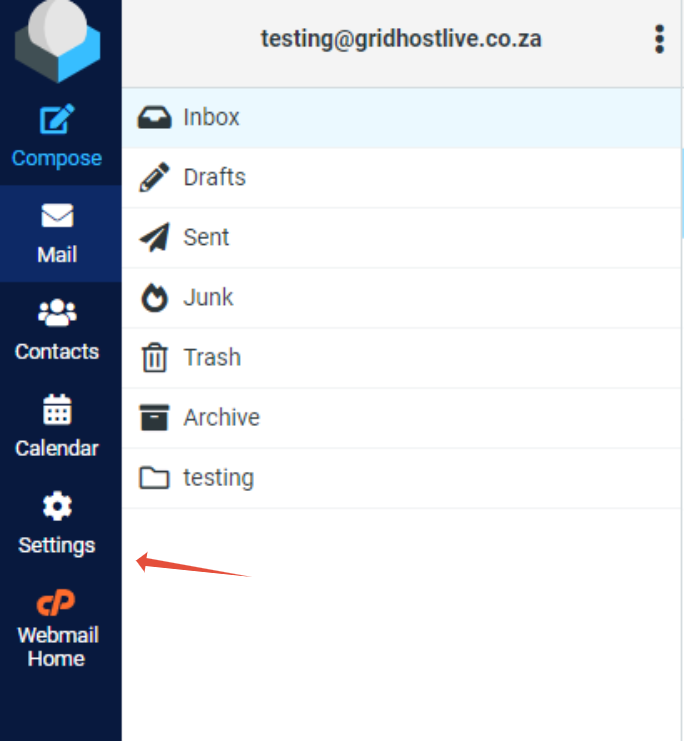
Step 2. From the RoundCube dashboard, click on the Settings.
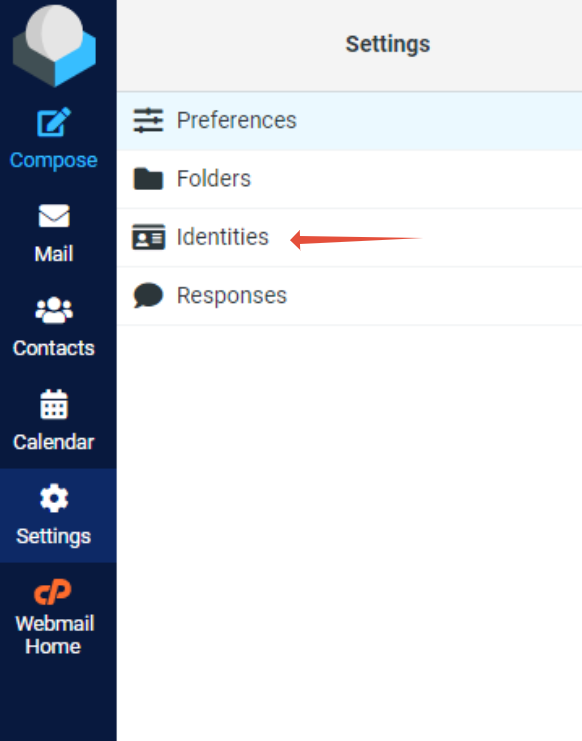
Step 3. Click on the Identities tab.
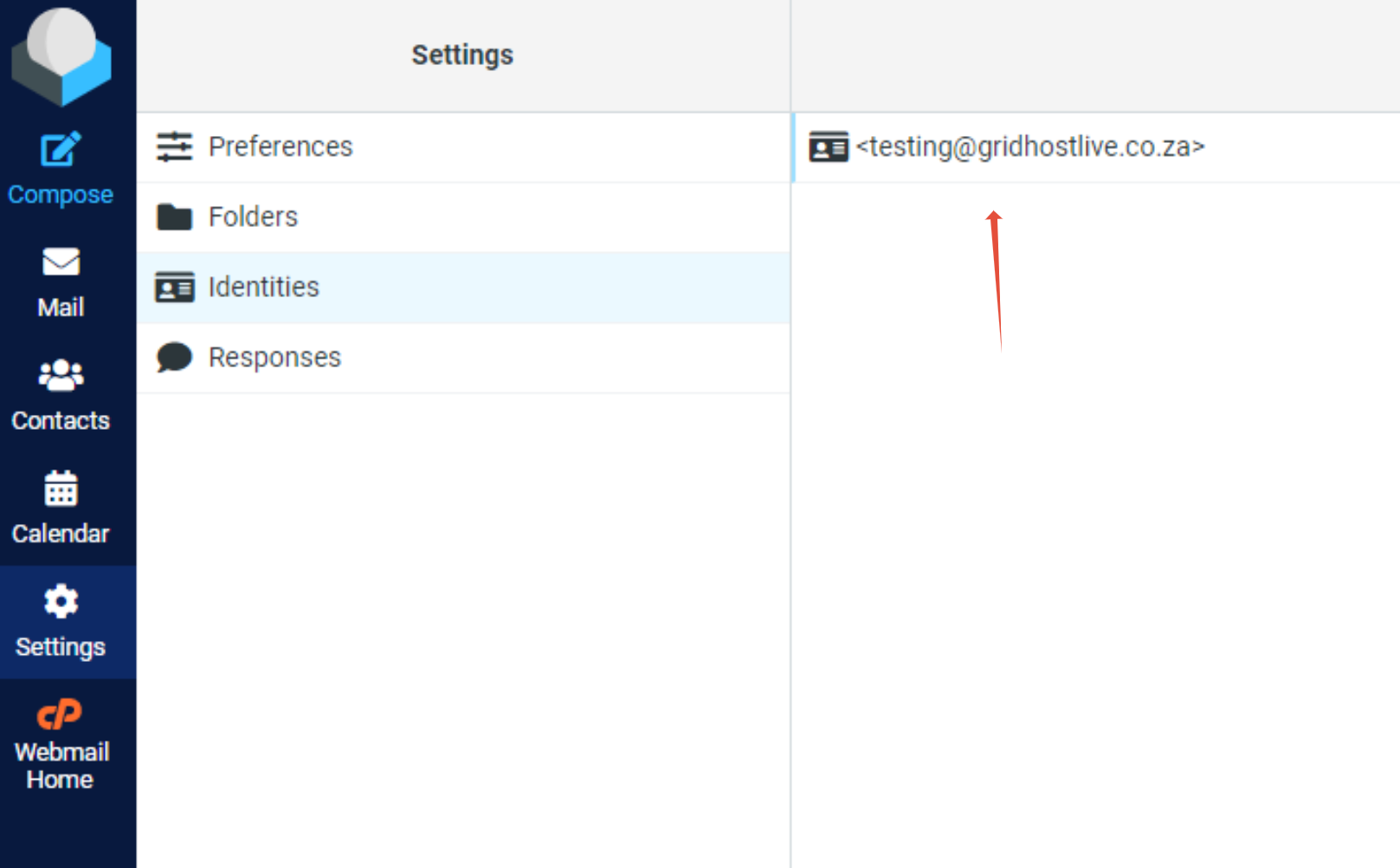
Step 4. Click on the Email address
Step 5. Fill in the necessary information in the Signature box. Once completed click on Save.
