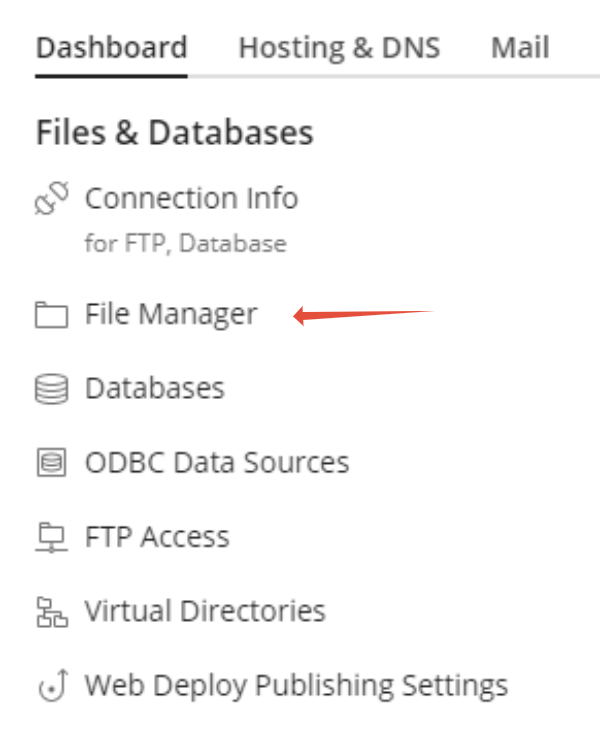
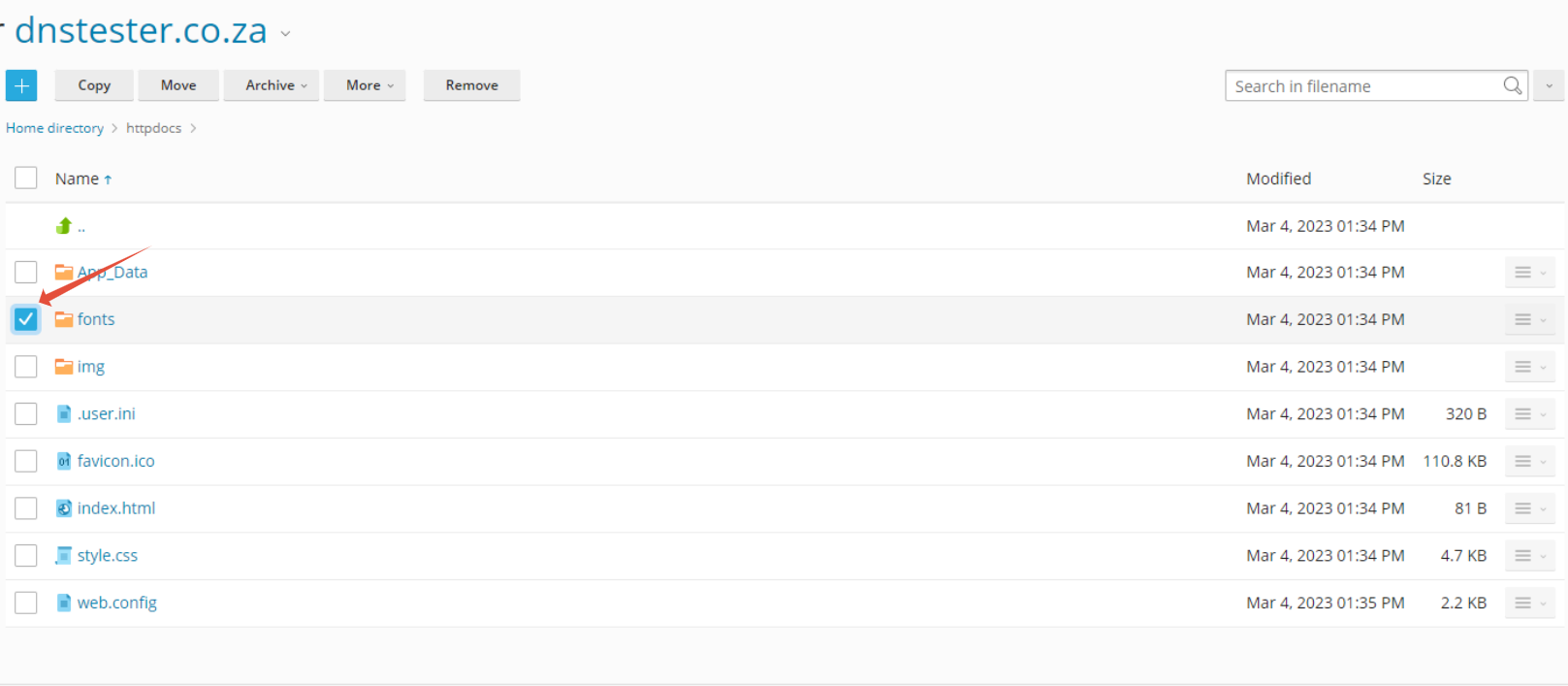
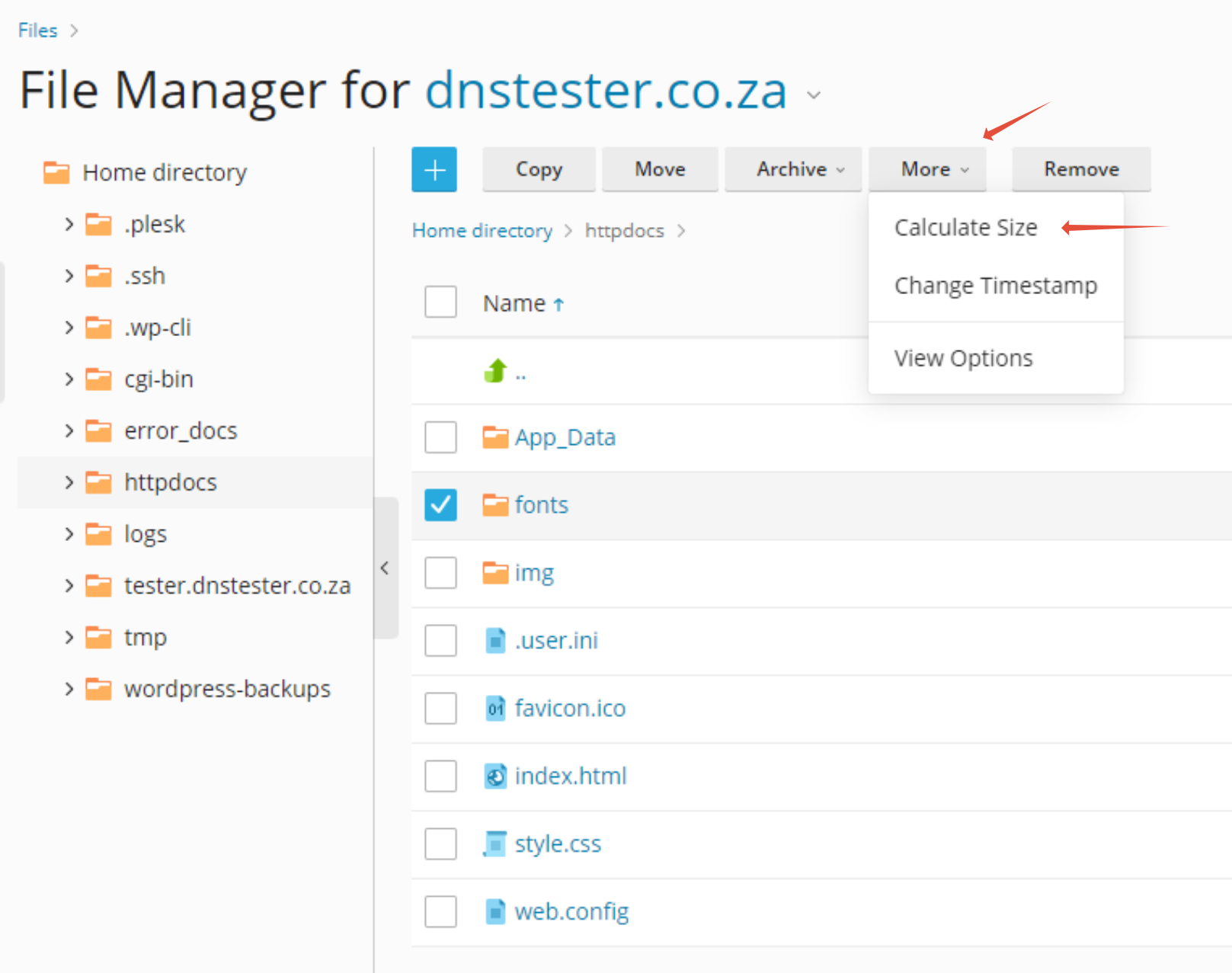
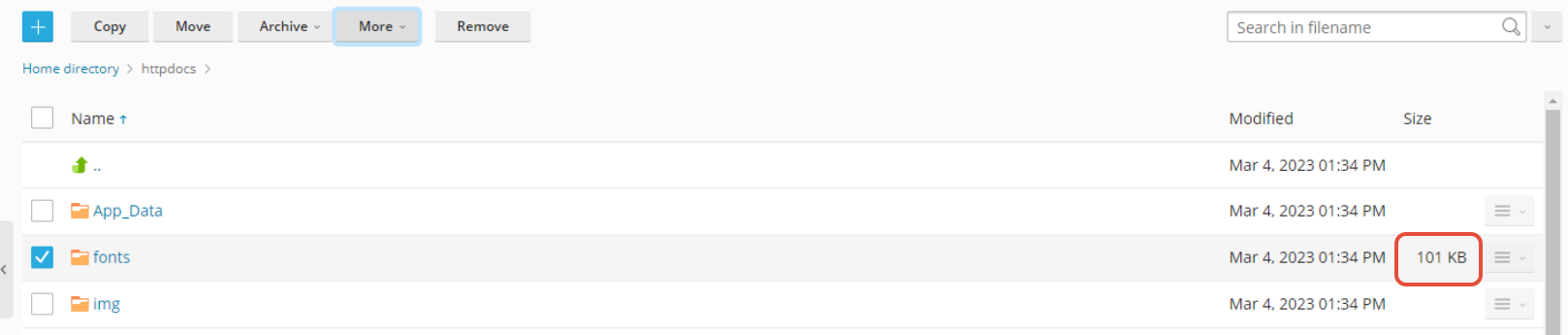
How to Calculate the Size of a Directory in Plesk File Manager This article provides you with video instructions on how to calculate directory sizes via Windows Plesk Step 1. Log into Plesk Step 2. Click on File Manager Step 3. Click on the Box next to the folder you would like to examine Step 4. Click on More then select Calculate Size Step 5. The Size of the files and folder in the directory combined is now displayed on the right. Updated on August 30, 2023 Tagged: calculatedirectoryfilefile managerhow tomanagerplesksize Was this article helpful? Yes No Related Articles FTP vs SFTP: Which Should You Use? | 1-grid Website Migration to 1-grid: How to Prepare Catch-All Email Address: How to Set Up in cPanel | 1-grid Monthly Bandwidth: Does Email Count Towards This with 1-grid? Remote MySQL Access: How to Configure on 1-grid Hosting cPanel vs. WHM: What’s the Difference?