
This article will show you how to add an Autoresponder within Webmail
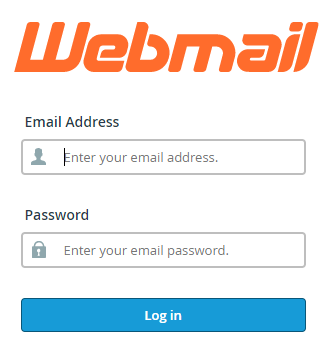
Step 1. Log into Webmail
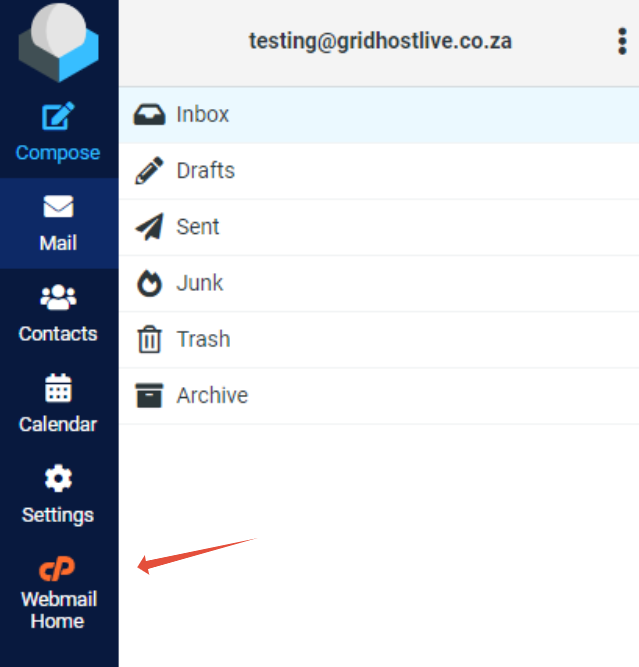
Step 2. Click on Webmail Home
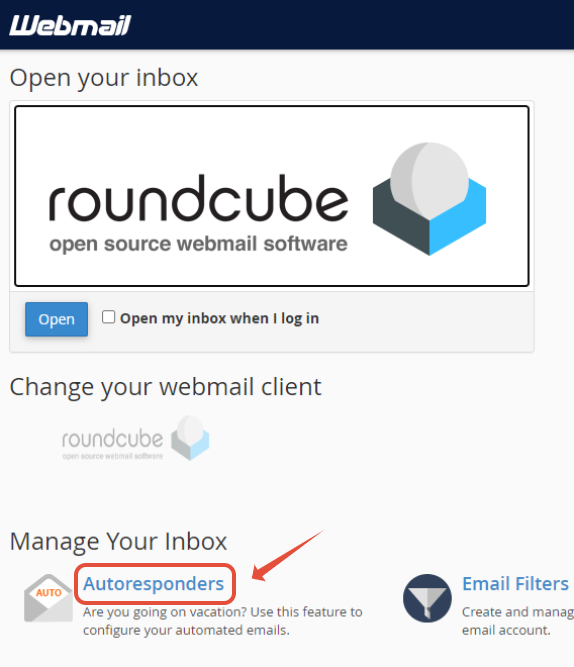
Step 3. Click on Autoresponder
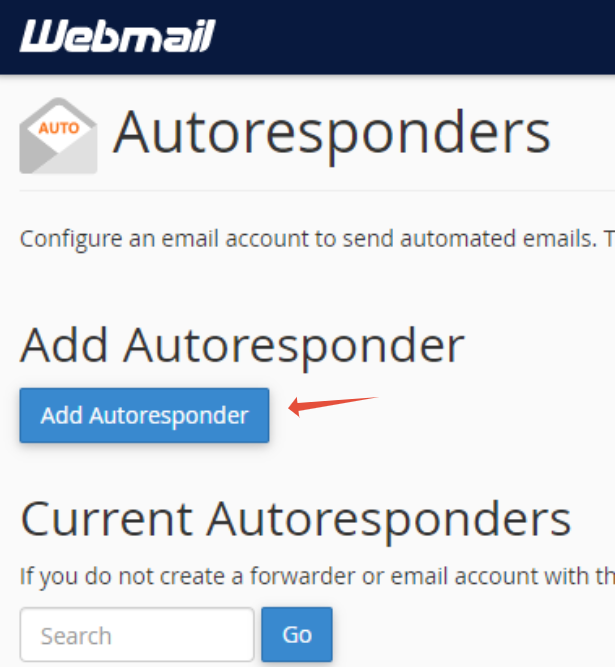
Step 3 – Click Add Autoresponder
Step 4 – Add Autoresponder details
- Add email address for which the autoresponder is being setup
- Set a From field – this does not have to be an existing email address
- Add Message Subject
- Add message Body
- Set start time and ending time for the autoresponder to be active
- Click Create
