This article will show you how to suspend website in Windows Plesk
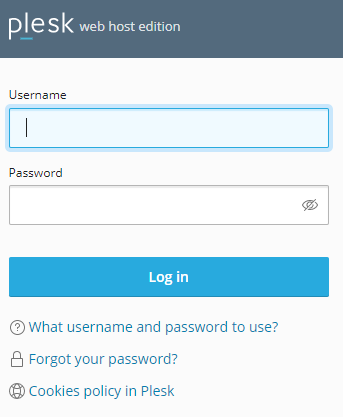
Step 1. Log into your Plesk account
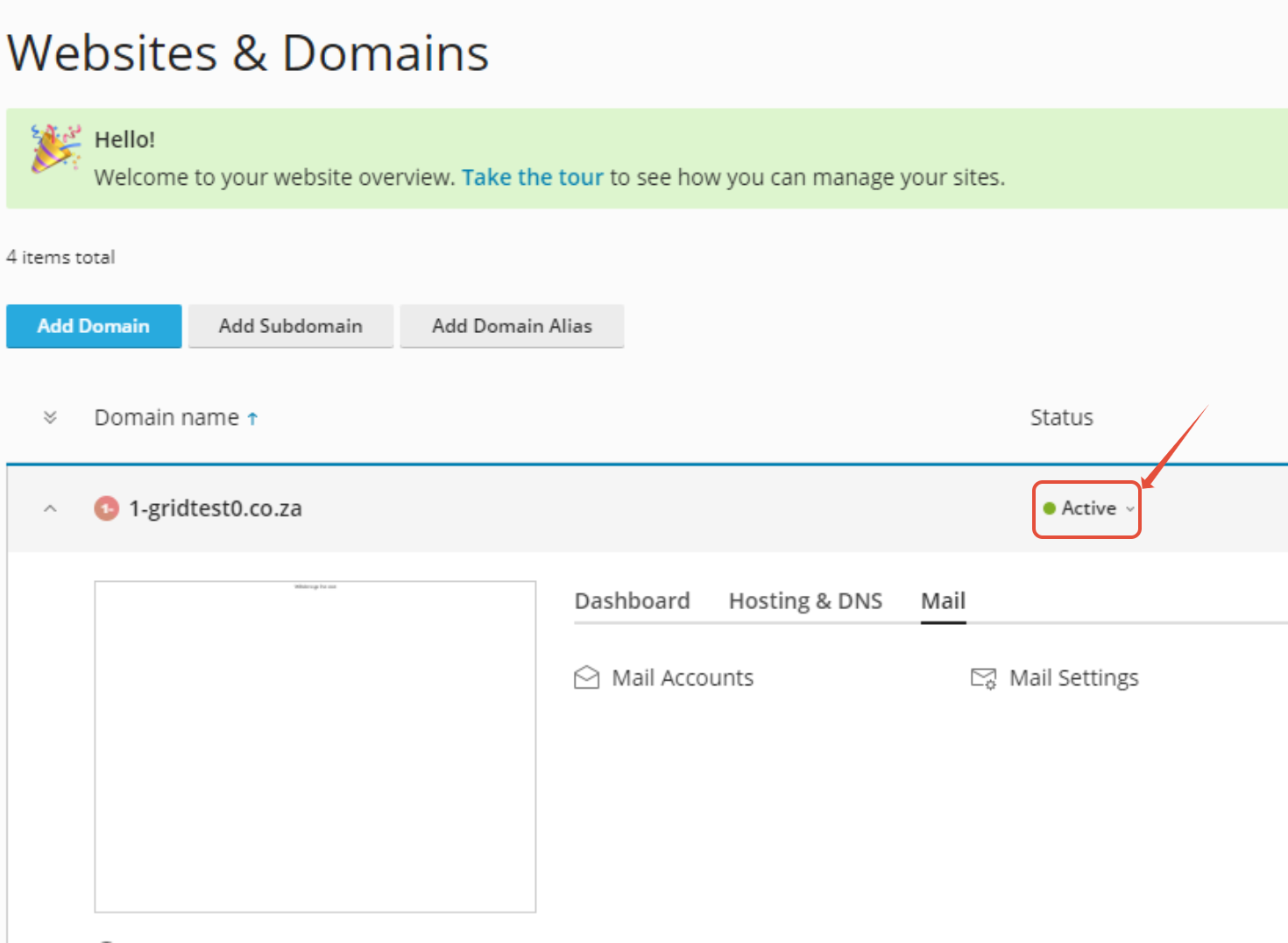
Step 2. Click on the arrow next to Active
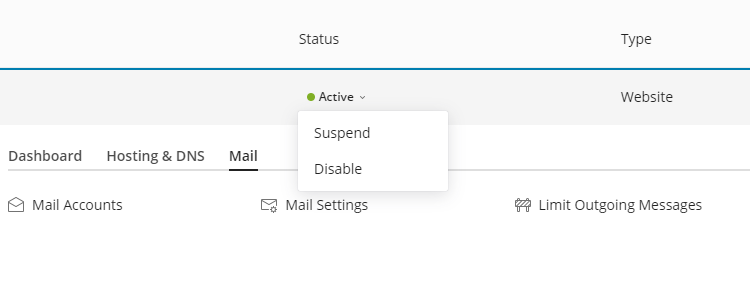
Step 3. You can Choose to suspend or disable the account

This article will show you how to suspend website in Windows Plesk
Step 1. Log into your Plesk account
Step 2. Click on the arrow next to Active
Step 3. You can Choose to suspend or disable the account