This Article will show you how to access your Plesk account
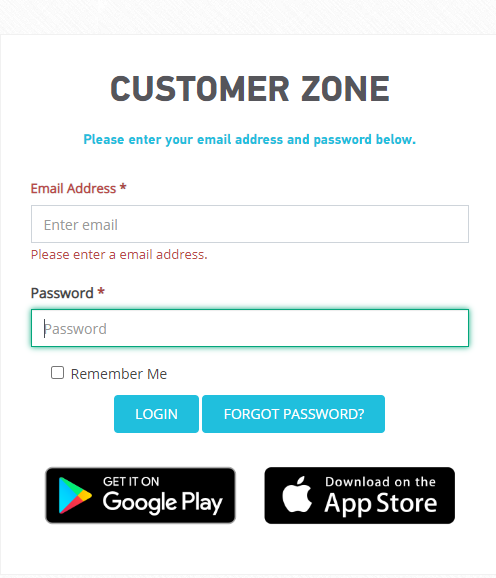
Step 1. Log into your Customer Zone
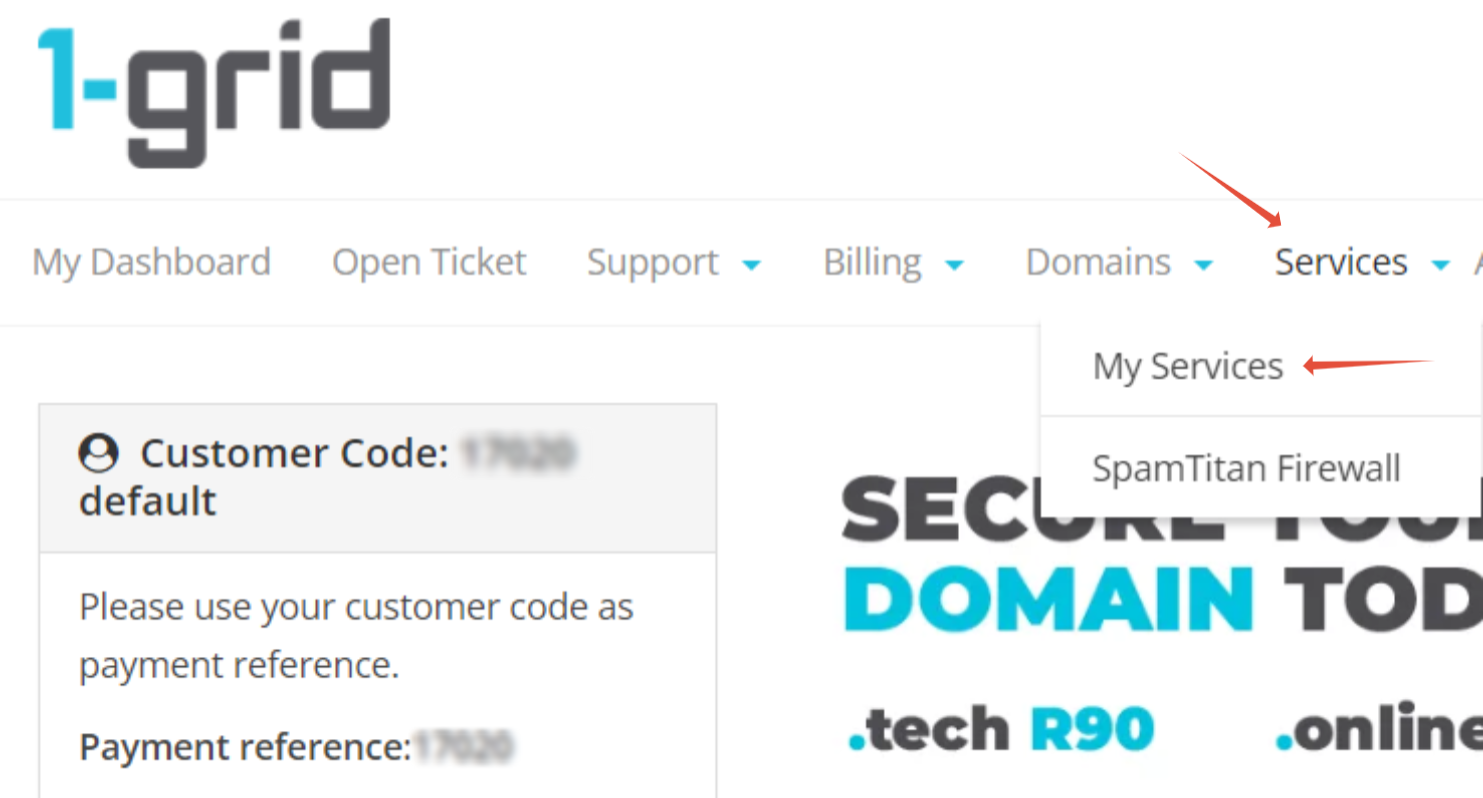
Step 2. Click on Services > My Services
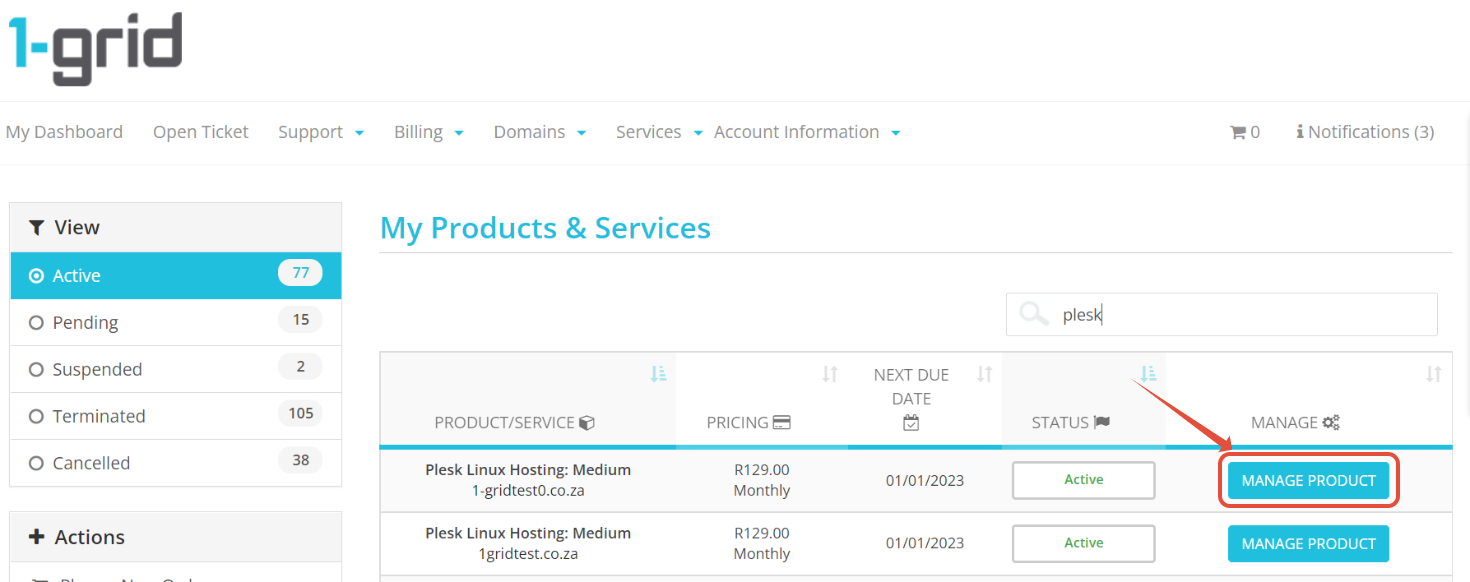
Step 3. On your Plesk hosting package, Click on Manage Product
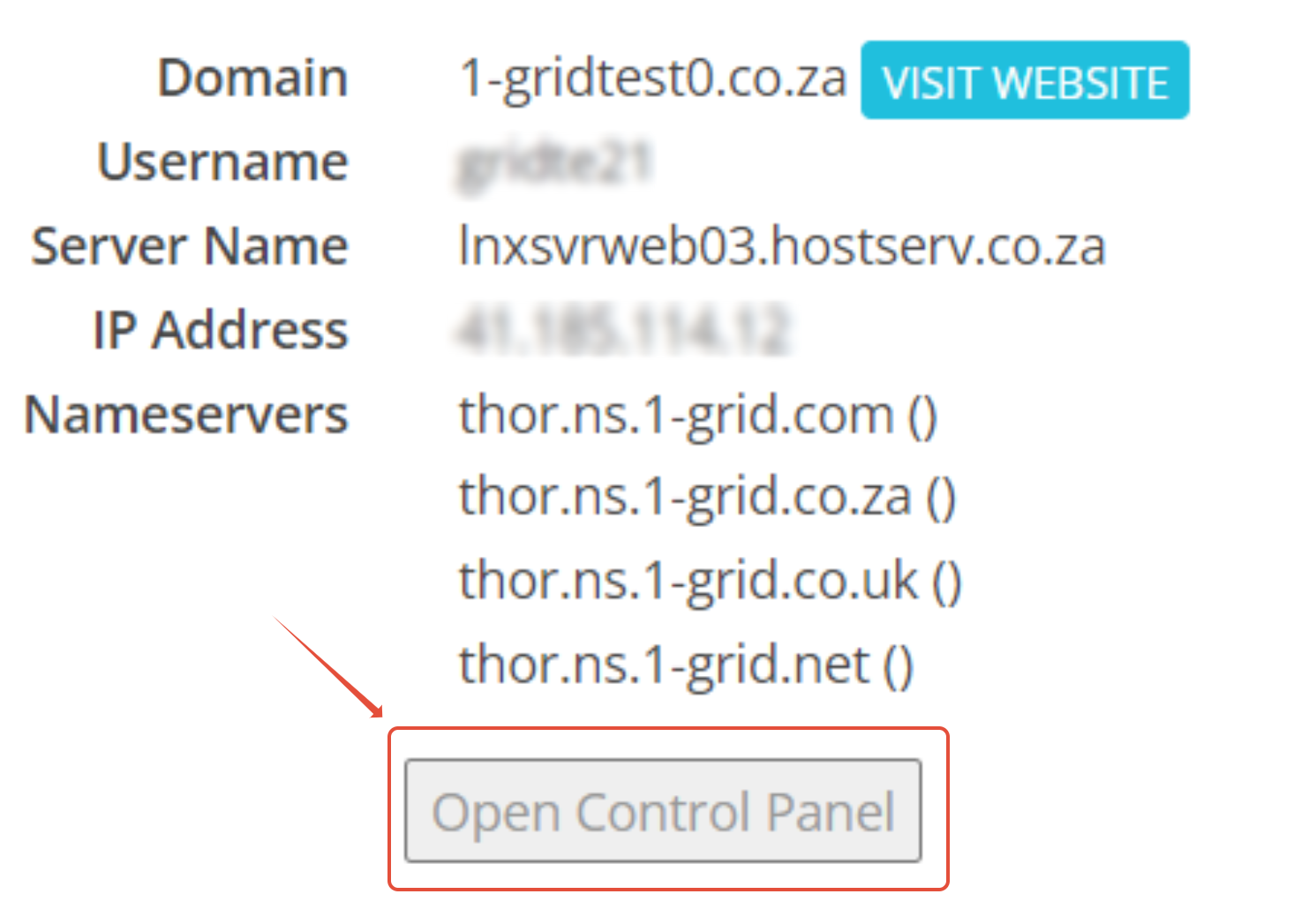
Step 4. Click on Open Control Panel

This Article will show you how to access your Plesk account
Step 1. Log into your Customer Zone
Step 2. Click on Services > My Services
Step 3. On your Plesk hosting package, Click on Manage Product
Step 4. Click on Open Control Panel